360 Browser
Introduction
AI Introduction
The 360 Browser is a free web browser developed by the Chinese internet company Qihoo 360 (now known as 360 Company). Based on the open-source Chromium project and integrated with 360's proprietary technologies, it emphasizes security, speed, and feature-richness. It boasts a massive user base primarily in China.
Key Features:
Dual-Core Engine:
- It employs intelligent switching between the "Blink core (Chromium)" and the "Trident core (IE)." The Blink core ensures fast rendering and excellent compatibility with modern websites, while the Trident core is specifically used for compatibility with older websites designed only for Internet Explorer (e.g., some online banking and government sites).
Strong Security Protection:
- Malicious Website Blocking: Leveraging the 360 Cloud Security engine, it can identify and block phishing sites, scam websites, and sites containing trojans in real-time.
- Sandbox Mode: Runs the browser in an isolated environment to prevent malware from damaging the user's computer.
- Privacy Protection: Offers incognito mode and tools to clean browsing history.
Rich Practical Features:
- Mouse Gestures: Execute commands like back, forward, and refresh by holding the right mouse button and moving the mouse in a specific pattern, improving browsing efficiency.
- Super Drag: Drag a link or selected text with the mouse to open it in a new tab or initiate a search.
- Built-in Download Manager: Includes a download tool that supports resuming interrupted downloads.
- Extension Center: Provides a wide range of plugins and extensions for users to customize their browsing experience.
Convenient Account Synchronization:
- Users can log in with a 360 account to synchronize bookmarks, settings, open tabs, and other data across different devices.
Performance Optimization:
- Includes built-in optimization features aimed at accelerating page loading times and reducing memory usage for a smoother browsing experience.
Main Versions:
- 360 Secure Browser: The flagship version, emphasizing security features and offering the most comprehensive set of tools.
- 360 Extreme Explorer: A version closer to native Chrome, with a cleaner interface focused on lightness and speed. It has good plugin compatibility.
Controversies:
The 360 Browser has faced criticism for practices like bundling during installation, past privacy concerns regarding data collection, and having many built-in features (which some users consider "bloatware"). However, its excellent localization and powerful compatibility have maintained its high market share in China.
Detail
- Name: 360 Secure Browser / 360 Extreme Explorer
- Company: 360 Digital Security Group (360 Company)
- Core Type: Dual-Core (Blink + Trident)
- Key Features: Security protection, malicious site blocking, mouse gestures, account sync
- Initial Release: 2008 (360 Secure Browser)
Image
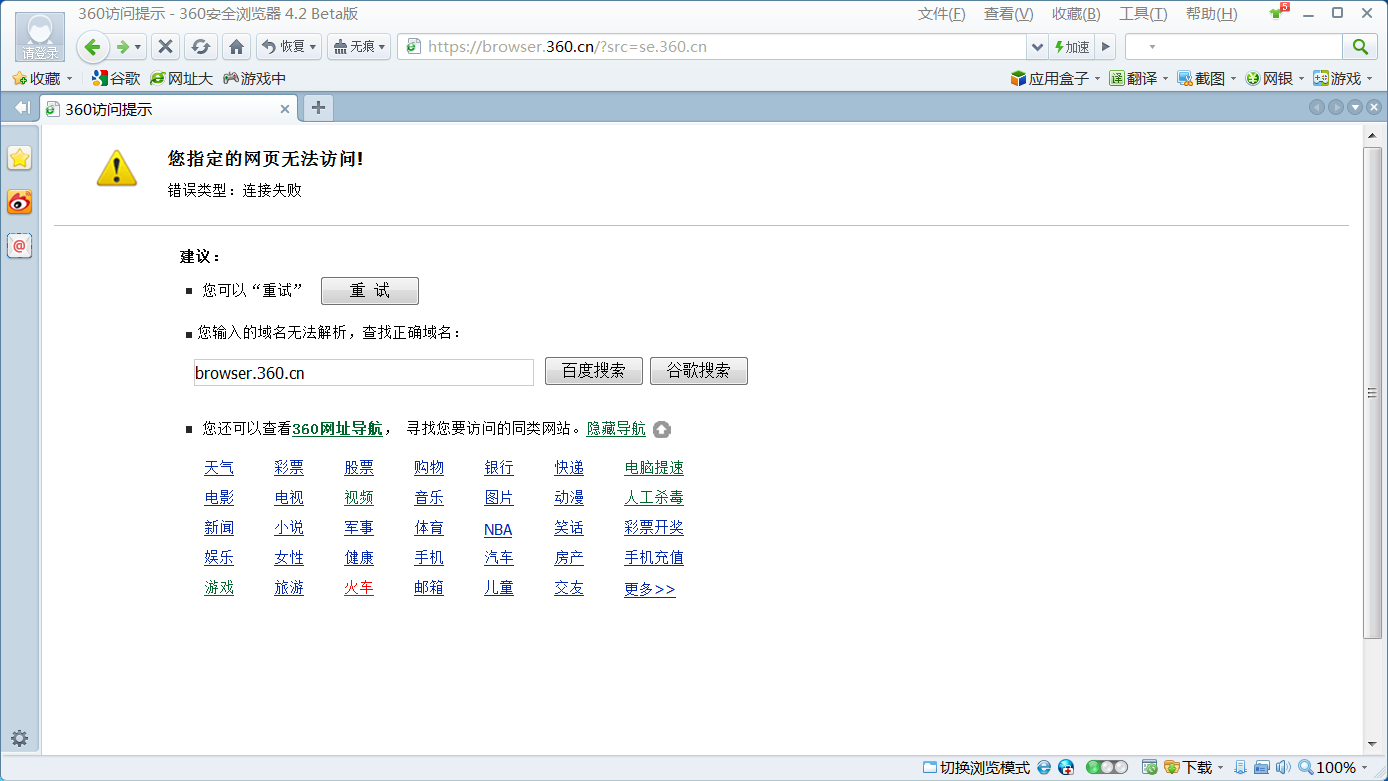
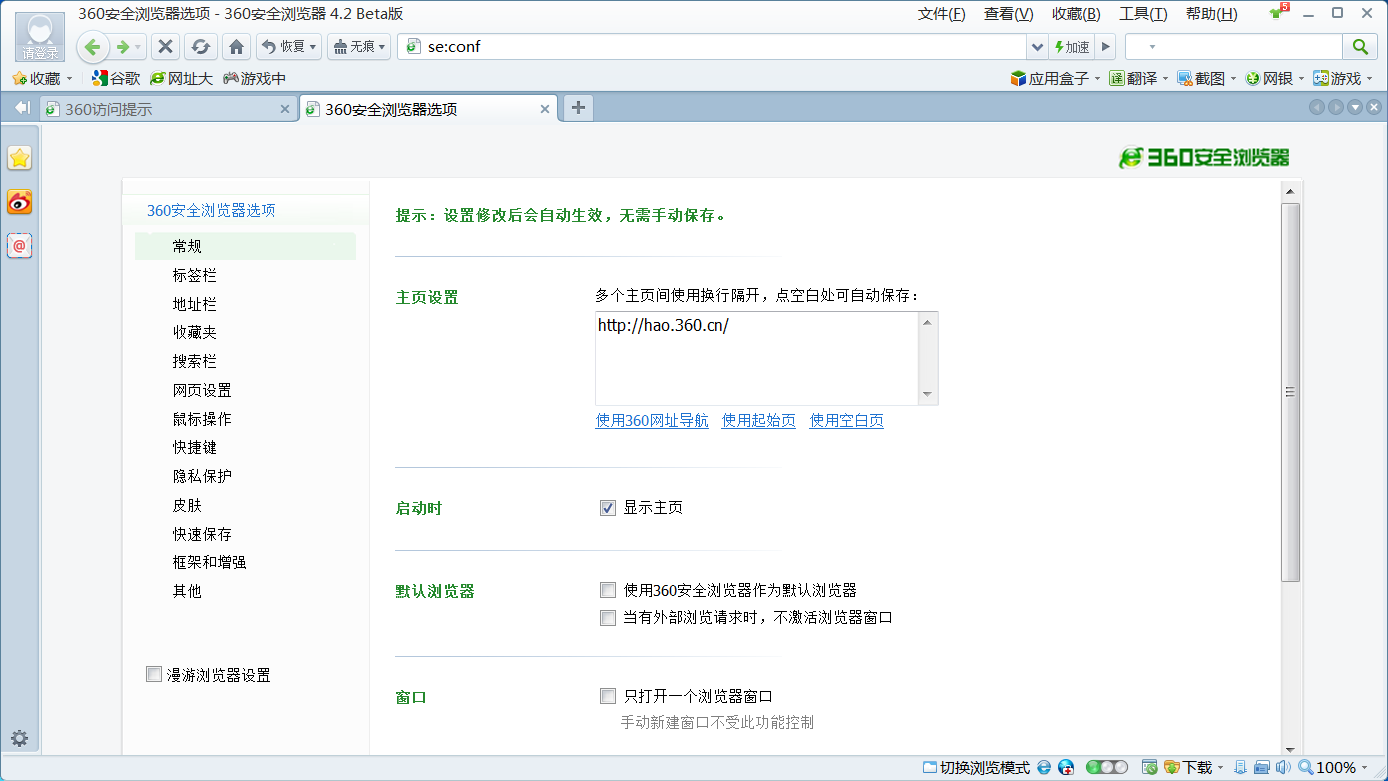
Get
Direct Download: ed3dda37-c389-4226-ae7a-27095d54a47d
Having trouble downloading?
If you encounter any issues during the download process, refer to the following solutions:
Link invalid or incorrect How to download the ed2k link How to download the magnet link How to download the .torrent file Other problemsNote
Since the 360 browser is rogue software, it only saves versions prior to 5.0.