VMware
Introduction
AI introduction
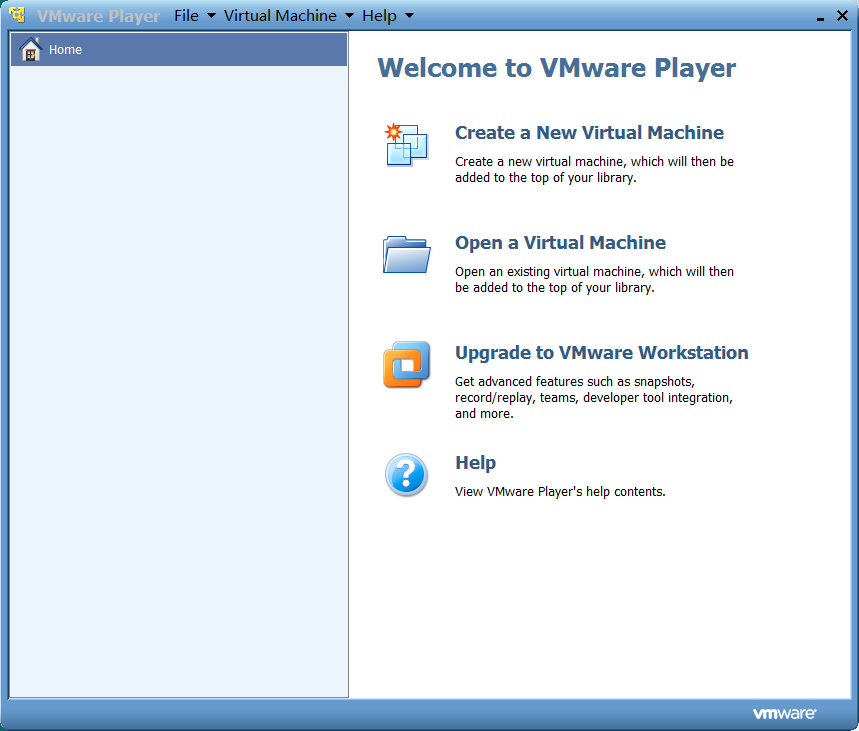
VMware Workstation Player (formerly VMware Player) is a free desktop virtualization software developed by VMware, enabling users to run guest operating systems (e.g., Windows, Linux) on a single physical machine. It is designed for personal use, education, and non-commercial testing.
Key Features:
✔ Free for Non-Commercial Use – Ideal for students and home users.
✔ High Performance – Leverages Intel VT-x/AMD-V hardware acceleration.
✔ Easy-to-Use Interface – Simplified VM creation and management.
✔ Snapshot Support – Save and restore VM states.
✔ Unity Mode – Run guest apps seamlessly alongside host applications.
✔ Broad OS Support – Windows, Linux, BSD, and more (macOS guest requires Apple hardware).
Limitations:
⚠ No Commercial Use – Requires VMware Workstation Pro for advanced features (e.g., cloning, multi-VM teams).
⚠ Limited Advanced Features – Compared to Pro version.
Download:
🔗 Official Website
Image
Get
source:open
Direct Download: e0ce7c0e-f11a-455a-8687-0dbbbf8bee0c
Having trouble downloading?
If you encounter any issues during the download process, refer to the following solutions:
Link invalid or incorrect How to download the ed2k link How to download the magnet link How to download the .torrent file Other problems