Explorer++
Introduction
Explorer++: A Lightweight, Powerful Alternative File Manager for Windows
I. Overview
Explorer++ is a free, open-source, tabbed file manager designed for the Microsoft Windows operating system. It aims to enhance or replace the built-in Windows File Explorer, offering users a more efficient and flexible file management experience. Its core characteristics are being lightweight and fast, while maintaining the familiar feel of the classic Windows Explorer and adding a wealth of practical features.
II. Key Features
Tabbed Interface
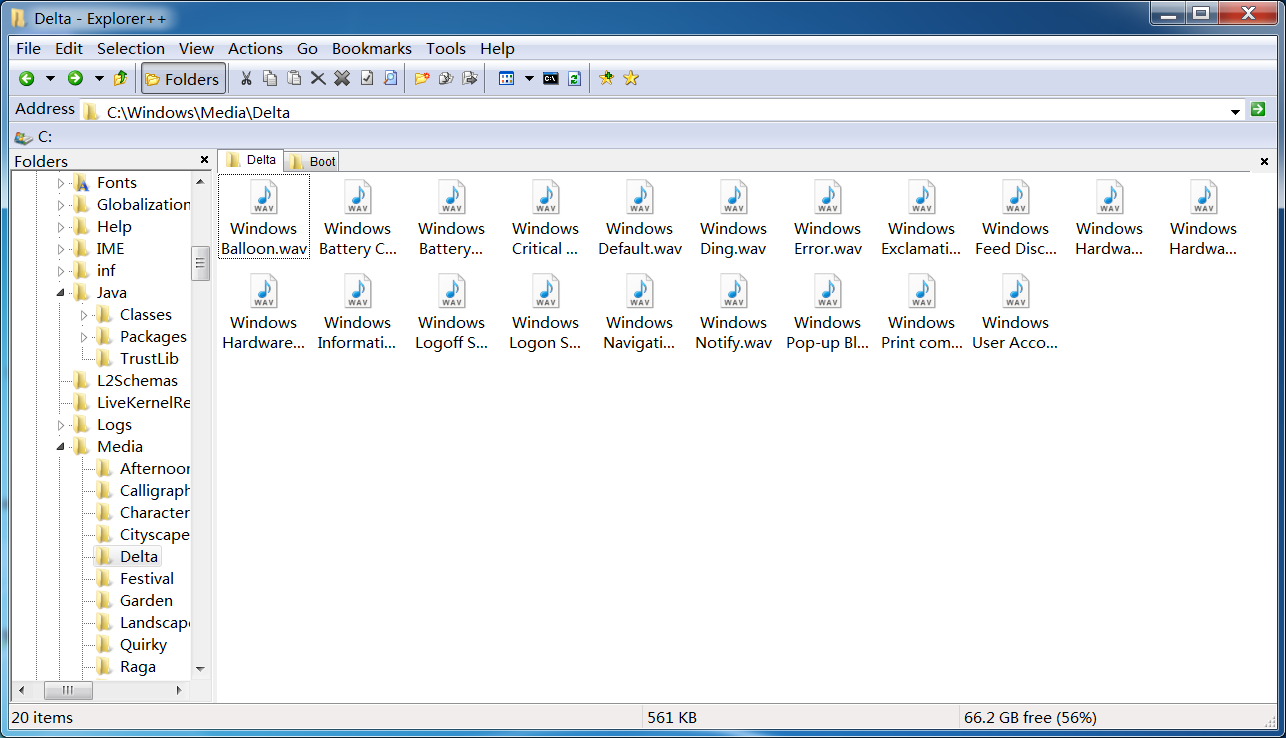
- Similar to modern web browsers, it allows you to open multiple folder tabs within a single window, making it easy to switch between locations and avoiding desktop clutter.
Dual Pane View
- Supports vertically or horizontally split views, enabling you to browse two different folders side-by-side for easy file copying, moving, or comparison.
Highly Customizable
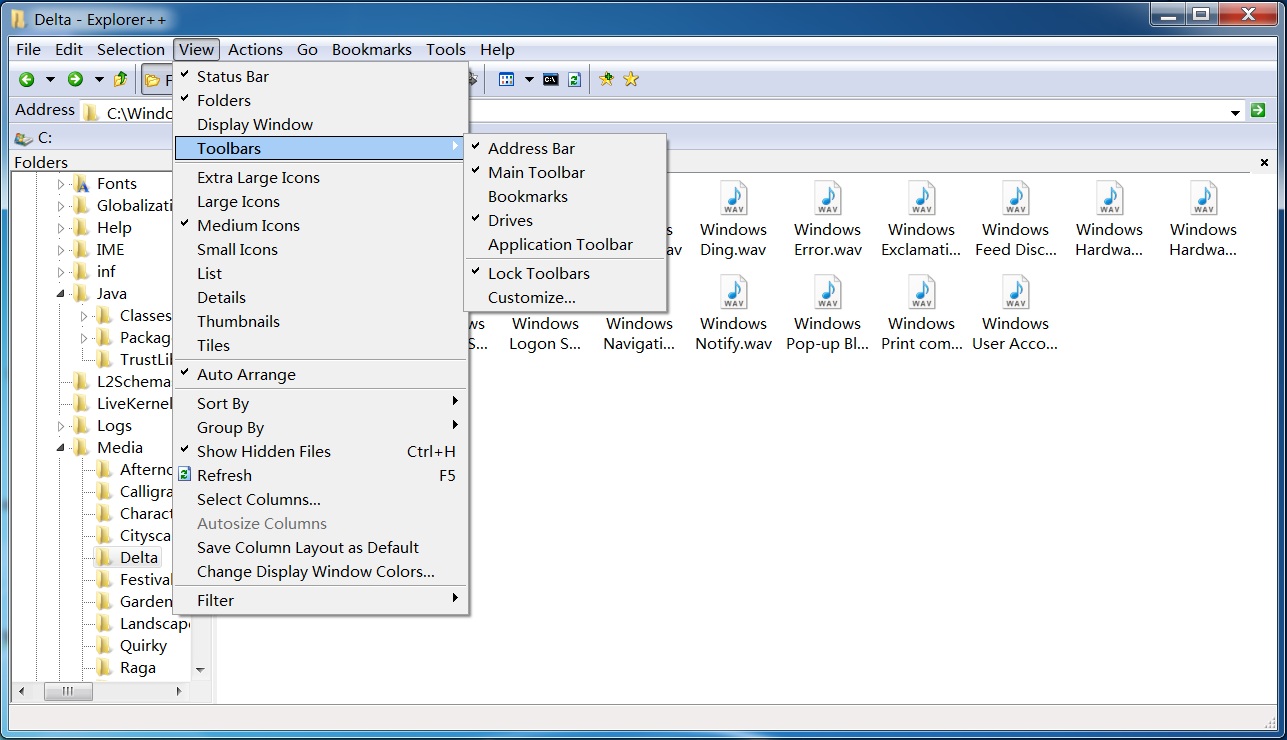
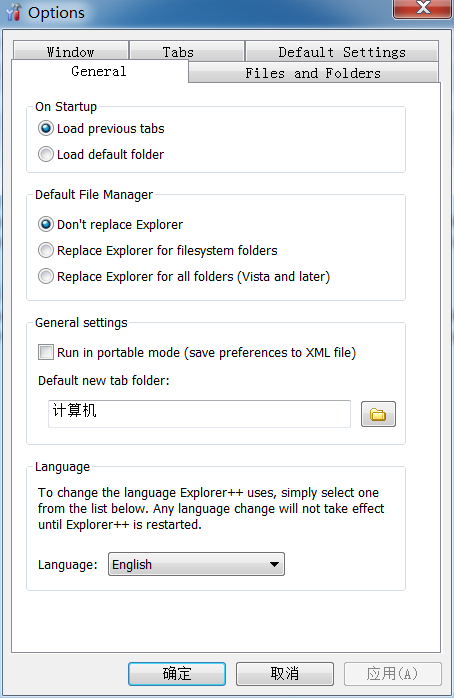
- Allows customization of the toolbar, keyboard shortcuts, interface layout, and color schemes to suit personal preferences.
Portable Version
- Offers a portable edition that can be run directly from a USB drive or external hard disk without installation, making it an ideal tool for system administrators and technicians.
Powerful File Operations
- Features a built-in, powerful batch file renaming tool.
- Supports browsing and extracting common archive files (like ZIP) without needing additional software.
- Can lock files or folders to prevent accidental modification or deletion.
- Provides useful utilities like folder comparison and advanced search.
Lightweight & High Performance
- The program has a small footprint, consumes minimal system resources, and launches and operates very quickly, even on older machines.
III. Target Users
- Power Users & Enthusiasts: Those who need more powerful tools than the default File Explorer.
- System Administrators & IT Support: Professionals who frequently handle large volumes of files and perform system maintenance.
- Efficiency-Seeking Users: Individuals who want to reduce window clutter and improve operational efficiency through tabs and dual panes.
- Portable Software Fans: Users who want to carry their essential tools on a USB drive for use anywhere.
IV. Availability
Explorer++ is free and open-source software. You can download the latest version from its official project page or reputable software download portals.
- Official Website (GitHub): https://github.com/derceg/explorerplusplus
Conclusion: Explorer++ excellently addresses the functional gaps of the built-in Windows File Explorer. It avoids overly flashy features, instead focusing on enhancing core file management efficiency and convenience. If you're tired of constantly opening new windows and crave a more efficient, cleaner way to manage your files, Explorer++ is undoubtedly an excellent choice worth trying.
Generated by AI
Image
Get
official website:https://explorerplusplus.com/download
github:https://github.com/derceg/explorerplusplus
Direct Download: ae008cee-564e-41e8-b3ee-36234e491104
Having trouble downloading?
If you encounter any issues during the download process, refer to the following solutions:
Link invalid or incorrect How to download the ed2k link How to download the magnet link How to download the .torrent file Other problems