Proteus 8.9
Introduction
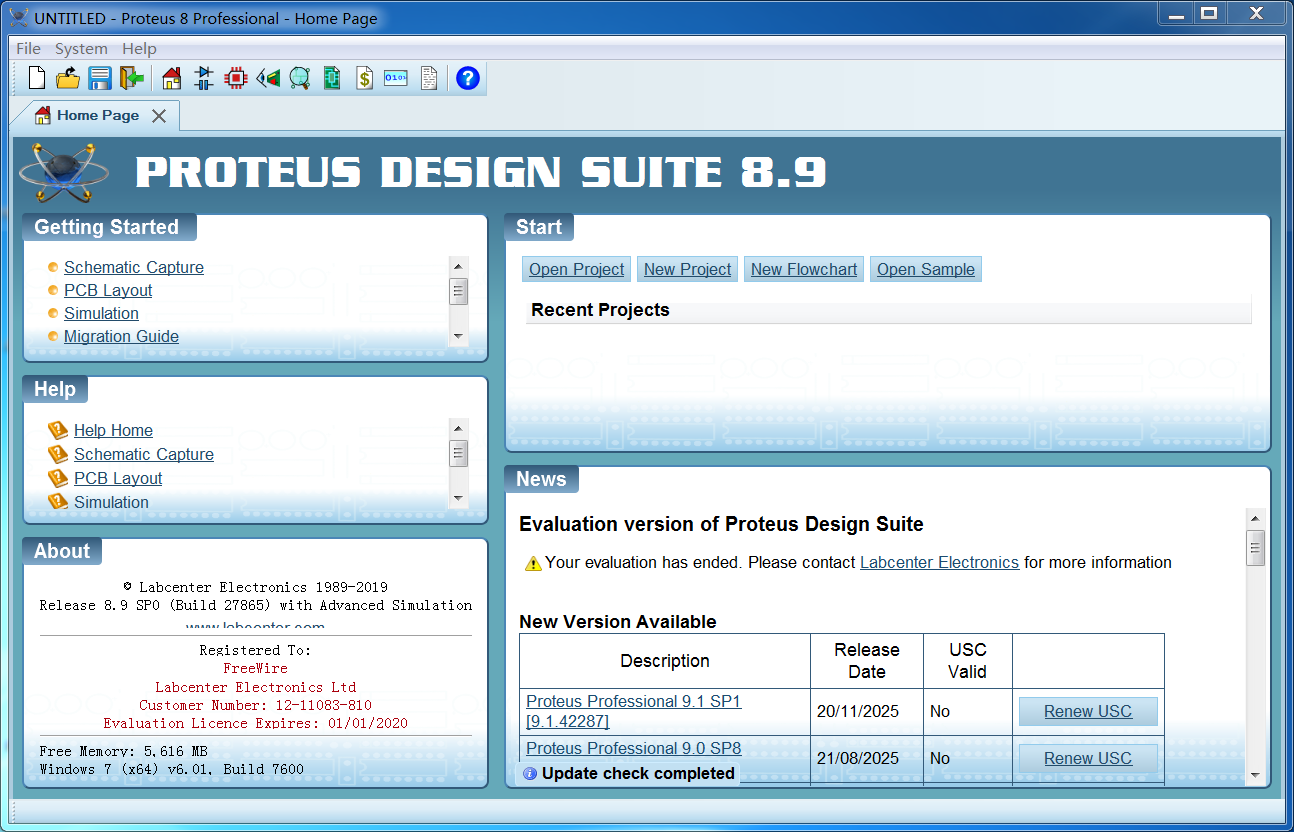
Introduction to Proteus 8.9
1. Overview Proteus 8.9 is a significant update to the Proteus Design Suite developed by Labcenter Electronics Ltd. Building upon the core identity of the Proteus series as an integrated embedded system hardware/software design and simulation platform, this release focuses on performance improvements, a modernized user experience, cloud service integration, and support for the latest microcontroller technologies. It represents the evolution of Proteus towards a smarter, more collaborative, and more efficient electronic design platform.
2. Core Features
- Modernized Integrated Design Environment:
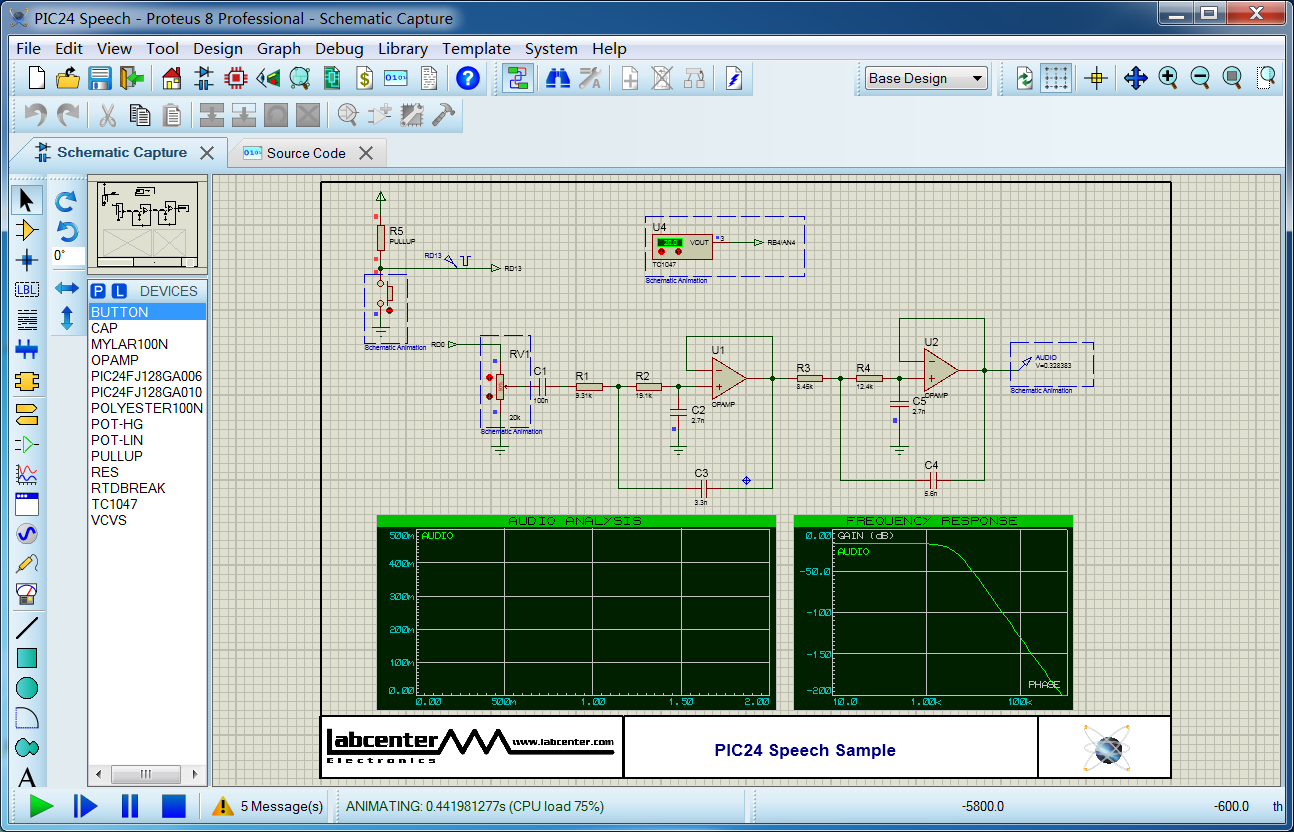
- Unified Application Framework: Integrates schematic capture (ISIS), PCB layout (ARES), and 3D visualization into a single, modern window with support for tabbed browsing, dockable panels, and drag-and-drop operations, significantly improving user experience and workflow efficiency.
- Enhanced Simulation Engine & Model Libraries:
- Performance Optimizations: The simulation engine is optimized for multi-core CPUs, enabling faster handling of large, complex designs.
- Expanded Component Libraries: Continuously adds and updates the latest component simulation models from major manufacturers, with particularly comprehensive and in-depth support for ARM Cortex-M series microcontrollers.
- Advanced Peripheral Simulation: Enhanced simulation of complex peripherals such as TFT LCDs, capacitive touch screens, and motor drivers, making virtual prototypes more realistic.
- Powerful PCB Design Enhancements:
- Improved Routing Engine: Autorouting and interactive routing are more powerful and intelligent, supporting high-speed design features like differential pair routing, length matching, and teardrop addition.
- Realistic 3D Visualization: The integrated 3D viewer offers improved performance and quality for more realistic previews of PCB assemblies. Supports importing STEP models from MCAD software (e.g., SolidWorks, Fusion 360) for electro-mechanical collaboration.
- Design Rule Management: Provides more granular and hierarchical design rule setup and management.
- Cloud Services & Collaboration Features (Key Highlight):
- Proteus Cloud Integration: Introduces connectivity to Labcenter's cloud services. Users can search for and download component symbols, footprints, and simulation models online, dragging them directly from the cloud library into their designs, greatly simplifying library management.
- Team Project Support: Offers better foundational support for version management and teamwork on design files.
- Development Toolchain & Debugging Enhancements:
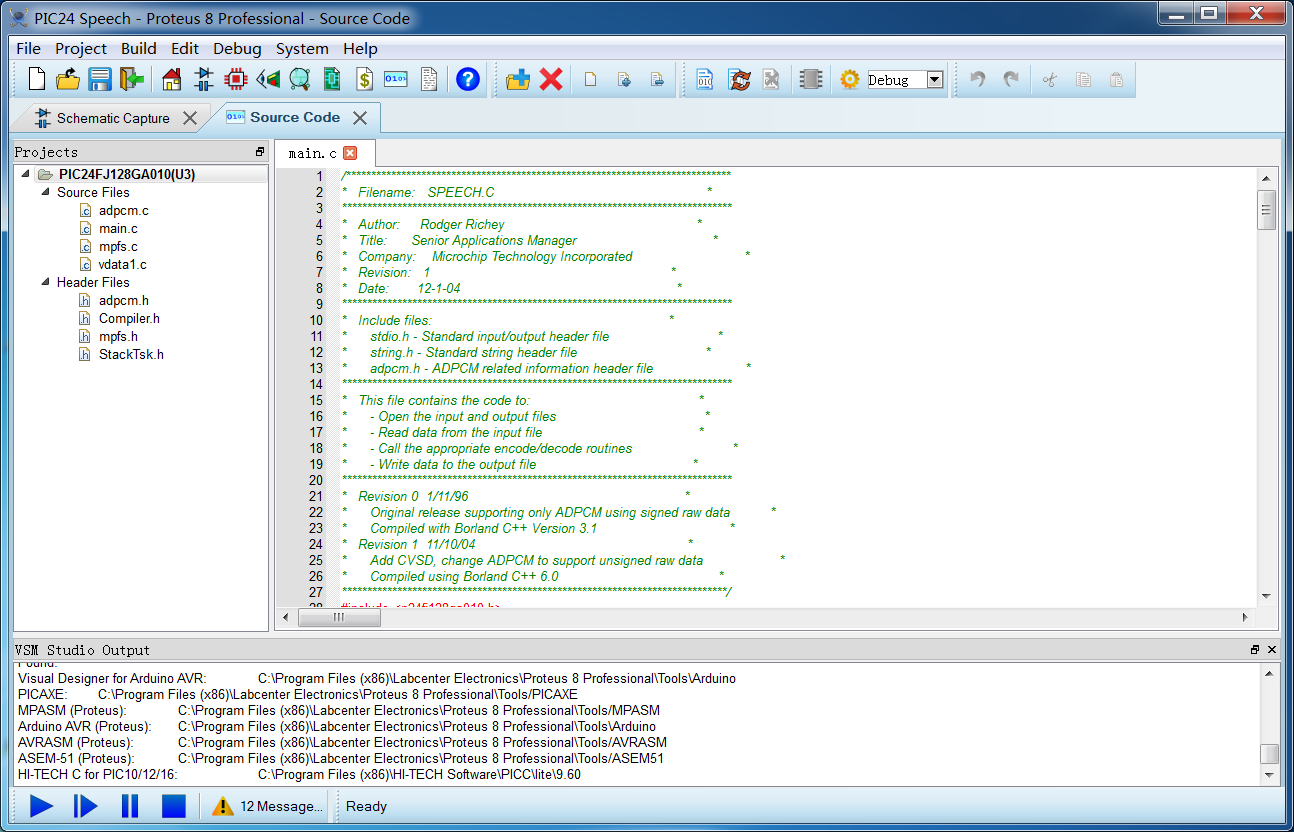
- Broader IDE Integration: Maintains seamless integration with Keil MDK, IAR EWARM, MPLAB X IDE, Arduino IDE, etc.
- Enhanced Debugging Capabilities: Provides richer variable watch windows, performance analysis tools, and improved breakpoint management.
3. Typical Application Areas
- Modern Embedded System Development: Rapid prototyping and verification for IoT devices, smart hardware, and consumer electronics based on advanced cores like ARM Cortex-M.
- Hardware/Software Co-Design for Complex Electronics: Thoroughly verifying the complete system behavior—including complex microcontrollers, peripheral circuits, and custom algorithms—before manufacturing physical PCBs.
- Education & Advanced Training: Suitable for teaching concepts related to modern microcontrollers, real-time operating systems, and high-speed PCB design in universities and vocational training.
- SME Product R&D: Provides an end-to-end, cost-effective, and high-efficiency design verification platform from concept to manufacturable files for teams with limited resources.
4. Advantages
- Integration & Modern Experience: The unified workspace reduces context switching, and the modern interface improves operational efficiency.
- Revolutionary Convenience of Cloud Libraries: The online component library addresses the core pain points of cumbersome local library management and missing models, accelerating the design process.
- Continuous Technology Tracking: Quick response to the latest microcontrollers and design demands (e.g., high-speed PCB, 3D integration) keeps the tool relevant.
- Unparalleled Virtual Prototyping Capability: Remains one of the few platforms on the market capable of deep integration from C source-level debugging to SPICE circuit simulation, reducing development risk and cost.
5. Limitations
- Learning Curve: While the interface is modernized, mastering all modules from simulation to PCB still requires a significant investment of time due to its broad feature set.
- Physical Limits of Simulation Scale: Simulation of extremely large-scale SoCs or systems with extremely complex analog front-ends may still be constrained by computational resources and model accuracy.
- Depth in Specialized Domains: For very specialized niches like ultra-high-frequency RFIC design or high-power power electronics simulation, more dedicated tools are still necessary.
6. Conclusion Proteus 8.9 is a mature and modern milestone in the evolution of the Proteus Design Suite. It not only solidifies its absolute leadership in the field of embedded system virtual prototyping but also elevates the user experience and design efficiency to new heights through cloud service integration and a modernized, unified interface. For engineers, educational institutions, and R&D teams dedicated to rapid innovation and emphasizing hardware/software co-verification, Proteus 8.9 offers a comprehensive, technologically current, and highly efficient "all-in-one" solution. It serves as a powerful accelerator on the path from concept to product.
Generated by AI
Image
Get
magnet:open
Direct Download: 7e2ff0c7-cf8b-4431-b962-4394bef8c086
Having trouble downloading?
If you encounter any issues during the download process, refer to the following solutions:
Link invalid or incorrect How to download the ed2k link How to download the magnet link How to download the .torrent file Other problemsNote
Resources come from The Pirate Bay