Proteus 7.5
Introduction
Introduction to Proteus 7.5
1. Overview Proteus 7.5 is a significant release of the Proteus Design Suite by Labcenter Electronics Ltd. (UK). It is an integrated Electronic Design Automation software, renowned for its revolutionary mixed-mode circuit simulation (SPICE + interactive microcontroller simulation) and PCB layout capabilities. Proteus 7.5 solidified its unique position in the field of embedded system design and simulation, enabling engineers and developers to complete the entire workflow—from schematic design, code debugging, co-simulation, to PCB design—entirely on a computer.
2. Core Features
- Advanced Mixed-Mode Simulation Engine (VSM - Virtual System Modelling):
- Circuit Simulation (SPICE): Provides robust analog/digital circuit simulation with support for a vast library of electronic component models.
- Co-Simulation: Its most core and distinctive feature is Microcontroller Co-Simulation. Within the same schematic, it allows for real-time, interactive simulation of a microcontroller (e.g., 8051, PIC, AVR, ARM Cortex-M) running actual machine code alongside the surrounding analog/digital circuitry. Developers can single-step through microcontroller code and observe how it affects the circuit, and vice versa.
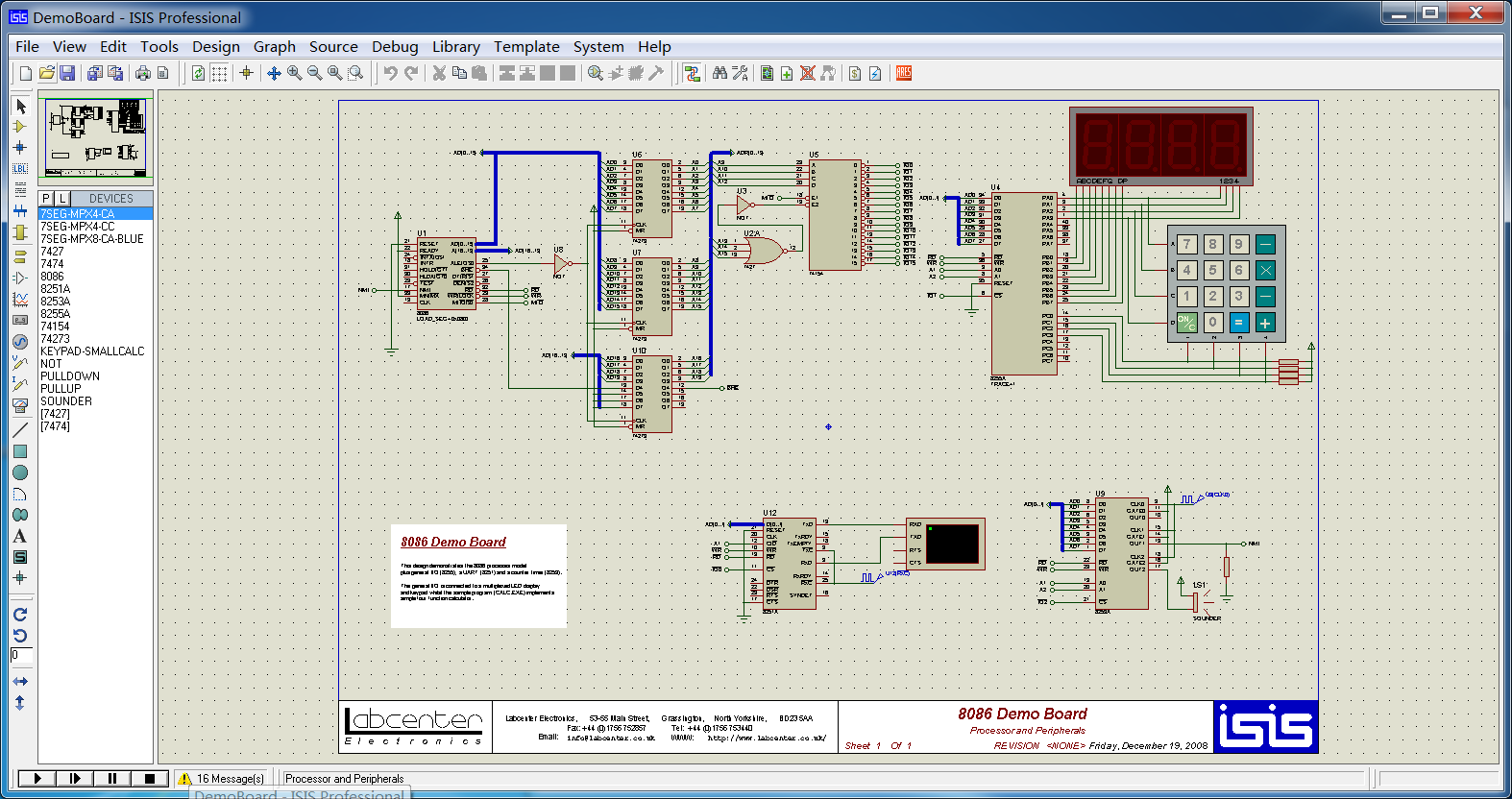
- Intuitive Schematic Capture (ISIS):
- Provides a user-friendly graphical interface for drawing circuit schematics.
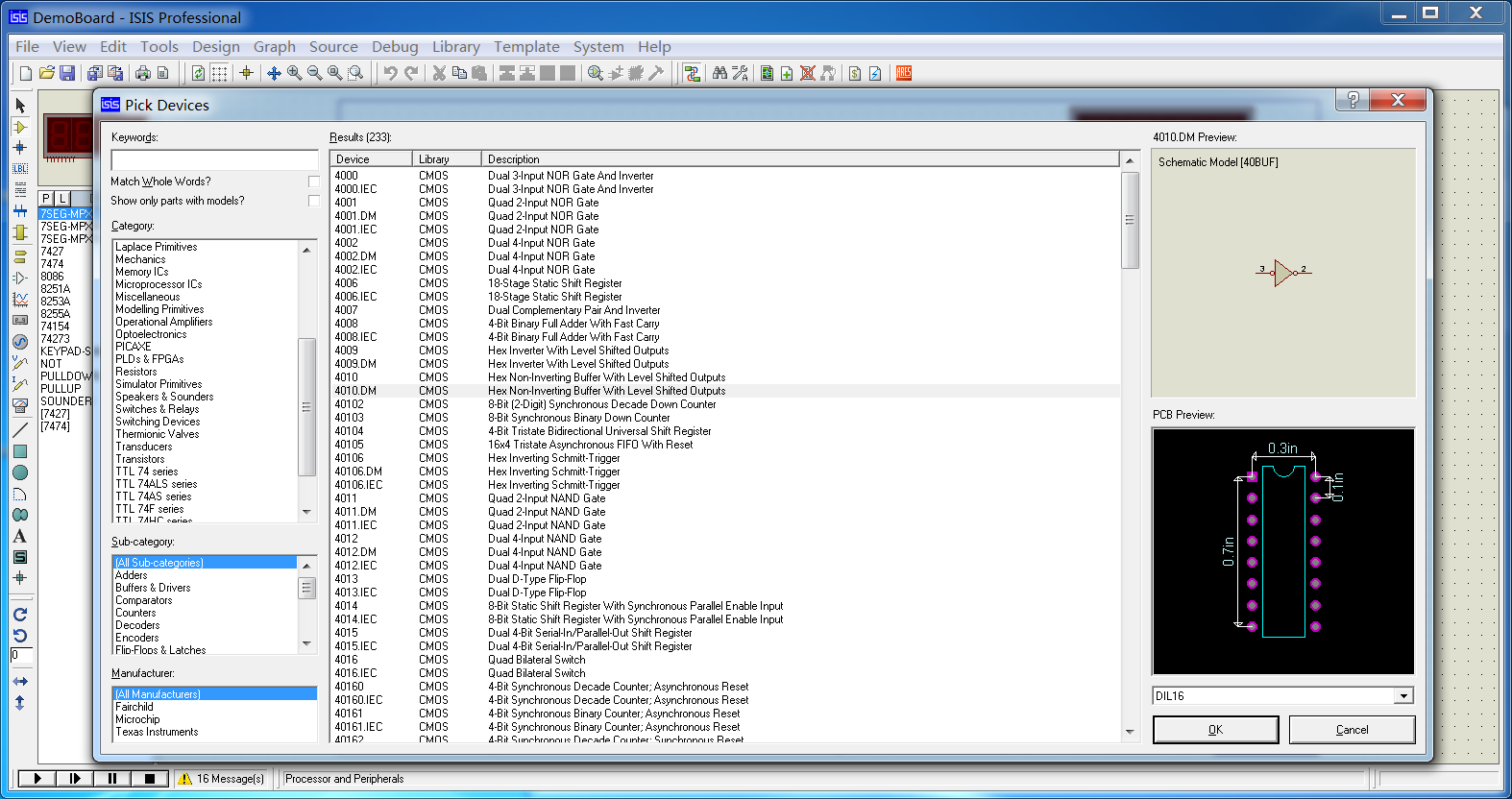
- Includes an extensive component library with thousands of simulation models.
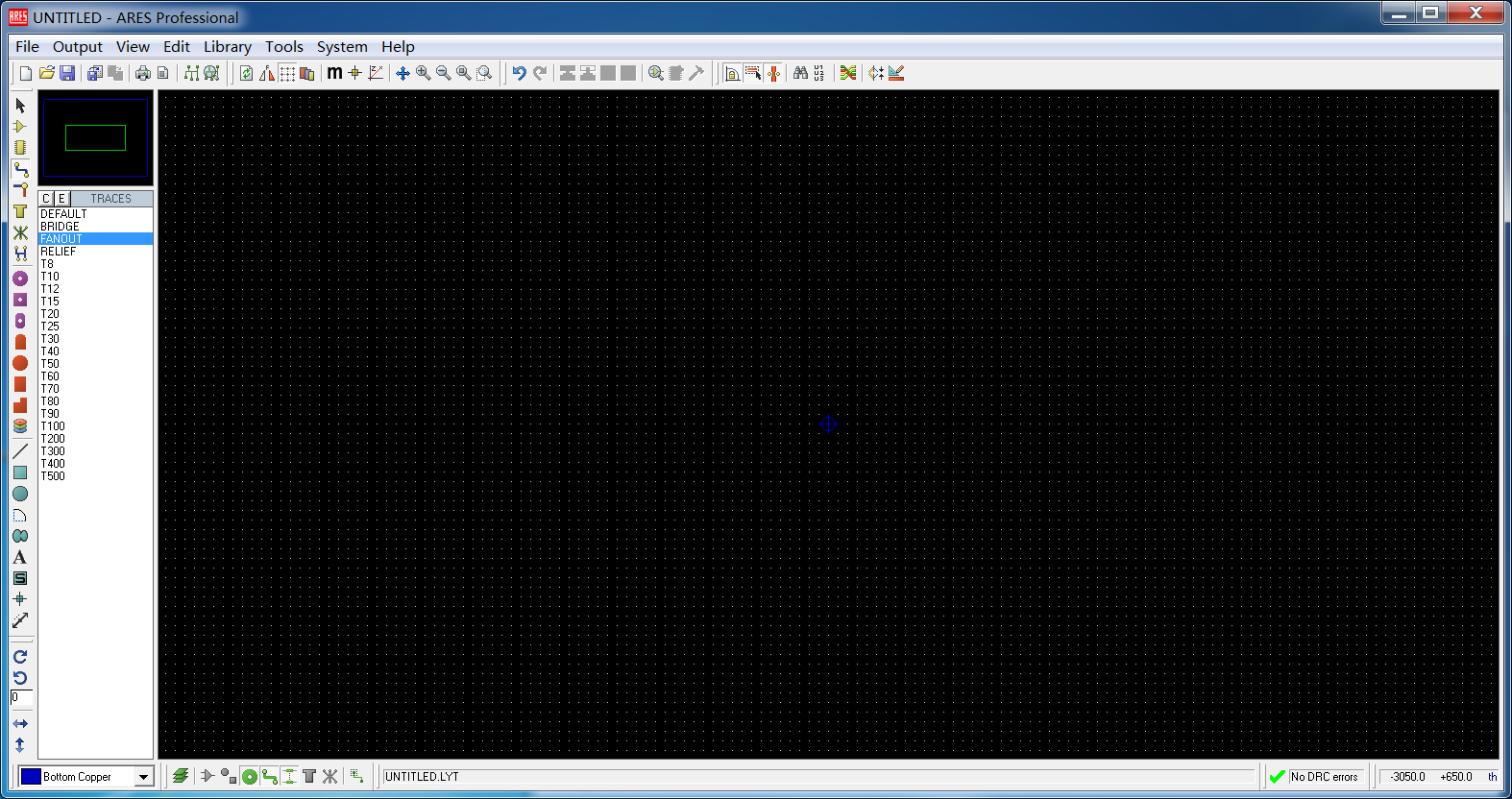
- Integrated PCB Layout Design (ARES):
- A fully-featured PCB design system that imports designs directly from the schematic (ISIS).
- Supports auto-placement, auto-routing, 3D preview, Design Rule Checking (DRC), and various manufacturing file outputs (Gerber, NC Drill, etc.).
- Rich Simulation & Debugging Tools:
- Virtual Instruments: Offers oscilloscopes, logic analyzers, function generators, virtual terminals, I2C/SPI debuggers, etc., for real-time monitoring of circuit signals.
- Source-Level Debugger: Supports source-level debugging of microcontroller programs with stepping, breakpoints, variable watches, and memory views, fully integrated into the simulation environment.
- Animation-Based Components: Provides dynamic visual models for components like LEDs, LCDs, motors, and switches, making the simulation process intuitive and vivid.
- IDE/Compiler Integration:
- Can integrate seamlessly with major embedded development toolchains like Keil uVision, MPLAB X IDE, Arduino IDE, and IAR Embedded Workbench, enabling rapid edit-compile-download-to-Proteus-simulate iterations.
3. Typical Application Areas
- Embedded System Development & Education: An excellent platform for learning microcontroller principles, embedded C programming, and hardware interfacing. Users can fully develop and test an embedded project without any physical hardware.
- Electronic Circuit Design & Verification: Used for verifying analog/digital circuit designs, especially those interfacing with microcontrollers (e.g., sensors, drivers, communication interfaces).
- Rapid Product Prototyping: Quickly verifies that the entire embedded system's hardware and software work together correctly before committing to physical PCB fabrication, significantly shortening development cycles and reducing upfront costs.
- Maker & Hobbyist Projects: Provides a low-cost, zero-risk virtual lab platform for electronics enthusiasts and makers.
4. Advantages
- Unparalleled Co-Simulation Capability: Integrates software debugging with hardware simulation, which is its greatest differentiator from other EDA tools like Multisim or Altium Designer.
- Hardware-Free Development: Allows for complete embedded system development, testing, and debugging without physical dev boards or components.
- Fault Injection & Boundary Testing: Easily simulates hardware faults (e.g., shorts, opens) to test software robustness.
- Unified Design Flow: From concept to PCB, all work is done within one software suite with seamless data transfer.
- Highly Efficient Tool for Learning & Prototyping: Dramatically lowers the barrier to entry and cost for learning embedded systems and performing initial validation.
5. Limitations
- Trade-off between Simulation Accuracy & Speed: For extremely complex analog circuits or high-frequency RF designs, its simulation accuracy and speed may not match specialized SPICE tools (e.g., LTspice, Cadence PSpice).
- High Dependency on Models: The validity of simulations heavily relies on the accuracy and completeness of component models.
- Support for Complex PCB Design: While ARES is powerful, its advanced features for extremely complex PCB designs (e.g., very large scale, high-speed signals, rigid-flex boards) might not match top-tier dedicated PCB tools.
6. Conclusion Proteus 7.5 is a groundbreaking and highly practical EDA tool in the field of embedded system simulation. It successfully bridges the gap between traditional circuit simulation and embedded software development, providing a unique "virtual laboratory." For embedded engineers, educators, students, and any developer needing to verify microcontroller code in conjunction with electronic circuitry, Proteus 7.5 is an indispensable and efficient tool that significantly enhances development productivity and mitigates project risks.
Generated by AI
Image
Get
Direct Download: f6d0a17c-b94b-487f-bb88-87ef55278b9c
Having trouble downloading?
If you encounter any issues during the download process, refer to the following solutions:
Link invalid or incorrect How to download the ed2k link How to download the magnet link How to download the .torrent file Other problems