MuseScore
Introduction
Introduction to MuseScore
1. Overview MuseScore is a free, open-source, and cross-platform music notation and composition software. It provides users with a powerful yet accessible tool for creating, playing, printing, and publishing high-quality musical scores. Whether you are a professional composer, music educator, student, or amateur enthusiast, it can meet your needs—from drafting simple melodies to creating complex orchestral scores.
2. Core Features
- Intuitive WYSIWYG (What You See Is What You Get) Editor:
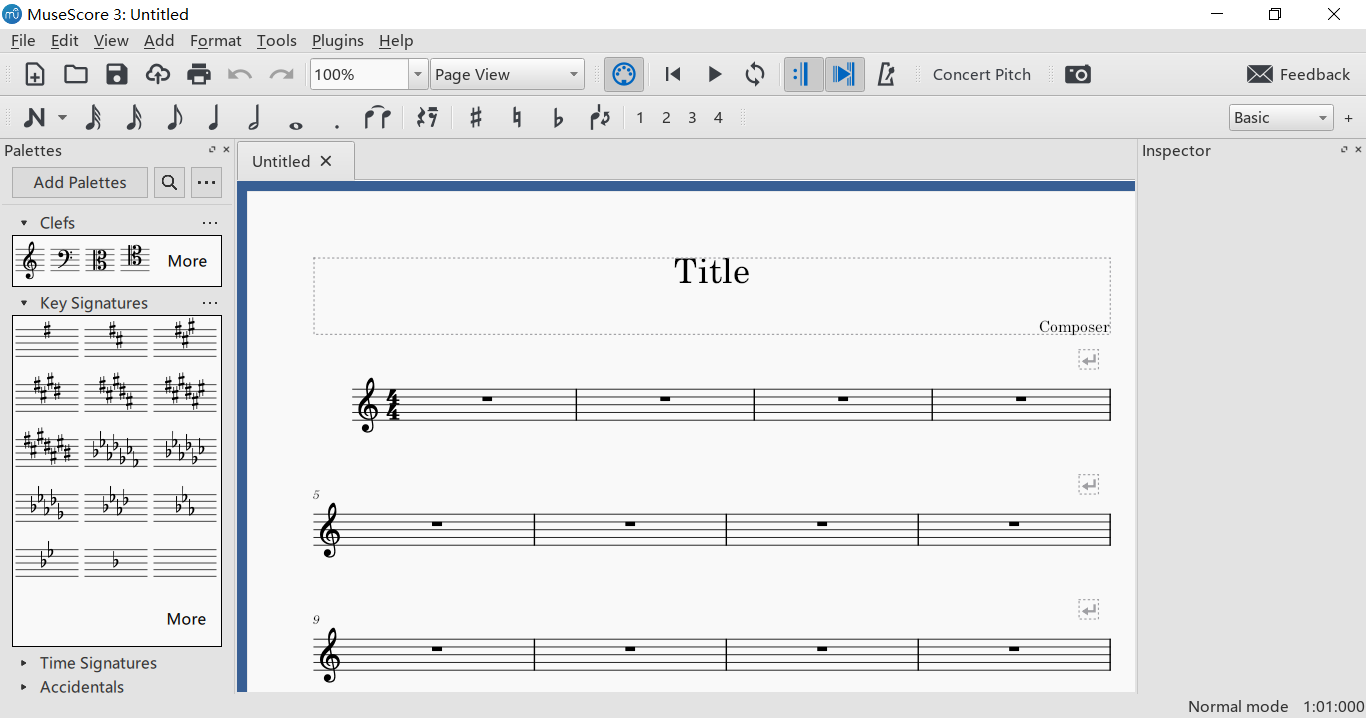
- Employs a layout and workflow similar to traditional handwritten notation. Users input notes via mouse, keyboard shortcuts, or a MIDI keyboard and see the typeset result in real-time on screen, resulting in a gentle learning curve.
- Powerful Score Creation & Editing:
- Unlimited Staves Support: Capable of creating everything from a solo sheet to a full orchestral score.
- Comprehensive Notation Elements: Supports almost all common musical symbols including notes, rests, slurs, grace notes, ornaments, repeats, jumps, lyrics, chord symbols, guitar fretboard diagrams, and more.
- Flexible Voice Editing: Easily input multiple voices (e.g., right hand and left hand for piano) on the same staff.
- High-Quality Audio Playback & MIDI Support:
- Features a built-in SoundFont-based synthesizer (e.g., Muse Sounds) that provides relatively realistic instrument sound playback, helping creators audition their work.
- Full support for MIDI input (real-time note entry via MIDI keyboard) and MIDI output (controlling external hardware or software synthesizers).
- Open Format Compatibility & Sharing Platform:
- Multi-Format Support: Imports and exports a wide range of formats including MusicXML (the industry standard exchange format), MIDI, PDF, WAV, MP3, SVG, etc., facilitating collaboration with other notation software (like Finale, Sibelius) and music applications.
- Integrated MuseScore.com Community: Users can directly upload their creations to the official online score-sharing platform to connect with musicians worldwide or explore a vast library of user-uploaded scores for study and performance.
- Cross-Platform & Open-Source Advantages:
- Runs seamlessly on Windows, macOS, and Linux.
- As free and open-source software, it has no cost or subscription fees. It is continuously maintained and improved by a global community of developers, ensuring ongoing enhancement and innovation.
3. Typical Use Cases
- Composition & Arranging: Creating original musical works or writing harmonies and orchestrations for existing melodies.
- Music Education & Learning: Teachers creating instructional materials, exercises, or exam papers; students completing composition assignments or transcription exercises.
- Band & Choir Rehearsal: Generating and printing individual parts or adapting pieces as needed.
- Personal Music Interest: Transcribing favorite songs, writing sheet music for personal performance, or downloading scores from the community for practice.
4. Advantages
- Zero-Cost Entry: Completely free, significantly lowering the barrier to music notation and composition.
- Comprehensive & Professional Features: Its feature set satisfies the needs of the vast majority of both professional and amateur users.
- Vibrant Community & Resources: Boasts a large user community with abundant online tutorials, plugins, and sheet music resources.
- Rapid, Continuous Evolution: Benefits from the open-source model, with frequent updates that quickly address new needs and fix issues.
5. Conclusion MuseScore is a revolutionary application in the field of digital music notation. By combining professional-level notation capabilities with a free and open-source philosophy, it has successfully broken down the barriers posed by commercial software, making high-quality music creation and publishing tools accessible to everyone. For anyone who needs to write, edit, or play from sheet music, MuseScore stands as an indispensable, powerful, and user-friendly choice.
Generated by AI
Image
Get
official website:https://musescore.org/en/download
Available on github:https://github.com/musescore/MuseScore/releases
mirror:https://ftp.osuosl.org/pub/musescore-nightlies/windows/3x/stable/
mirror:https://ftp.osuosl.org/pub/musescore/releases/
Direct Download: 0f5685ce-9423-4da0-9564-fcc02a43187a
Having trouble downloading?
If you encounter any issues during the download process, refer to the following solutions:
Link invalid or incorrect How to download the ed2k link How to download the magnet link How to download the .torrent file Other problems