matlab 7
Introduction
Introduction to the Features of MATLAB 7
1. Core Positioning & Architecture MATLAB 7 is a high-level technical computing language and interactive environment based on data arrays. Its core is an interpreted language and runtime system specifically optimized for engineering and scientific computation, designed around matrix operations. During the 7.x era, its architecture primarily consisted of:
- The MATLAB Language: A high-level matrix/array language with control flow statements, functions, data structures, and object-oriented programming capabilities.
- The MATLAB Working Environment: Integrated tools for managing variables, importing/exporting data, developing/debugging programs, and managing files.
- Mathematical Function Library: A vast collection of optimized algorithms ranging from elementary math to state-of-the-art scientific computing.
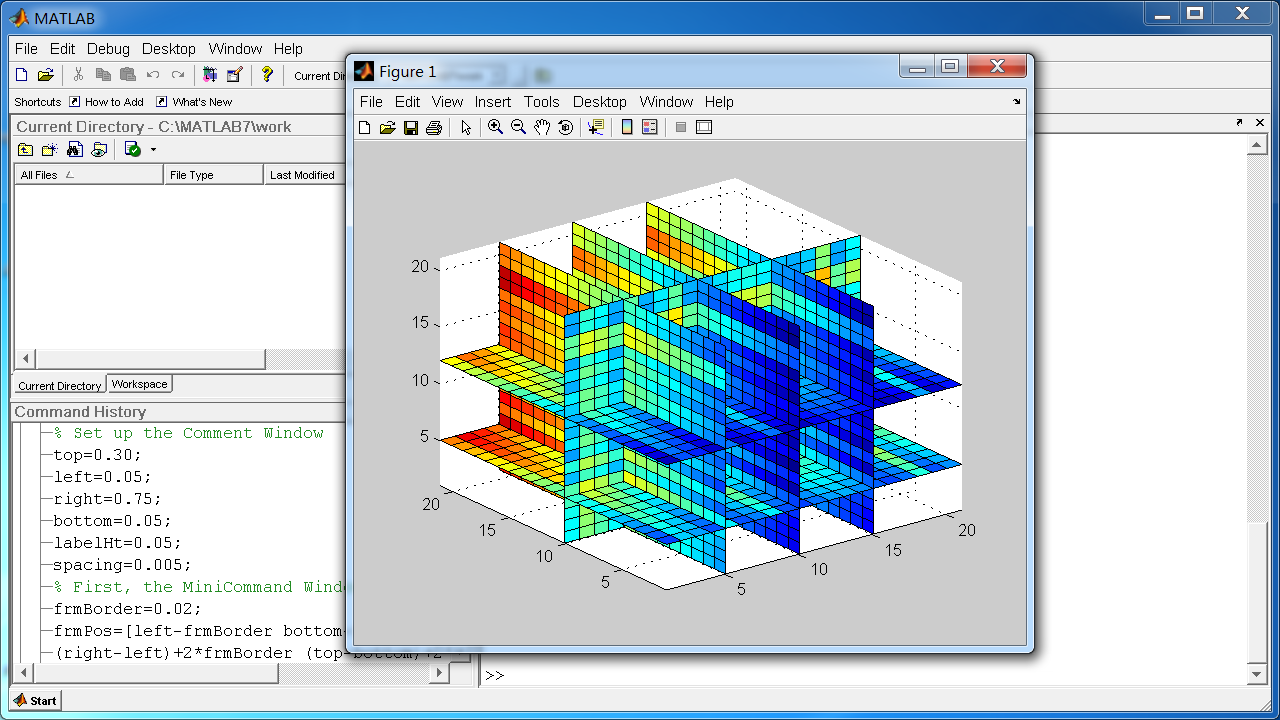
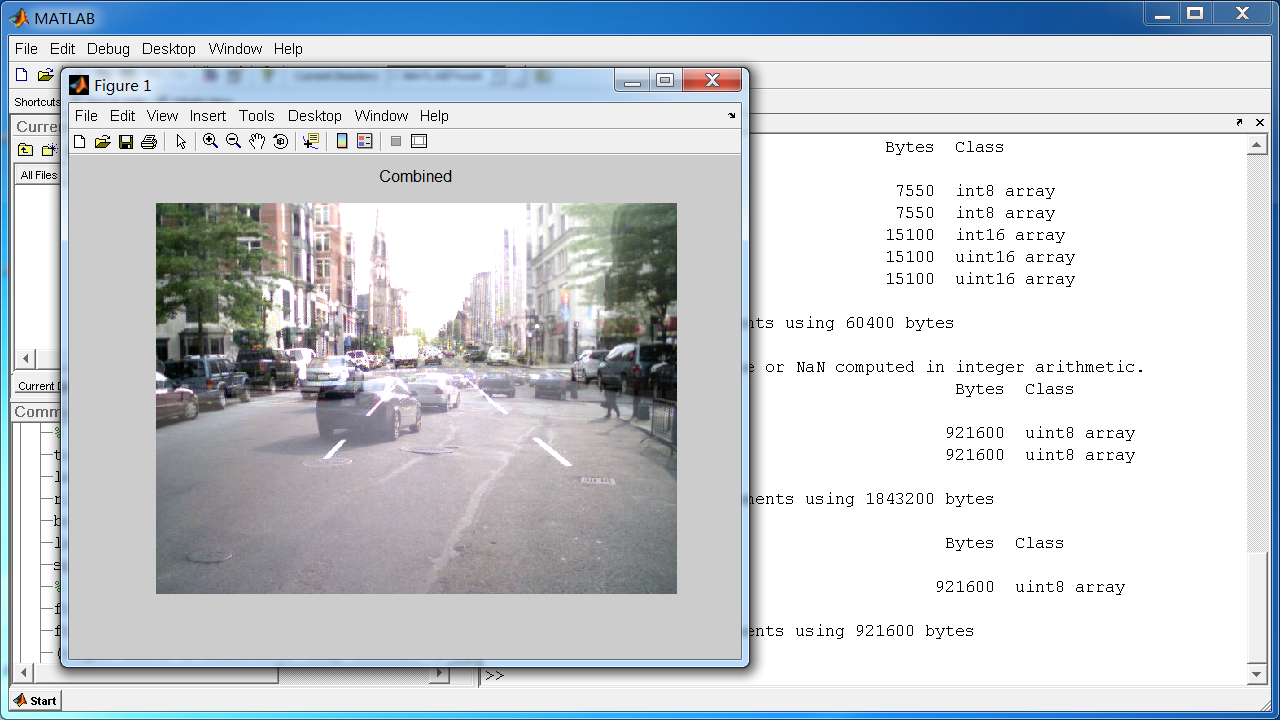
- Graphics System: Powerful tools for data visualization and creating custom user interfaces, including 2D/3D plotting, image processing, animation, and GUI building capabilities based on Handle Graphics®.
- Application Program Interface: Provides the ability to interact with programs written in C/C++, FORTRAN, Java, .NET, dynamic link libraries, and hardware (e.g., data acquisition devices).
2. Core Language Features
- Array as the Fundamental Data Type: All data (including scalars) are internally treated as multi-dimensional arrays, supporting vectorized operations, which is the foundation of its high-performance computing.
- Dynamic Typing & Interpreted Execution: Variables do not require pre-declaration of type. The interpreter performs type inference and JIT compilation at runtime, balancing flexibility and execution efficiency.
- Function Handles: A special data type for indirect function calls, crucial for implementing callbacks, parameterizing functions, and building efficient algorithms.
- Anonymous Functions & Nested Functions: Supports the dynamic creation of simple functions at the command line or within code, and allows defining a function inside another function, enabling data encapsulation and closure functionality.
- Rich Built-in Data Types: Supports double/single precision, integer types, logical, character, cell arrays, structures, etc., meeting diverse computational needs.
- Object-Oriented Programming: Supports class-based programming, allowing users to define classes, properties, methods, and events for building complex, reusable software components.
3. Core Environment Features
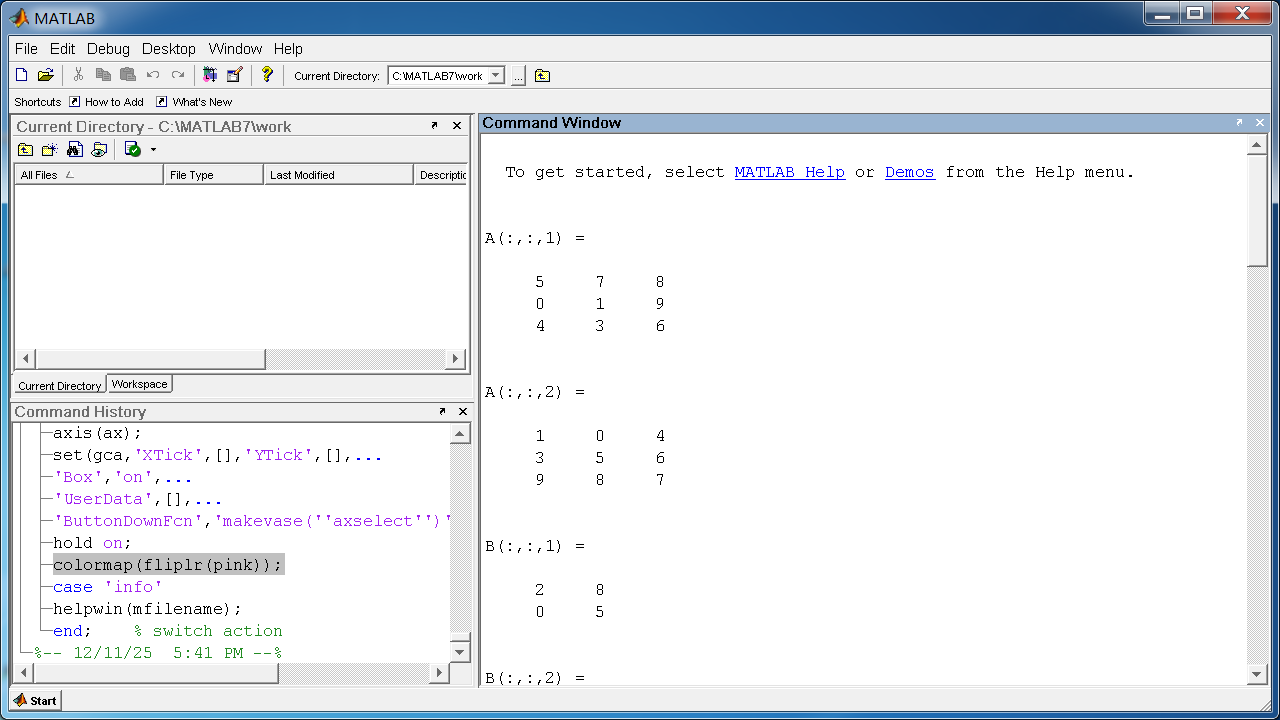
- Interactive Development Environment: Integrates an editor (with syntax highlighting, code folding, real-time error checking), workspace browser, command window, command history, and help system, facilitating interactive exploration and rapid prototyping.
- Powerful Debugger: Provides graphical breakpoint setting, step execution, stack viewing, and variable inspection for troubleshooting logic errors.
- Modularity & Encapsulation: Organizes code through
.mscript and function files, enabling modular development and code reuse.
4. Core Mathematical & Toolbox Features
- Comprehensive Math & Statistics Library: Built-in core algorithms for linear algebra, numerical integration, differential equations, Fourier transforms, optimization, statistics, etc.
- Domain-Specific Toolboxes: Dozens of professional toolboxes (Signal Processing, Image Processing, Control Systems, Financial Modeling, Bioinformatics, etc.) extend the core platform's capabilities.
- Simulink Integration: Seamless integration with Simulink, a block diagram environment for multi-domain dynamic system simulation and Model-Based Design, used for modeling, simulating, and analyzing complex systems.
5. Core Graphics & Visualization Features
- Handle Graphics® System: Provides a low-level, flexible object model that allows precise control over every property of a figure (line color, axis limits, fonts) and the creation of complex custom graphics.
- High-Level Plotting Functions: Offers easy-to-use high-level commands (e.g.,
plot,surf,mesh) to quickly create various publication-quality 2D/3D graphics. - Graphical User Interface Development: Provides the GUIDE tool and programming interfaces for creating interactive desktop applications with buttons, menus, axes, and other controls.
6. Performance Features
- JIT Acceleration Engine: Employs Just-In-Time compilation technology to translate MATLAB loops and code segments into optimized machine code, significantly improving execution speed.
- Multithreaded Computation Support: Supports multi-core computing in numerical linear algebra libraries and some built-in functions to accelerate large-scale numerical operations.
- Memory-Efficient Data Structures: Optimized array storage and operations support efficient handling of large matrices.
Generated by AI
Image
Get
source:https://archive.org/details/matlab-7-r14
Direct Download: dc83c8c0-3d4e-4a59-a29c-6bee65c88c34
Having trouble downloading?
If you encounter any issues during the download process, refer to the following solutions:
Link invalid or incorrect How to download the ed2k link How to download the magnet link How to download the .torrent file Other problemsNote
Runtime Issue Resolution:
1.If a runtime error occurs, right-click the shortcut and run it in Vista SP2 compatibility mode.
- Running on an AMD CPU may cause crashes. Solution: create a new Windows environment variable with the name: BLAS_VERSION and the value: [installation directory]\MATLAB7\bin\win32\atlas_Athlon.dll