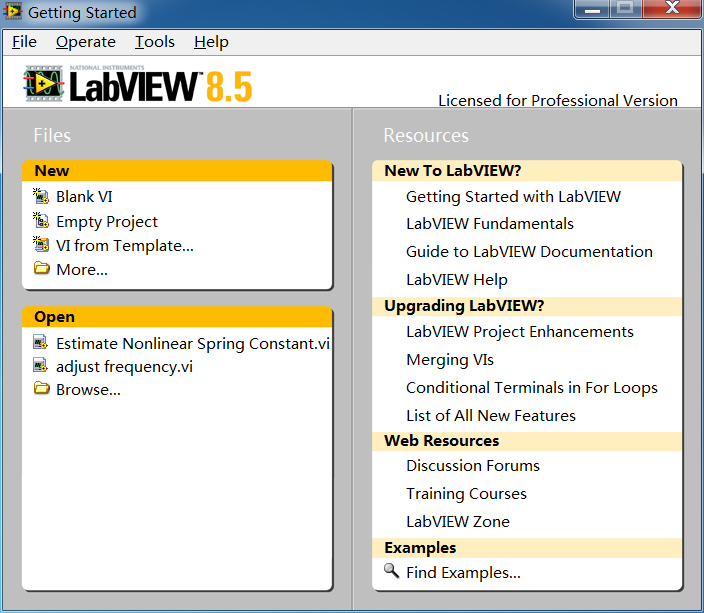
labview 8.5
Introduction
Introduction to LabVIEW
1. Overview LabVIEW, developed by National Instruments, is a graphical system design platform and programming language. Its name stands for Laboratory Virtual Instrument Engineering Workbench. Unlike traditional text-based programming languages (like C, Python), LabVIEW employs a dataflow programming paradigm and graphical block diagrams (G language), making it particularly well-suited for measurement, test, control, automation, and embedded system development.
2. Core Features
- Graphical Programming: Users build programs by wiring together icons (called "nodes") representing functions, structures, and data, rather than writing text. This makes program logic and data flow visually intuitive.
- Dataflow Model: Execution order is determined by data dependencies between nodes, not by sequential lines of text. A node executes when data is available at all of its input terminals.
- Virtual Instrument (VI) Architecture: The core philosophy is "software is the instrument." Each LabVIEW program is called a VI, consisting of two main parts:
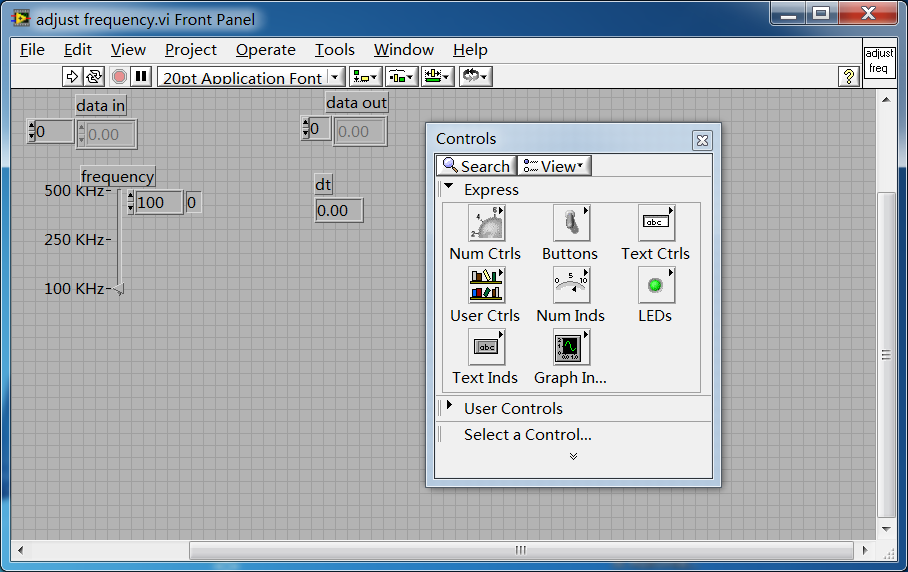
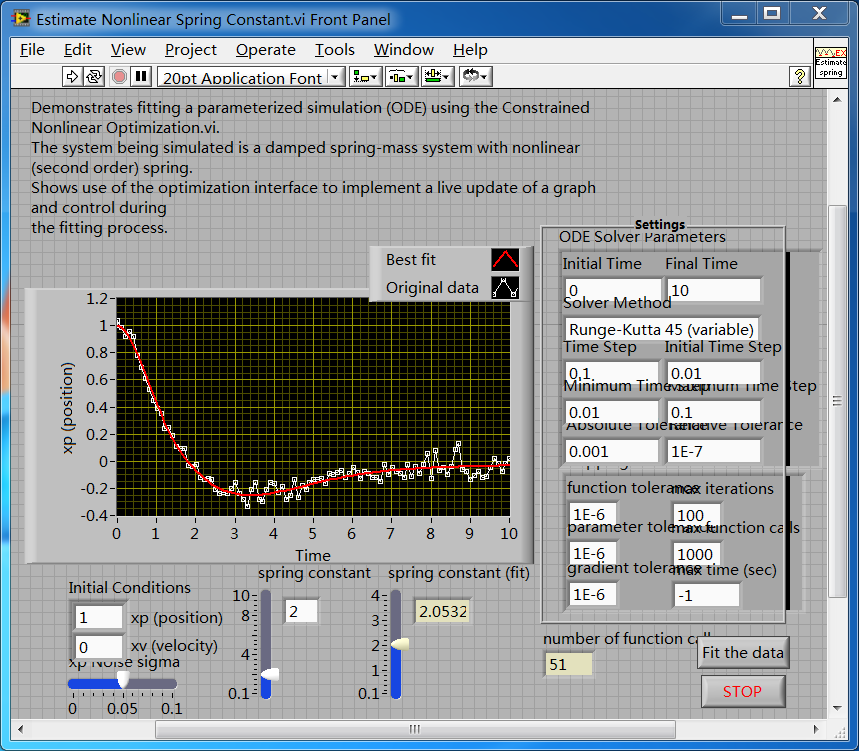
- Front Panel: The program's user interface, containing controls (knobs, buttons) and indicators (charts, graphs, LEDs).
- Block Diagram: The program's source code, where the graphical code is wired together.
- Powerful Hardware Integration: Natively supports thousands of NI data acquisition cards, PXI modules, CompactRIO, CompactDAQ, and provides extensive driver support for GPIB, serial, USB, and Ethernet instruments, enabling easy connection to sensors and real-time control.
- Rich Built-in Libraries: Offers a vast array of high-level libraries for mathematics, signal processing (filtering, spectral analysis), image processing, motion control, data logging, and visualization (charts, graphs).
- Multithreading & Parallel Execution: The dataflow model inherently supports parallelism. Developers can easily create multiple independent loops that run concurrently, leveraging multi-core CPUs for efficiency.
- Cross-Platform Deployment: Can compile to standalone applications for Windows, Linux, macOS, or be deployed to NI real-time hardware and FPGA hardware for deterministic, high-performance control.
3. Primary Application Areas
- Automated Test: Production line testing and equipment validation in electronics, semiconductor, automotive, and aerospace industries.
- Measurement & Data Acquisition: Scientific research, laboratory experiments, acquiring and analyzing data from physical sensors (temperature, pressure, voltage, etc.).
- Industrial Control & Monitoring: Process control, machine control, SCADA systems.
- Rapid Prototyping & Hardware-in-the-Loop Simulation: For control algorithm design, robotics prototyping, and vehicle simulation testing.
- Academia & Education: Widely used in engineering disciplines to help students understand programming concepts and system design.
4. Advantages
- Intuitive & Easy to Learn: For engineers and scientists, graphical programming is often more intuitive and easier to grasp than text-based languages.
- Rapid Development: Powerful libraries and hardware abstraction enable the quick creation of complex measurement and control system prototypes.
- Superior Hardware Integration: Unmatched ecosystem, especially in data acquisition and control.
- Strong Parallel Processing Capabilities: Facilitates the design of efficient multitasking systems.
5. Challenges
- Large-Scale Project Management: Graphical diagrams can become complex and difficult to organize/maintain for very large programs (requiring good design and modularization practices).
- Version Control Difficulties: Traditional text-based version control tools (e.g., Git) have poor support for diffing and merging graphical code, requiring LabVIEW-specific tools or methods.
- High Cost: Development environment and some module licenses can be expensive.
- Vendor Lock-in: Deeply tied to NI's hardware and software ecosystem, making migration to other platforms potentially difficult.
6. Ecosystem & Related Products
- NI LabVIEW: Core platform.
- LabVIEW NXG: Modernized version (now discontinued as a separate product line, with features merged back into the main version).
- LabVIEW Real-Time Module: For developing applications that run on deterministic real-time operating systems.
- LabVIEW FPGA Module: For compiling LabVIEW code to run on FPGA hardware, enabling ultra-high-speed and deterministic control.
- NI TestStand: A test execution management software tightly integrated with LabVIEW for building complex automated test sequences.
7. Conclusion LabVIEW is the benchmark tool in the measurement and automation industry. It abstracts complex software programming into graphical block diagrams familiar to engineers and scientists, significantly lowering the barrier to system development, especially in scenarios involving multiple hardware interfaces and real-time control. While facing challenges from general-purpose languages like Python in the test domain, LabVIEW maintains its irreplaceable advantages in high-reliability, high-performance hardware integration, and rapid prototyping.
Generated by AI
Image
Get
magnet:open
Direct Download: 39b7b804-2ee3-4e76-9d22-3062776e18ac
Having trouble downloading?
If you encounter any issues during the download process, refer to the following solutions:
Link invalid or incorrect How to download the ed2k link How to download the magnet link How to download the .torrent file Other problemsNote
Resources come from thepiratebay