eMule
Introduction
AI Introduction
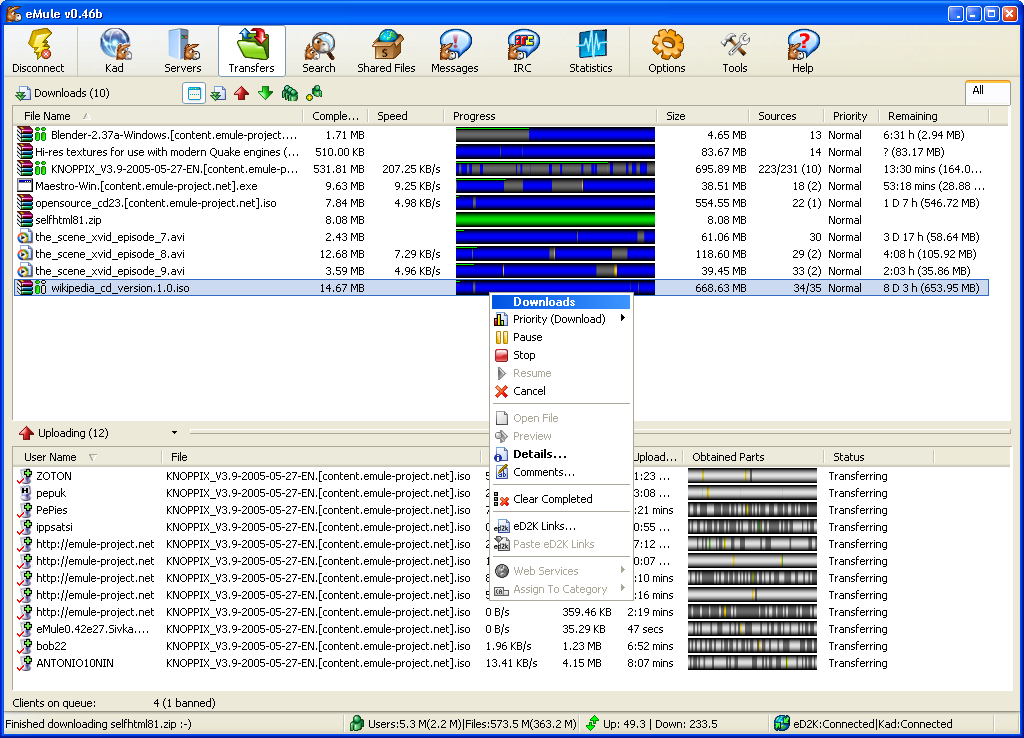
eMule is an open-source P2P file-sharing application based on the eDonkey2000 (eD2k) network protocol, currently one of the most popular eD2k clients.
Key Features:
- 100% free and open-source, no ads/spyware
- Dual-network support (eD2k + Kad) for efficient searching
- Intelligent credit system (more upload = faster download)
- File preview, auto-queue and smart corruption repair
- Multi-source downloading for large files
- Detailed statistics and speed graphs
Technical Advantages: ✓ IPv6 protocol support ✓ Built-in web interface for remote control ✓ Customizable skins and plugin system ✓ UPnP port mapping automation
Platforms: Windows/Linux (via wine)
Official Site: www.emule-project.net
Image
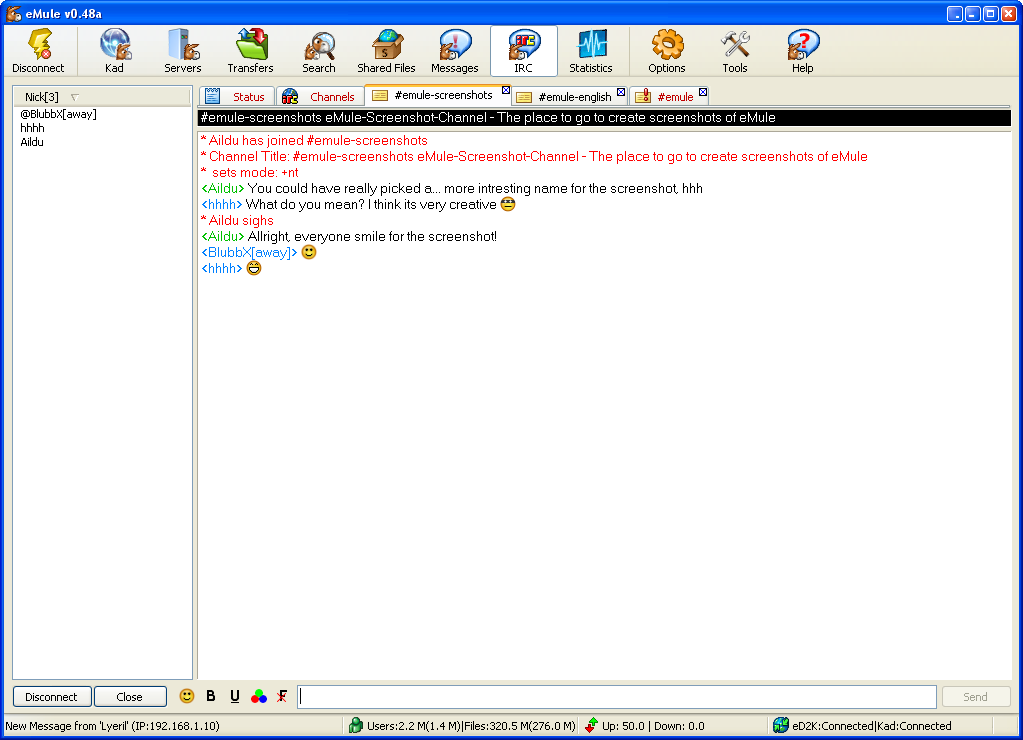
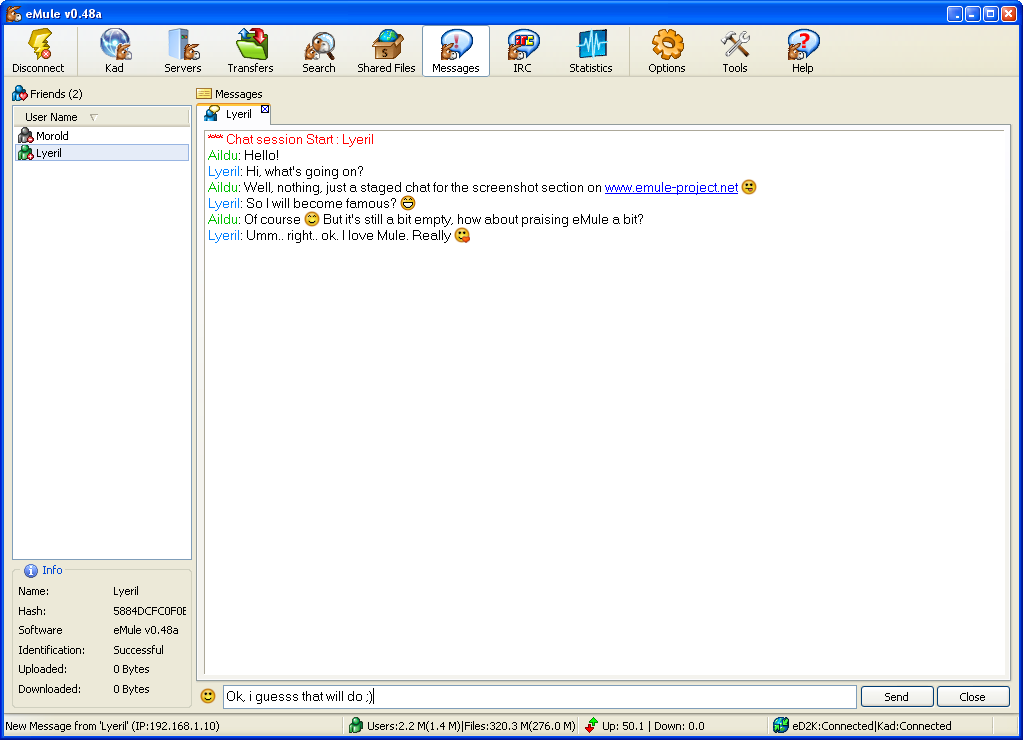
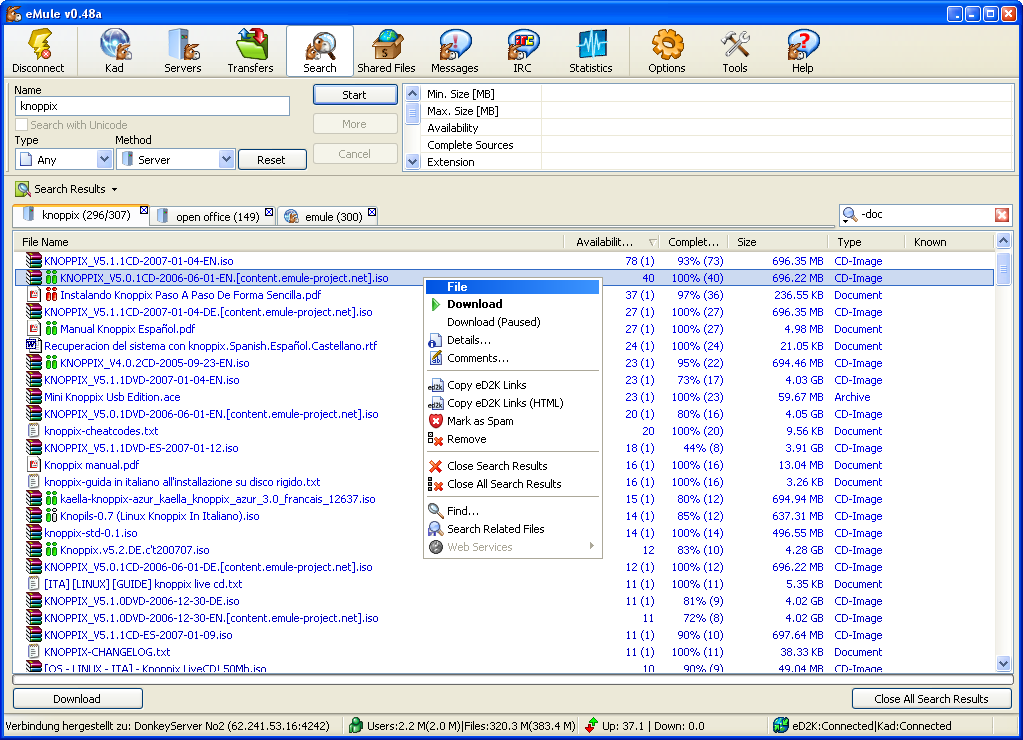
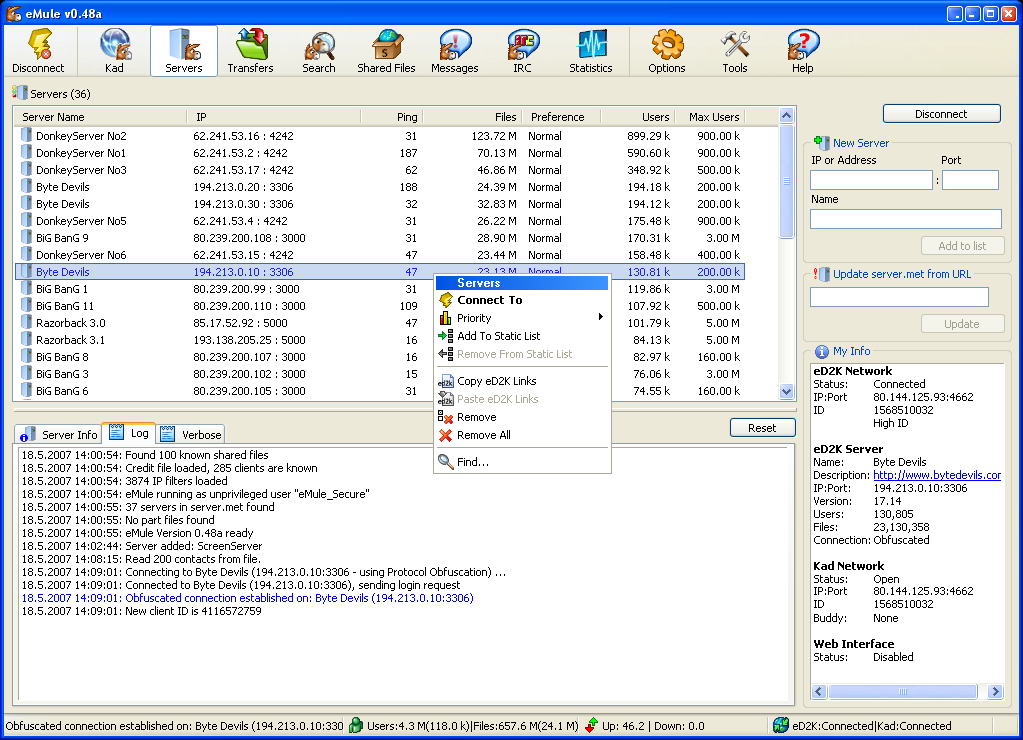
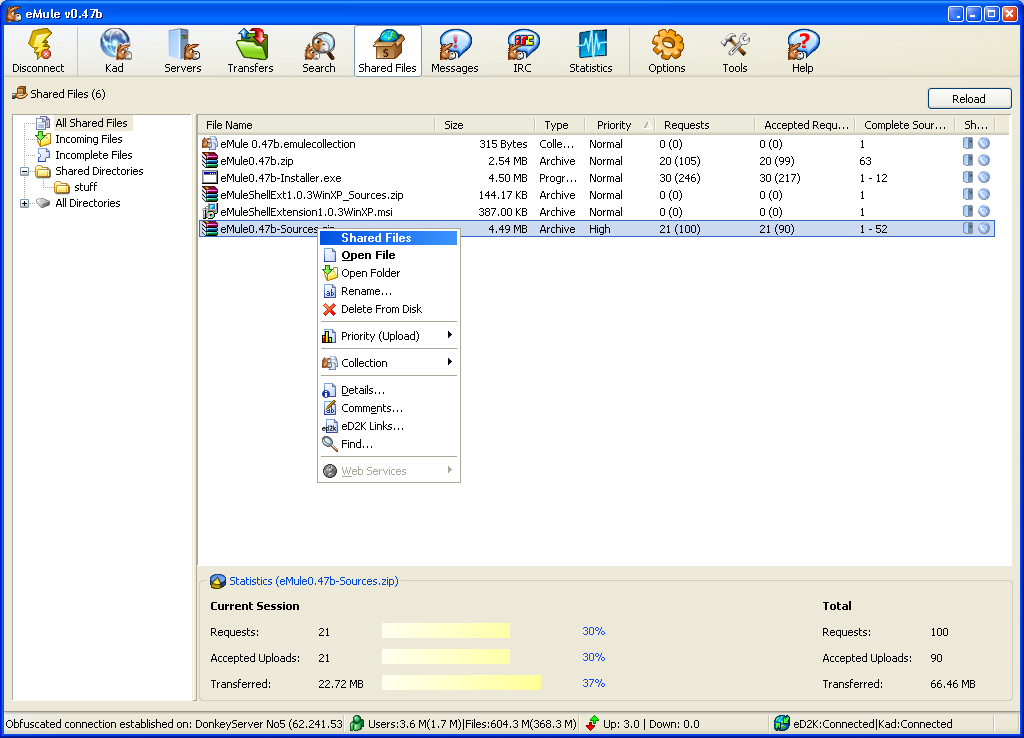
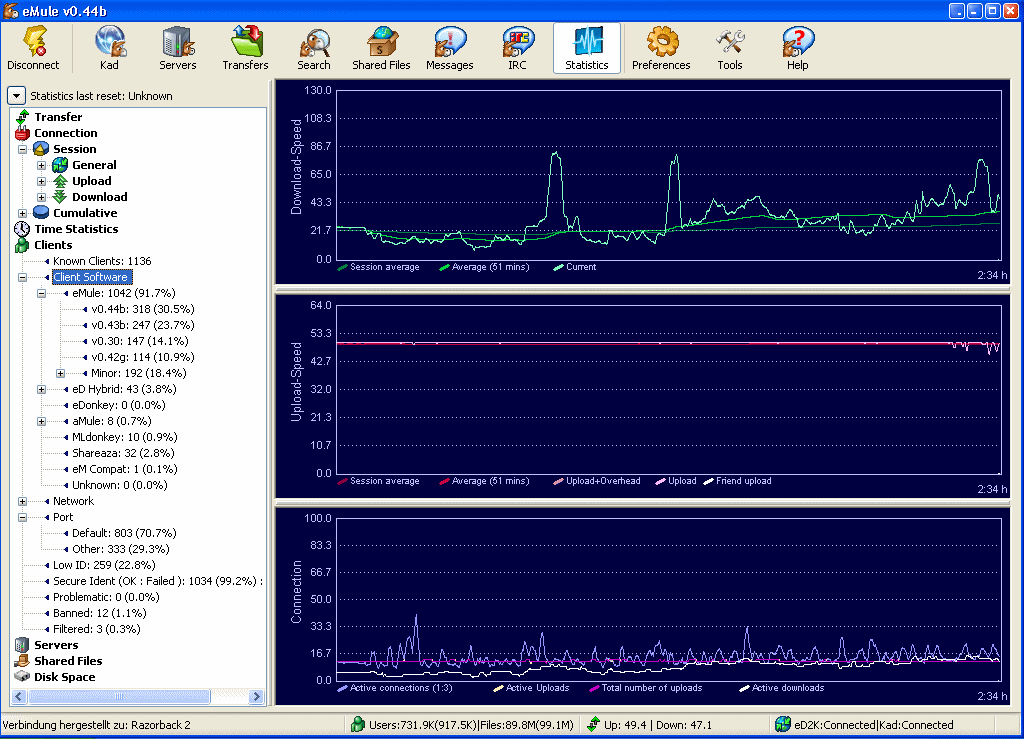
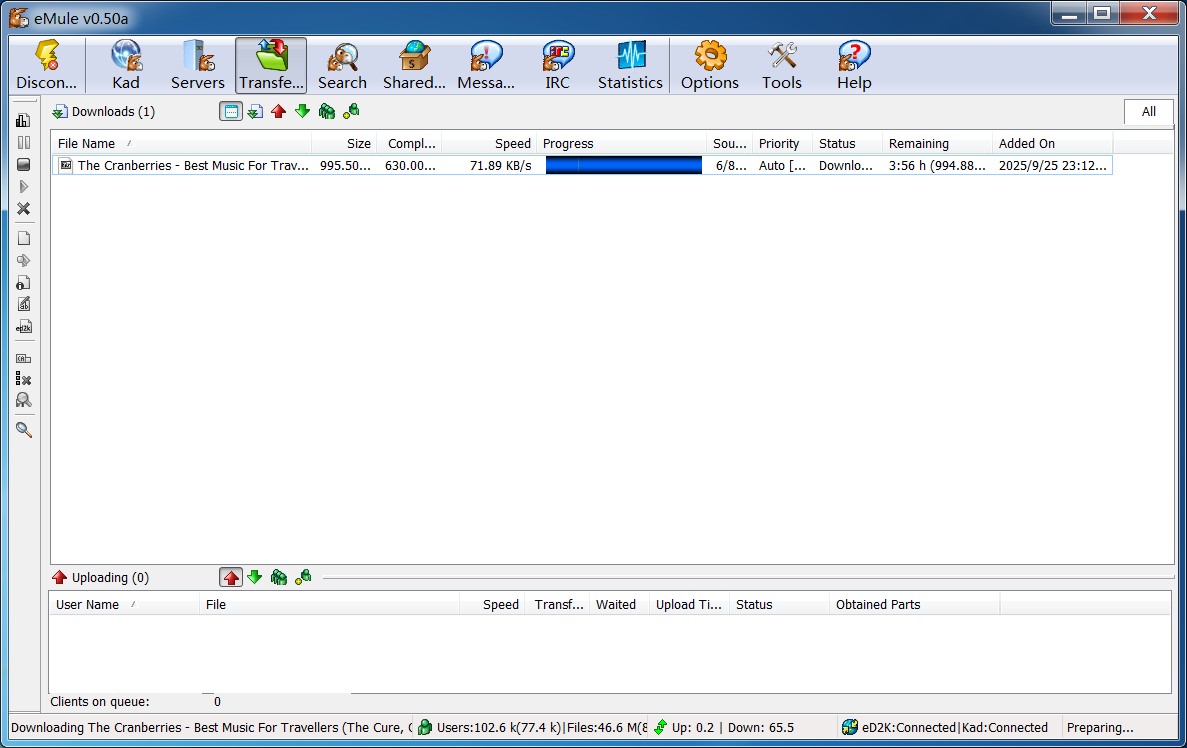
Having trouble downloading?
If you encounter any issues during the download process, refer to the following solutions:
Link invalid or incorrect How to download the ed2k link How to download the magnet link How to download the .torrent file Other problemsNote
The Relationship Between eD2k (eDonkey2000), eMule, and eDonkey
eD2k (eDonkey2000 Protocol)
A file-sharing protocol developed in 2000 by the American company MetaMachine, used to build a decentralized P2P network.- Key features: Supports chunked file downloading, hash verification (MD4), and multi-source transfer (downloading different parts of the same file from multiple users simultaneously).
eDonkey
The original official client developed by MetaMachine, supporting only the eD2k protocol. It was discontinued in 2005 due to copyright lawsuits, though the protocol continues to be used by other software.eMule
An enhanced client developed by the open-source community (launched in 2002), building upon the eD2k protocol with additional features:- Kad network (fully decentralized)
- More search options and a credit system
- Support for compressed transfers (zlib)
Reference tutorial
Connecting to Kad Nodes
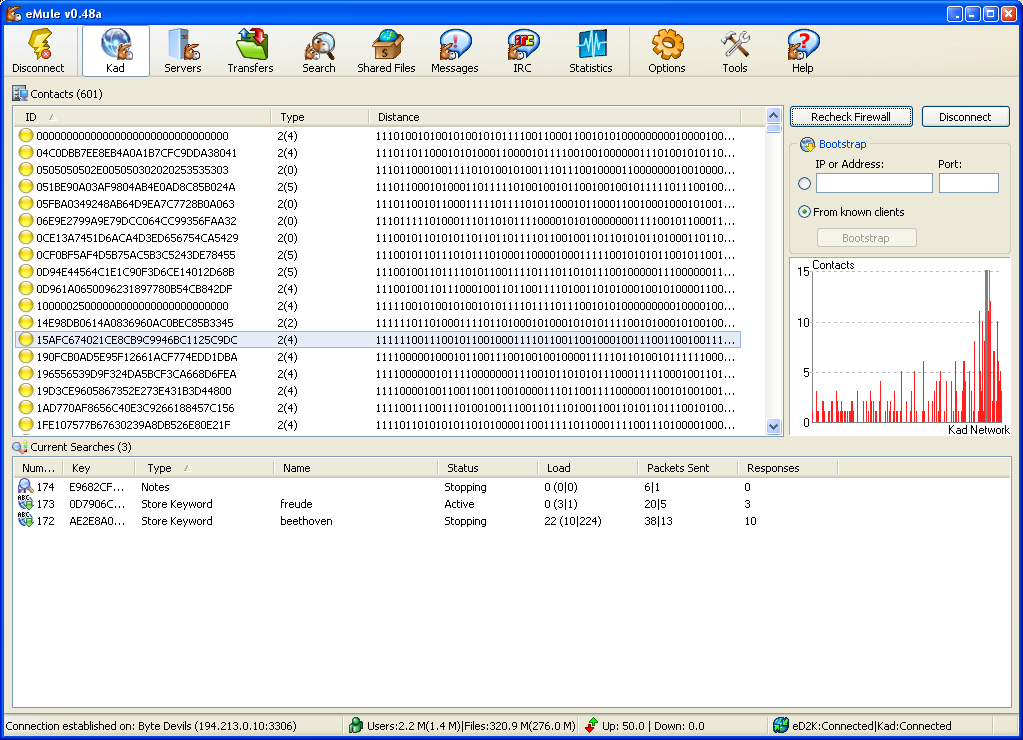
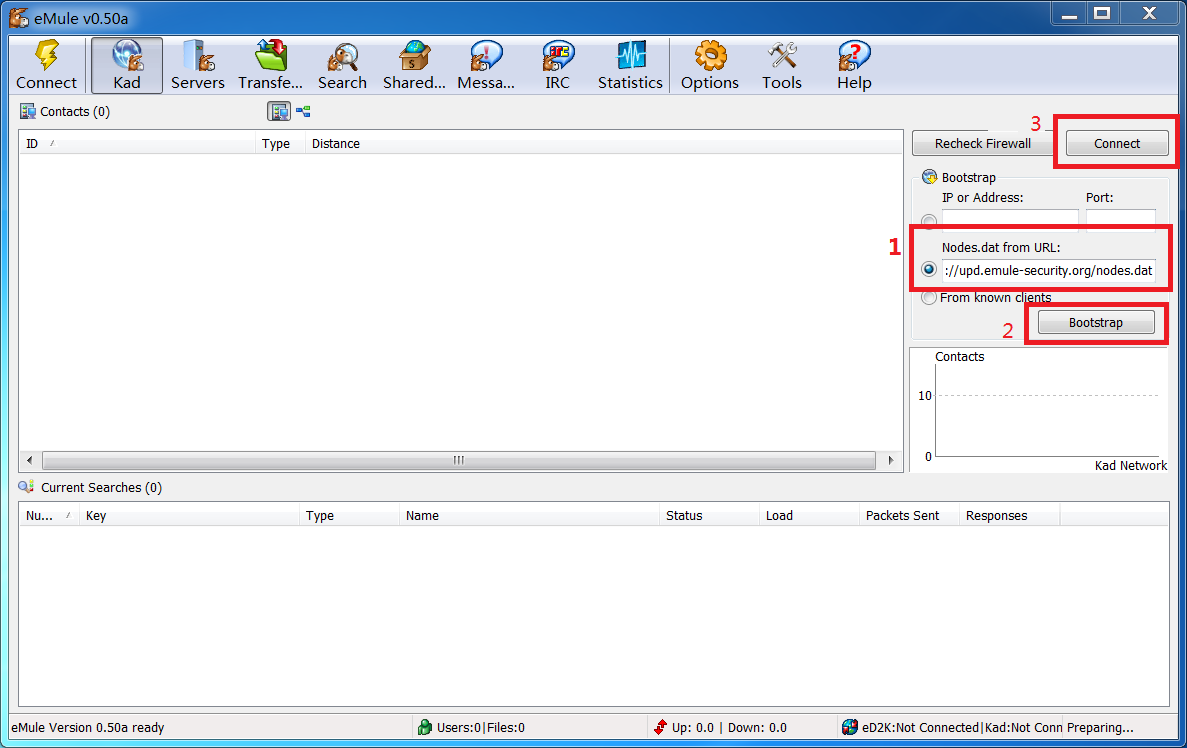
Open eMule and switch to the Kad tab. First, update the Kad nodes.
Enter the address https://upd.emule-security.org/nodes.dat on the right, then click Bootstrap to get the kad node list, and then click connect to link to the kad nodes. If you can't get the node list, you can try changing the URL from https:// to http://.
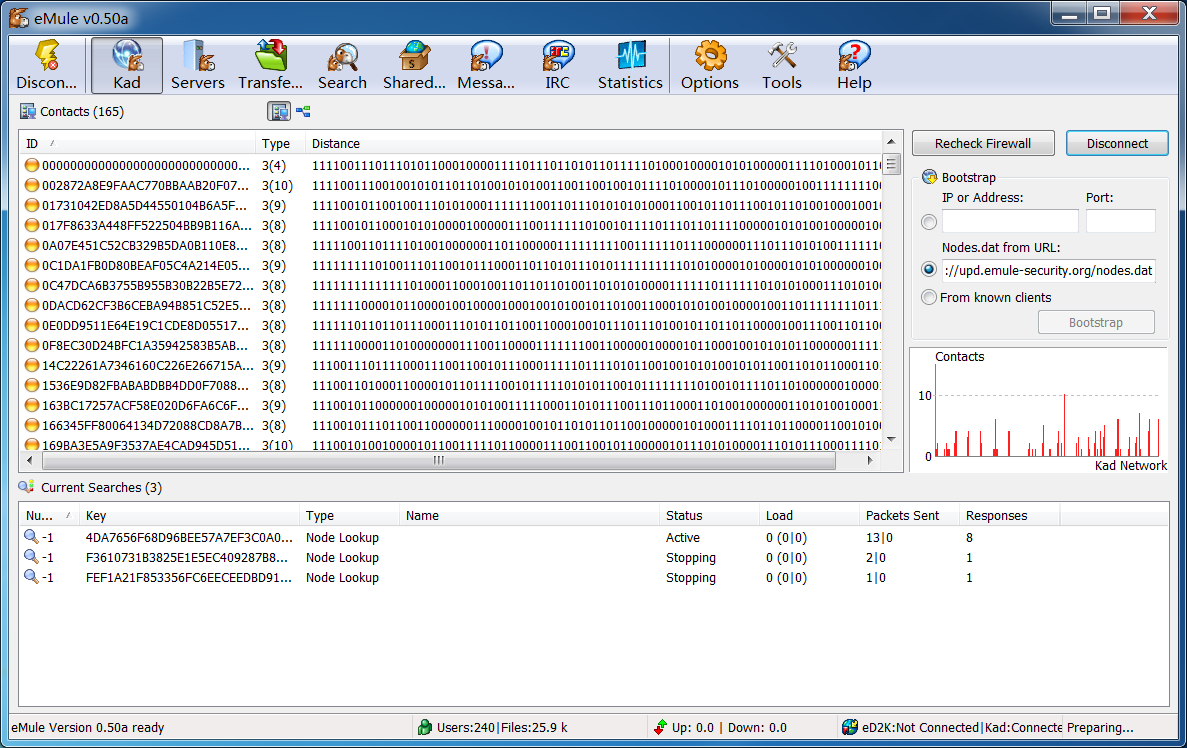
Screenshot after successfully connecting to the Kad nodes.
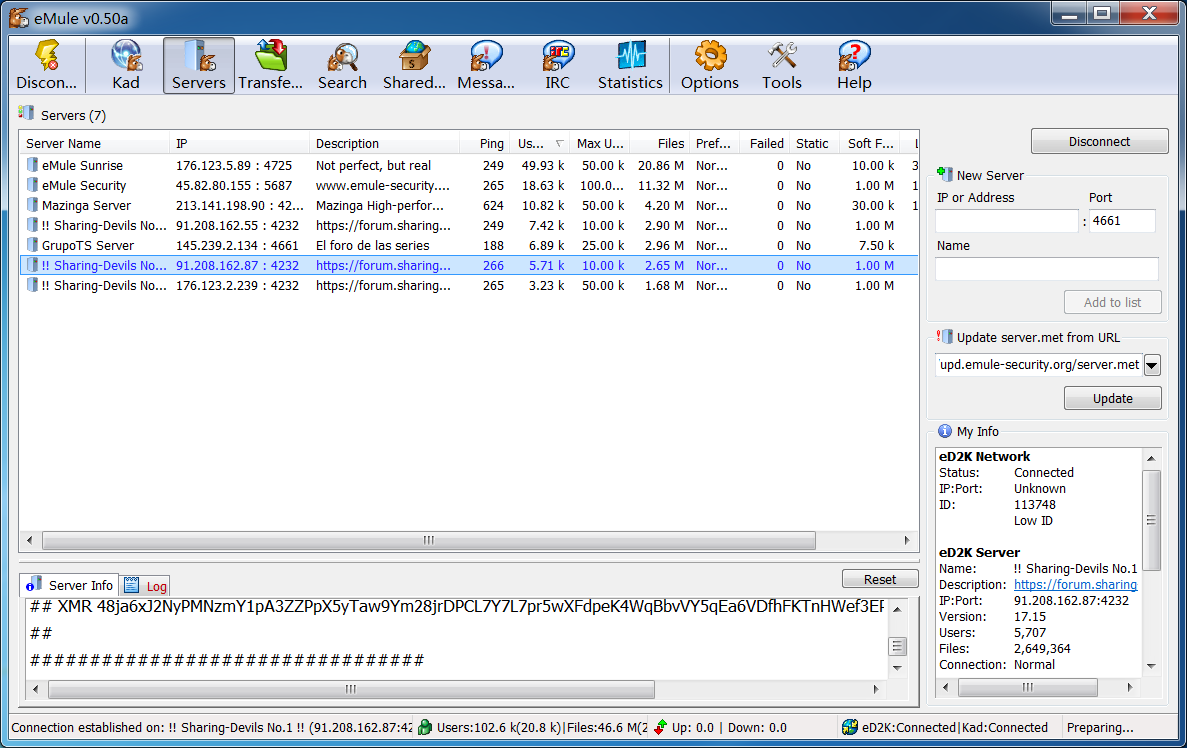
Connecting to Servers
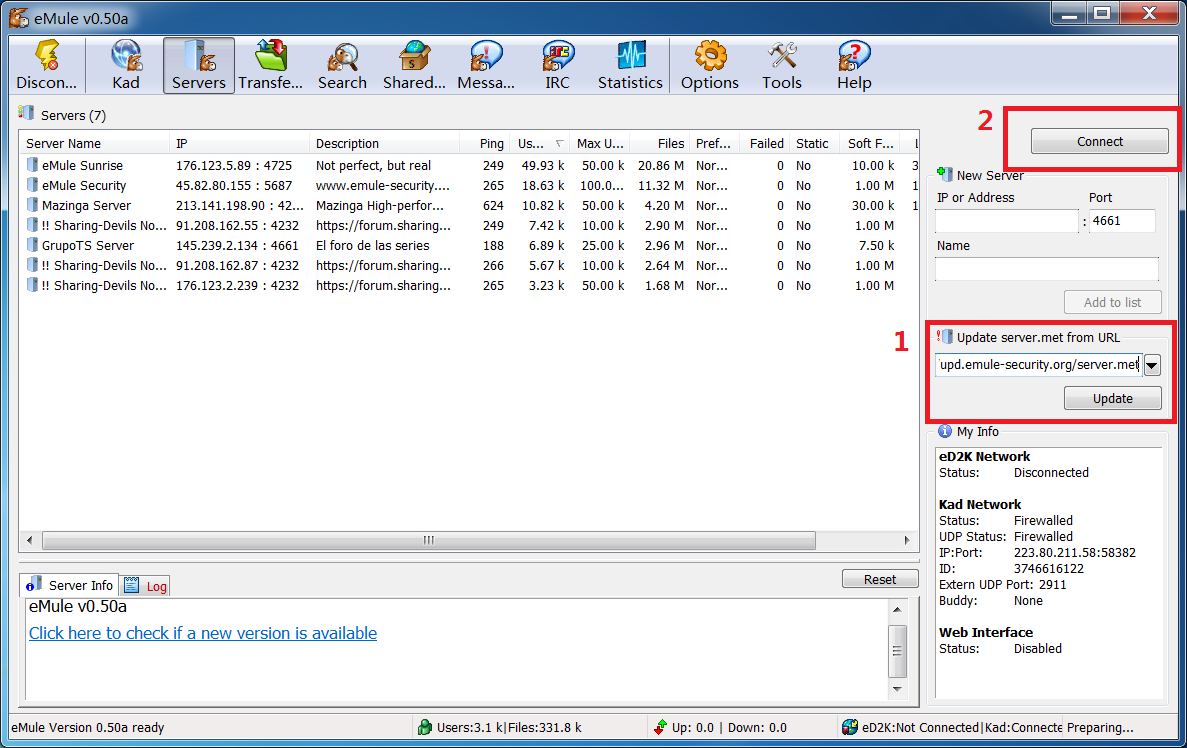
Switch to the Servers tab and update the server list.
Enter the server update address https://upd.emule-security.org/server.met on the right side, then click "Update" to refresh the list. If you can't update, you can try replacing https:// with the http:// protocol.
After the server list is updated, select a server and click "Connect" to establish a connection.
Successfully connected to a server.
Searching and Downloading Resources
After connecting to the kad node and emule public server, you can search for and download resources.
Switch to the Search tab, enter the resource name in the search box, and click "Start" to begin the search.
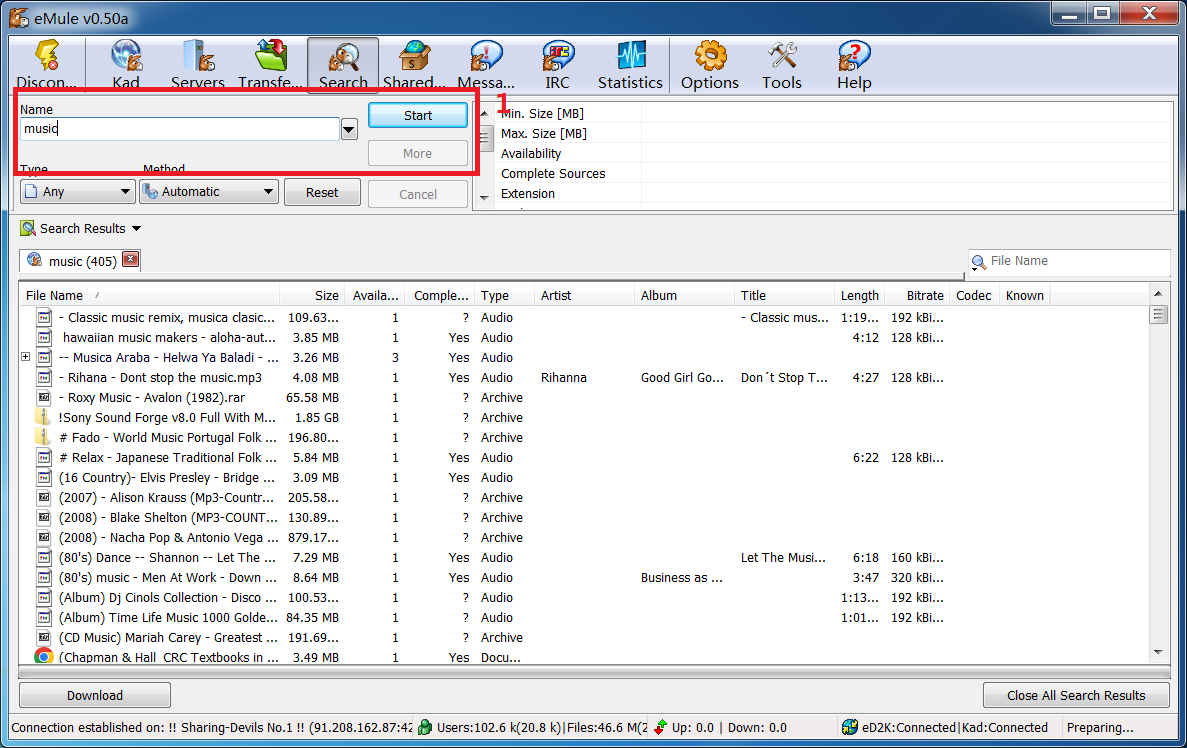
To download a found resource, simply double-click on it.