GraphicsMagick
Introduction
AI introduction
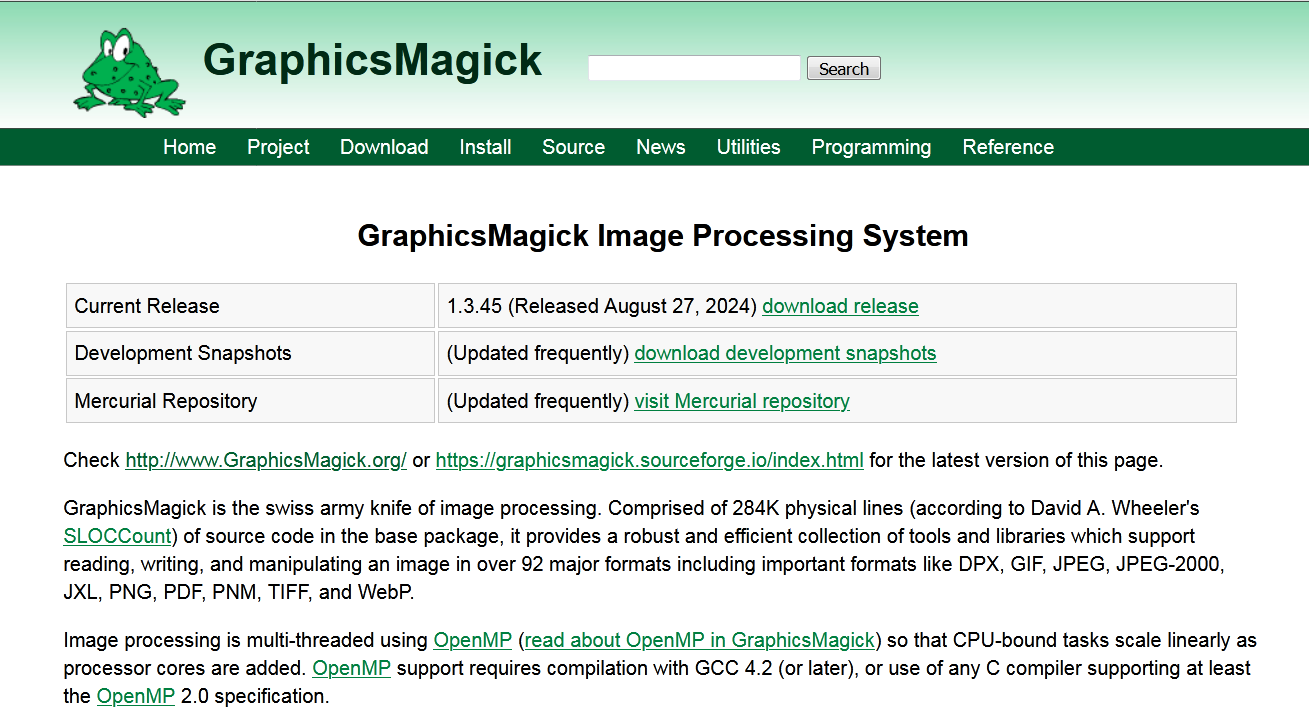
GraphicsMagick is a high-performance, cross-platform open-source image processing toolkit, optimized for batch operations and large-scale workflows. Often called the "Swiss Army knife of image processing," it originated from an early ImageMagick fork but emphasizes speed and stability, making it ideal for server-side automation.
Key Features
✅ High Performance: Faster than ImageMagick with lower memory usage.
✅ Cross-Platform: Runs on Windows, Linux, macOS, etc.
✅ Command-Line Focused: Script-friendly (Bash/Python integration).
✅ Supports 88+ Formats: JPEG, PNG, GIF, TIFF, PDF, SVG, etc.
✅ Advanced Operations:
- Resize, crop, rotate, flip
- Color adjustments (brightness, contrast, hue)
- Watermarking, text rendering
- Format conversion & compression
Use Cases
- Web Services: Auto-generate thumbnails, optimize images.
- Publishing: Batch-process high-res print files.
- Scientific Data: Analyze medical/satellite imagery.
- Photography: CLI batch editing for RAW photos.
Installation & Resources
- Website: http://www.graphicsmagick.org/
- CLI Example:
Image
Having trouble downloading?
If you encounter any issues during the download process, refer to the following solutions:
Link invalid or incorrect How to download the ed2k link How to download the magnet link How to download the .torrent file Other problems