Gimp
Introduction
AI introduction
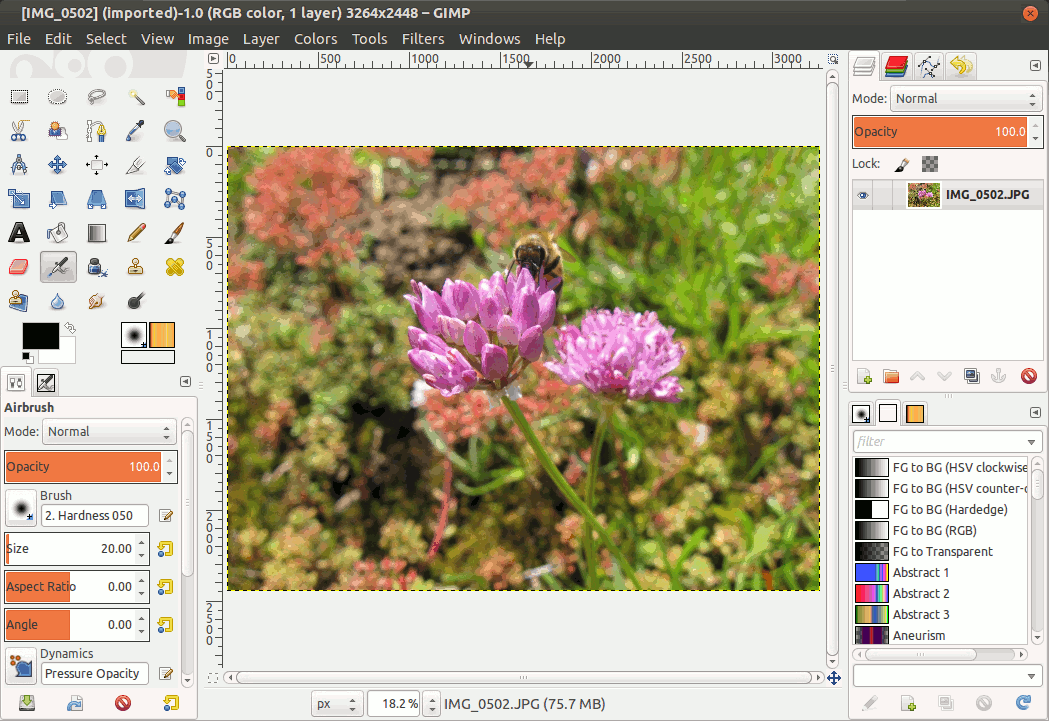
GIMP (GNU Image Manipulation Program) is a free and open-source, cross-platform image editing software, offering powerful tools for photo retouching, graphic design, digital painting, and more.
Key Features
- Free & Open-Source: Licensed under GPL, freely usable and modifiable.
- Cross-Platform: Runs on Windows, macOS, and Linux.
- Professional Tools:
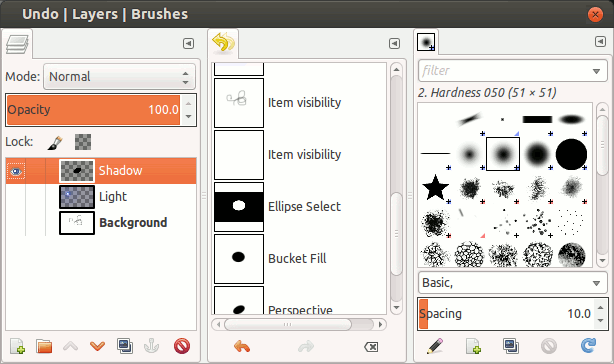
- Supports layers, masks, channels, and advanced editing.
- Offers filters and effects (e.g., blur, sharpen, distort).
- Customizable brushes, gradients, and patterns.
- Partial support for Photoshop PSD files.
- Extensible: Plugins/scripts via Python, Script-Fu, etc.
- Format Support: JPEG, PNG, GIF, TIFF, WebP, and more.
Use Cases
- Photo editing (e.g., color correction,瑕疵修复).
- Graphic design (e.g., posters, logos).
- Digital painting & illustration.
- Scientific image analysis (e.g., microscopy).
Website & Download
- Official Site: https://www.gimp.org
- Source Code: GitHub
Image
Having trouble downloading?
If you encounter any issues during the download process, refer to the following solutions:
Link invalid or incorrect How to download the ed2k link How to download the magnet link How to download the .torrent file Other problems