Age of Empires 2
Introduction
Age of Empires II: The Age of Kings Introduction
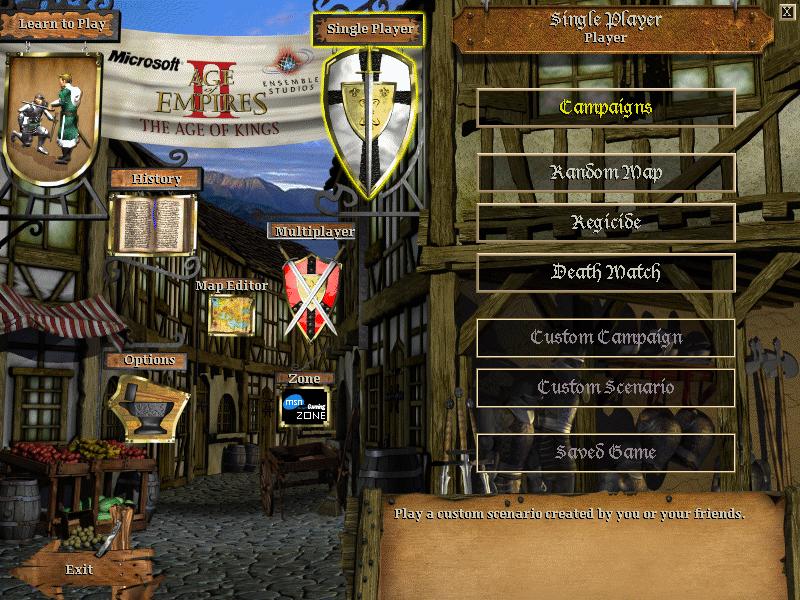
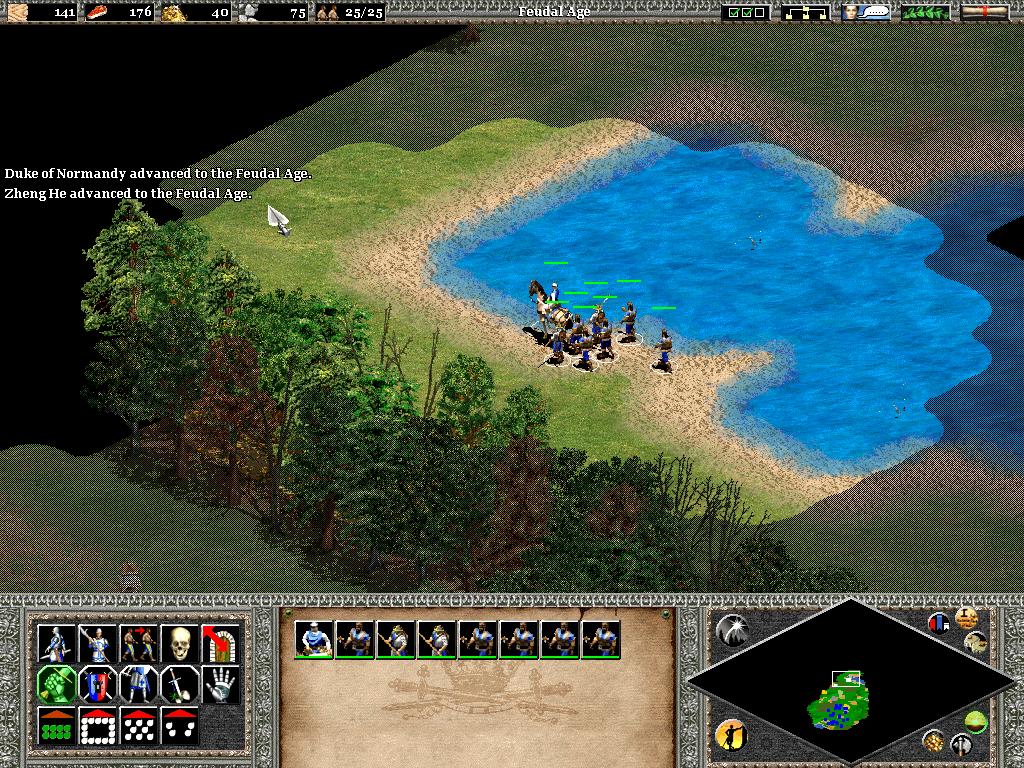
Age of Empires II: The Age of Kings is a classic real-time strategy game developed by Ensemble Studios and released by Microsoft in 1999. As the second title in the Age of Empires series, it is widely regarded as a landmark in the genre, celebrated for its historical depth, sophisticated strategy, and rich civilization diversity. It maintains a dedicated player base to this day.
Core Features:
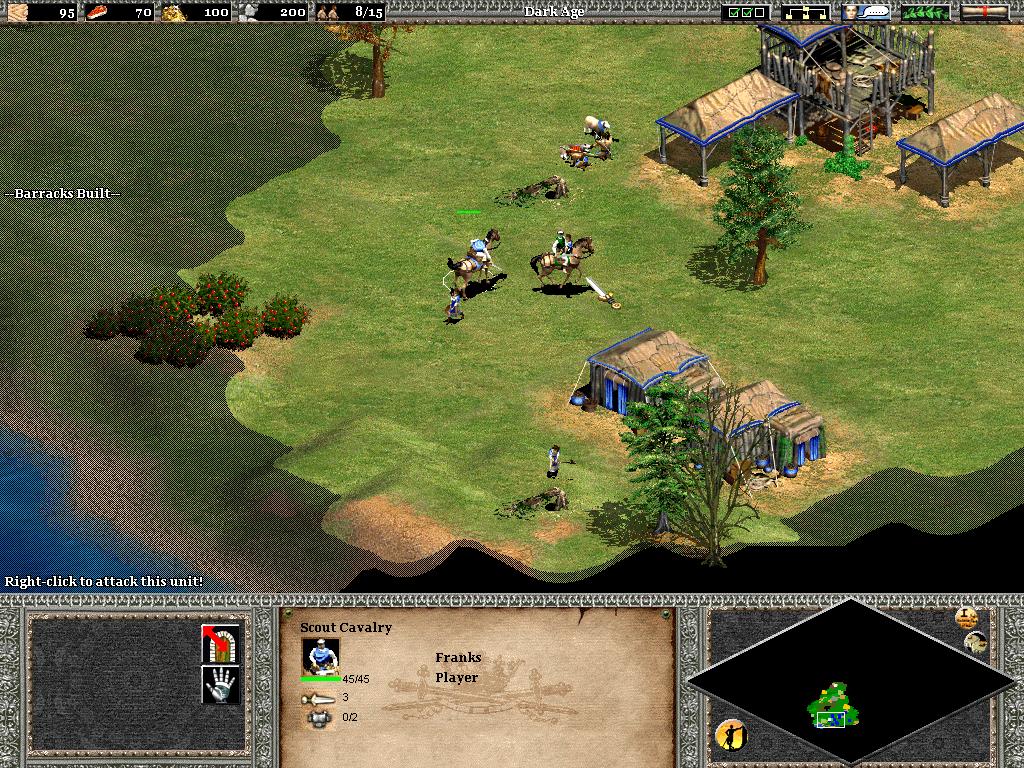
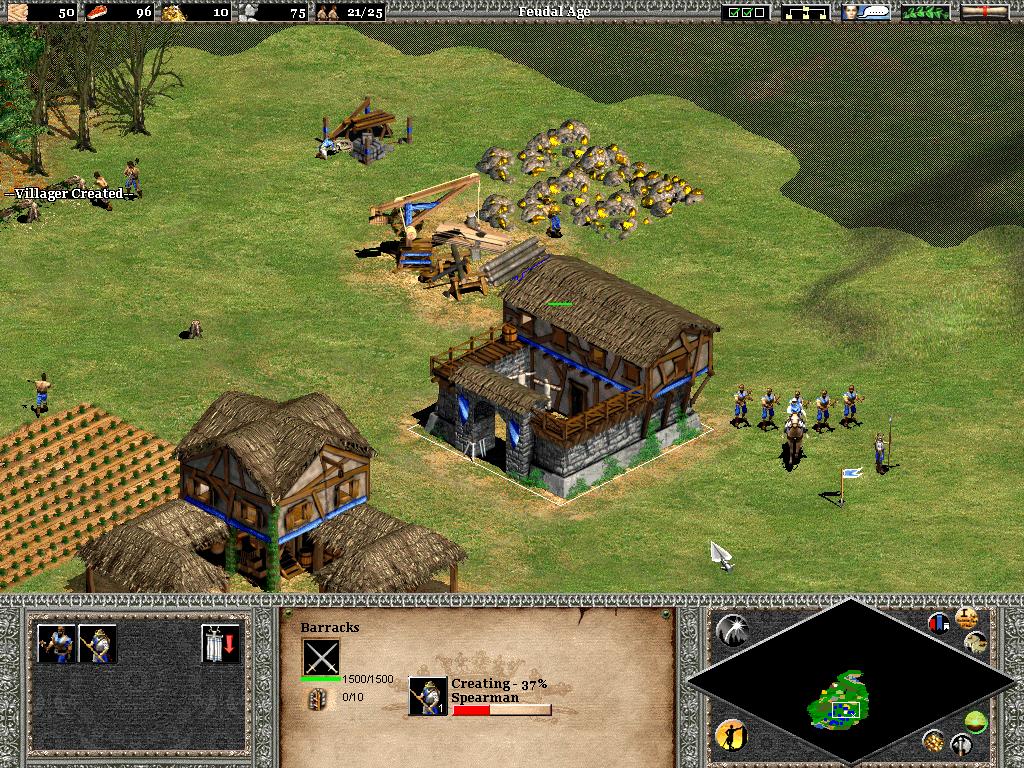
- Historical Epic: Set in the Middle Ages (approximately 500-1500 AD). Players guide a civilization through four distinct Ages: Dark Age, Feudal Age, Castle Age, and Imperial Age, each unlocking new technologies, units, and buildings.
- Diverse Civilizations: Initially features 13 unique civilizations (e.g., Britons, Franks, Mongols, Chinese, Saracens). Each civilization has unique architecture, technologies, a special unique unit (like the English Longbowman or Mongol Mangudai), and specific civilization bonuses, fostering varied tactical approaches.
- Classic "4C" Gameplay: The core loop revolves around Collecting, Building, Conquering, and Upgrading. Players must manage villagers to gather resources (Food, Wood, Gold, Stone), develop their economy, construct towns and armies, research technologies, and ultimately defeat their opponents.
- Grand Campaigns: Includes 5 extensive historical campaigns (such as Joan of Arc, Saladin, and Genghis Khan), each comprising multiple scenarios with cinematic cutscenes and historical narration, blending education with entertainment.
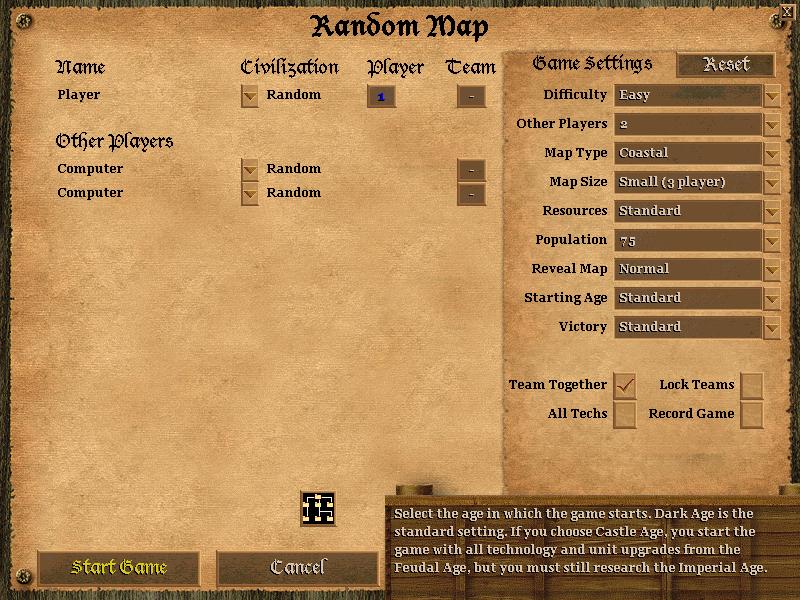
- Rich Game Modes: Supports single-player skirmishes, historical campaigns, and multiplayer (via LAN or early online services). Its strategic depth and balance made it an early staple in competitive gaming.
Legacy & Status: Age of Empires II: The Age of Kings defined the medieval RTS genre with its unmatched depth, replayability, and historical charm. Its tremendous global success spawned several expansion packs and cemented its status as an "enduring classic."
Generated by AI
Image
Get
source:
TheConquerorsExpansion:https://archive.org/details/AgeOfEmpiresIITheConquerorsExpansionUSA
TheAgeOfKings:https://archive.org/details/AgeOfEmpiresIITheAgeOfKingsUSA
Direct Download: 29ad8184-f9b6-4ea0-93f1-2f0cb8f66eb8
Having trouble downloading?
If you encounter any issues during the download process, refer to the following solutions:
Link invalid or incorrect How to download the ed2k link How to download the magnet link How to download the .torrent file Other problemsNote
This resource contains TheAgeOfKings and the expansion TheConquerorsExpansion
How to Fix the Problem of No Background Music in Age of Empires 2
Answer link: https://aok.heavengames.com/cgi-bin/forums/display.cgi?action=st&fn=26&tn=41225
Original response:
The only thing you need is the disc to be in the first CD\DVD drive (as a letter). Example: if you have 2 CD/DVD drives - F:\ and G:, the disc must be in F:. To change drive letters of your physical or virtual CD\DVD drives: right click on My Computer, select Manage->Disc Management, right click on the letter and select Change drive letter and paths.
You just need to set the Age of Empires II CD image drive as the first CD/DVD drive. You can use Disk Management to change the volume label to achieve this.
Alternatively, there is another method, which is to install the Userpatch. You can find the Age of Empires II Userpatch on this site.