Plants vs Zombies
Introduction
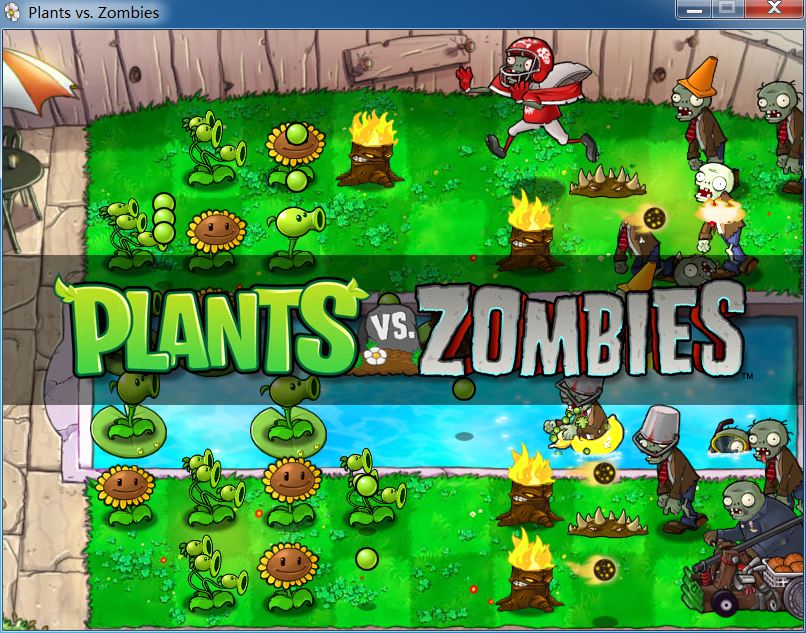
Plants vs. Zombies is a tower defense strategy game developed by PopCap Games, first released in 2009. Players defend their house from waves of zombies by planting various types of plants with unique abilities in their front yard. Combining strategy, humor, and casual gameplay, it has gained worldwide popularity.
Core Gameplay:
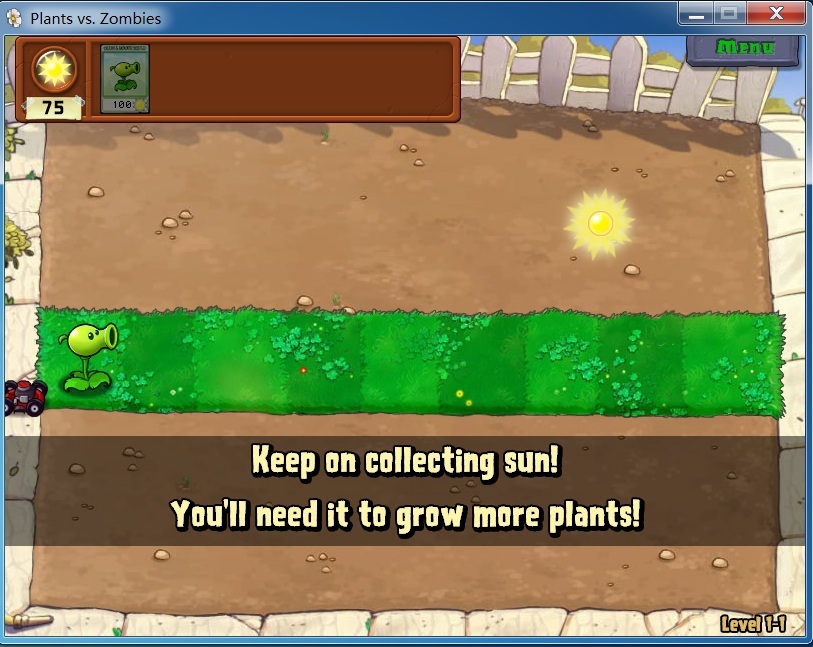
- Players collect sunlight as a resource to plant defenses against different types of zombies.
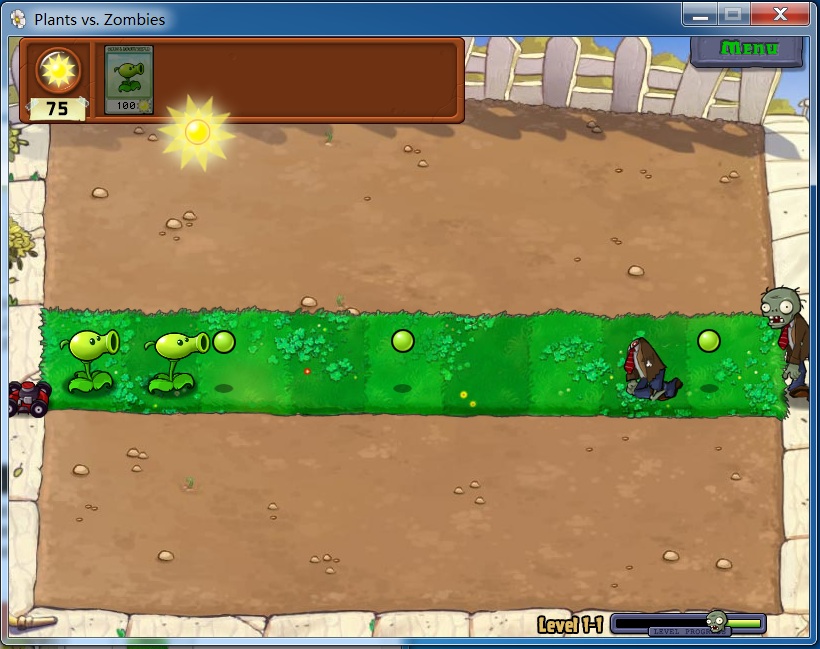
- Plants have unique abilities, such as Peashooters for ranged attacks, Cherry Bombs for area damage, and Wall-nuts for blocking.
- Zombies possess distinct traits, such as Conehead Zombies with extra protection and Dancing Zombies that summon backups.
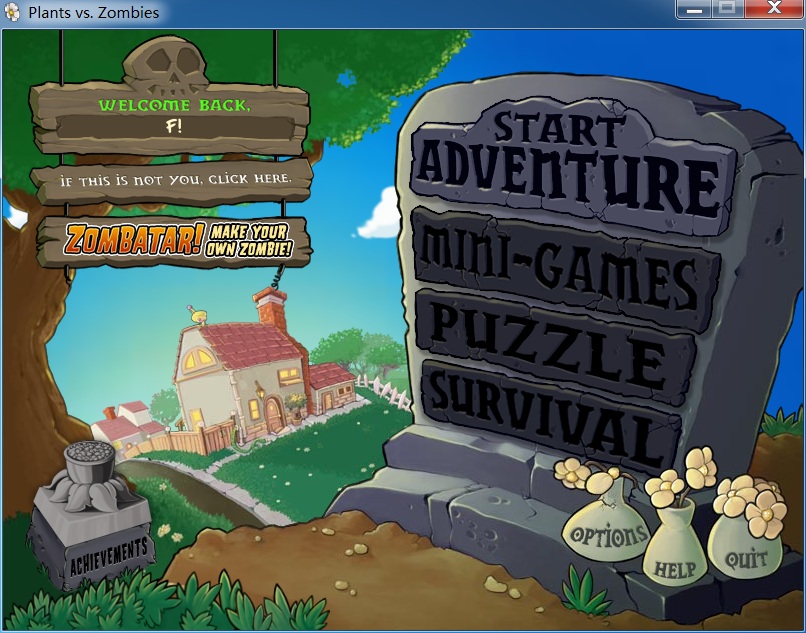
- The game includes Adventure Mode, Mini-games, Puzzle Mode, and Survival Mode.
Features:
- Cartoonish and humorous art style with lively character designs.
- Cheerful and catchy music that complements the gameplay.
- Level design progresses from easy to challenging, offering both fun and strategic depth.
Legacy: The game has become a pop culture icon, spawning sequels, animated series, and a wide range of merchandise.
Generated by AI
Image
Get
source:http://jspvz.com/download.htm
Direct Download: b512ade7-3f34-4b13-9df5-26621949bfd5
Having trouble downloading?
If you encounter any issues during the download process, refer to the following solutions:
Link invalid or incorrect How to download the ed2k link How to download the magnet link How to download the .torrent file Other problemsNote
Frequently Asked Questions
Issue: On Windows 10, launching Plants vs. Zombies triggers a "Fatal Error" pop-up window, preventing the game from running.
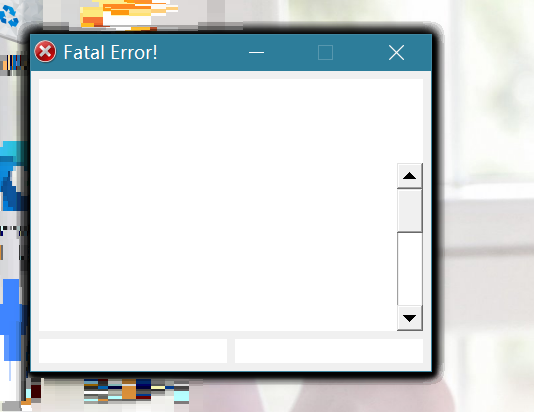
Solution:
- In the Windows 10 search box, type
regeditand open the Registry Editor program.

Navigate to and expand the following key:
HKEY_CURRENT_USER\Software\PopCap\PlantsVsZombiesOn the right side, modify the value of the
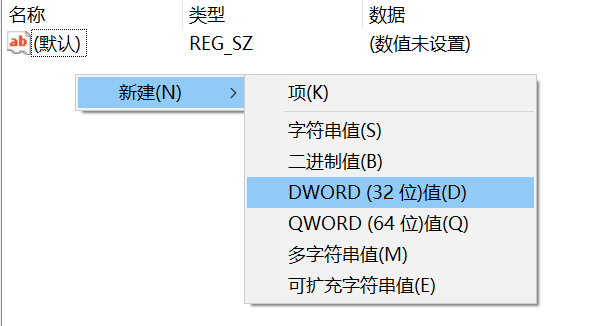
ScreenModeentry to0. You can double-click the entry to change its value.If the
ScreenModeentry does not exist, right-click in a blank area, select New, choose DWORD (32-bit) Value, name itScreenMode, and set its value to0.
Game Window Is Too Small
If the game opens but the window appears too small, you can adjust your system display resolution. Lowering the system resolution can make the game window appear larger.