Red Panda Dev-C++
Introduction
AI Introduce
Red Panda Dev-C++ (formerly Dev-C++) is a free, open-source C/C++ IDE for Windows. It is a modernized fork of the classic Dev-C++, retaining its lightweight nature while improving the interface and functionality.
Key Features:
- Lightweight:
- Small size, fast startup, ideal for education and small projects.
- Compatibility:
- Supports C/C++ (including C++11/14/17 standards) with built-in MinGW/GCC compiler.
- User-Friendly:
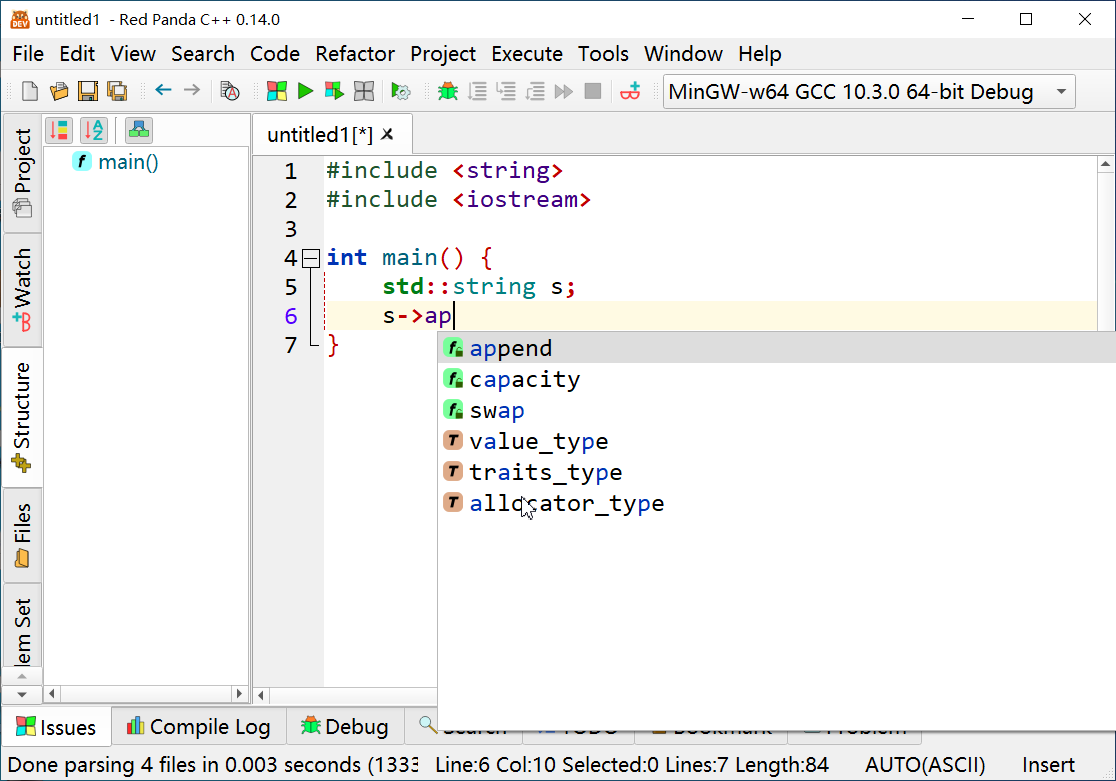
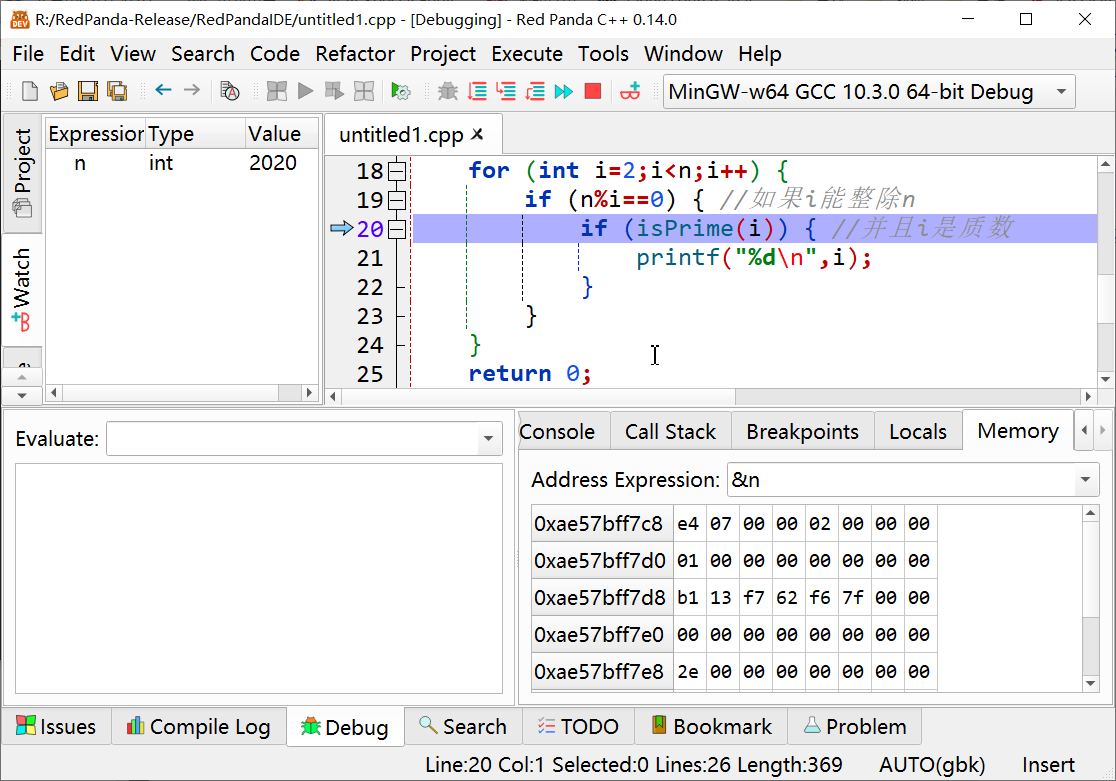
- Clean UI, syntax highlighting, code completion, and debugging (GDB support).
- Extensible:
- Multi-language support (including Chinese), code templates, and plugins (e.g., version control).
Use Cases:
- Beginners learning C/C++ programming.
- Quick coding for small programs or algorithm testing.
Image
Having trouble downloading?
If you encounter any issues during the download process, refer to the following solutions:
Link invalid or incorrect How to download the ed2k link How to download the magnet link How to download the .torrent file Other problemsNote
In the Chinese version of the system, Red Panda Dev-C might add the -finput-charset=UTF8 and -fexec-charset=gbk parameters when compiling and running programs.-finput-charset=UTF8 means that the source file input is interpreted as UTF-8 encoding, and -fexec-charset=gbk specifies that the character constants in the program will be encoded as GBK.
This is likely done to ensure that older CMD can correctly display Chinese characters using GBK encoding. However, modern Windows CMD now supports UTF-8 encoding, so this parameter is no longer necessary.
If your program requires UTF-8 encoded strings, this parameter can cause issues.For example, in a GTK program, using
g_print("你好\n");
will result in garbled Chinese characters because the UTF-8 encoded Chinese string is converted to GBK, which GTK cannot use.
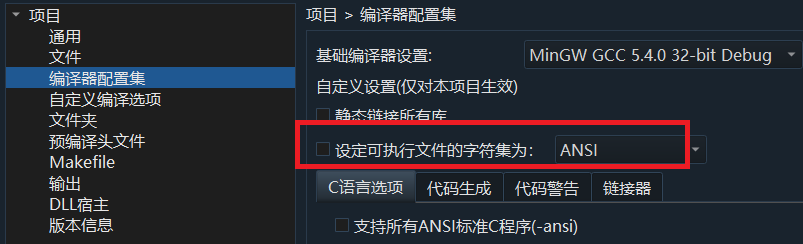
Therefore, the solution is to remove this parameter. The way to do this is to go to the project's properties, in the compiler configuration set, and uncheck "设置可执行文件字符为ANSI" directly.