CodeLite
Introduction
CodeLite is a free, open-source, cross-platform Integrated Development Environment (IDE) designed specifically for the C, C++, PHP, and JavaScript (primarily Node.js) programming languages. It is renowned for being lightweight, fast, and offering robust support for C/C++ development, earning particular praise on Linux systems, while also providing excellent support for Windows and macOS.
Core Features & Characteristics:
Excellent C/C++ Support:
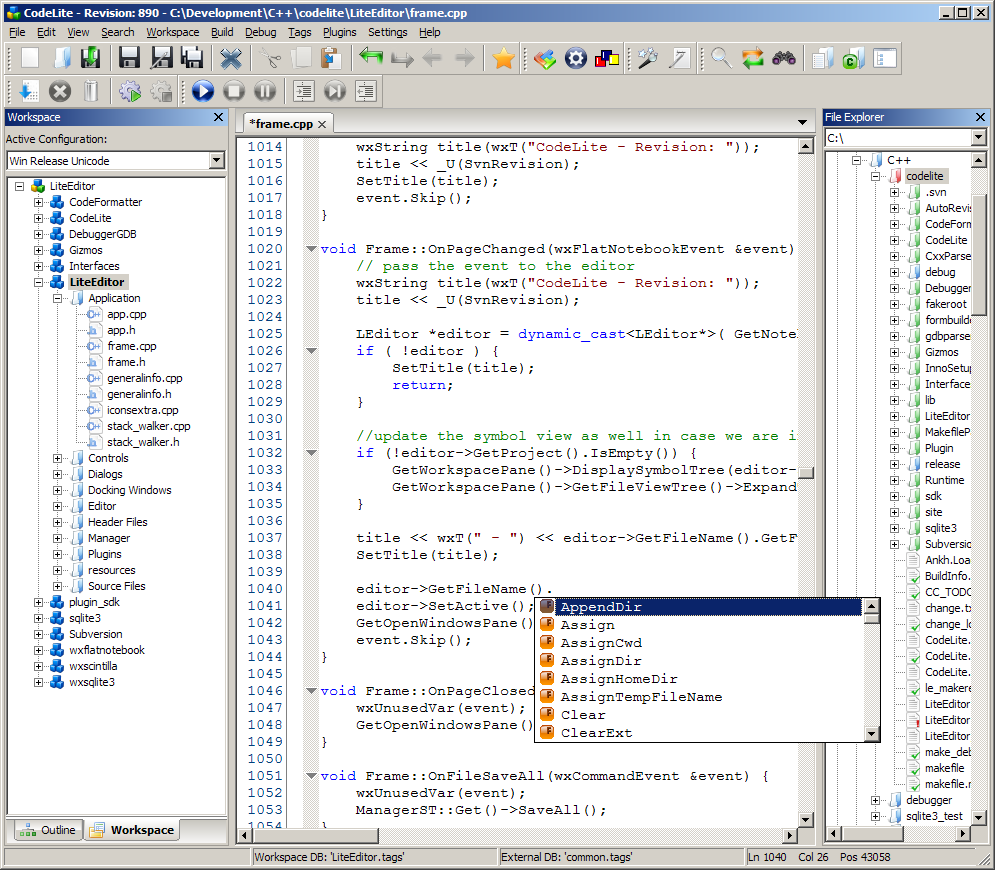
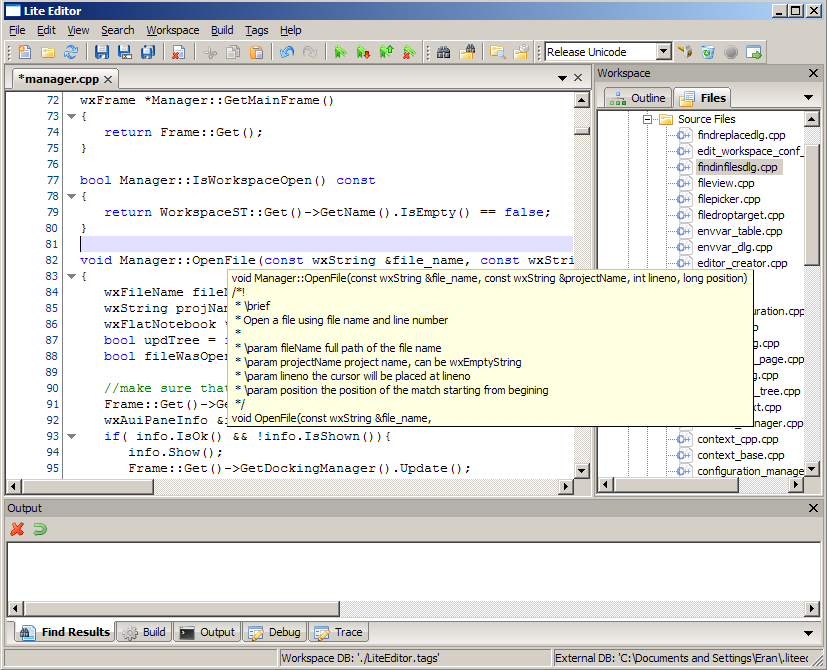
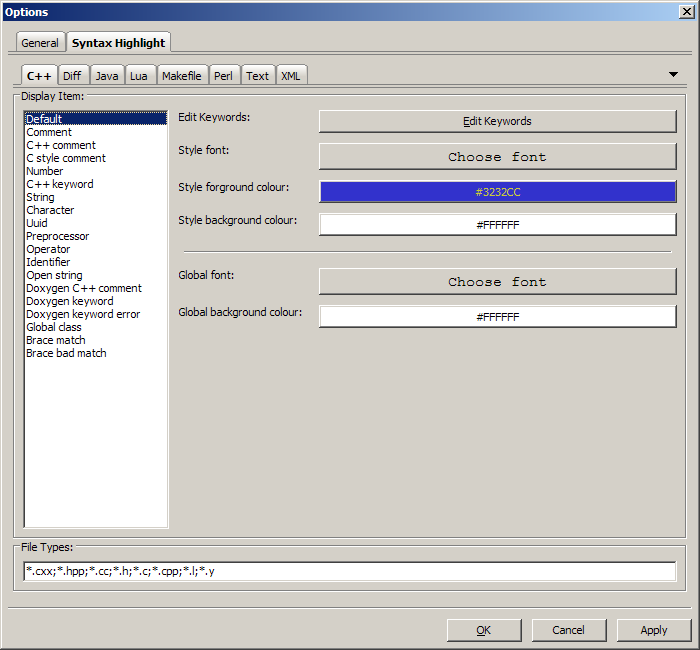
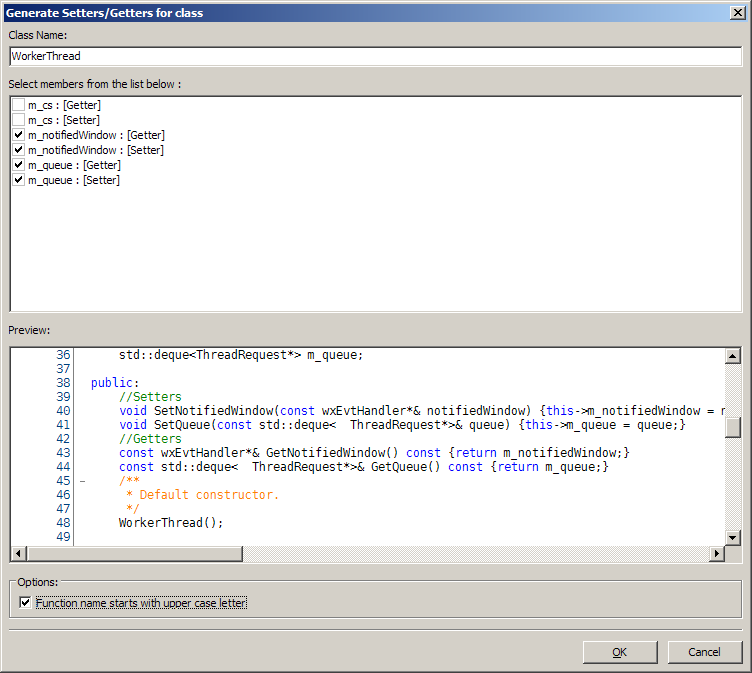
- This is CodeLite's core strength. It offers deeply integrated features like powerful code completion, syntax highlighting, refactoring (rename symbol, extract function, etc.), code navigation, and a Clang-based code analyzer that provides accurate hints and error detection.
Cross-Platform Consistency:
- Delivers a nearly identical user experience and feature set on Windows, macOS, and various Linux distributions, making it ideal for cross-platform project development.
Integrated Powerful Debugger:
- Features excellent built-in support for GDB (GNU Debugger) and LLDB. It provides an intuitive GUI for debugging operations like setting breakpoints, inspecting variables and call stacks, and viewing memory and disassembly.
Supports Multiple Compilers:
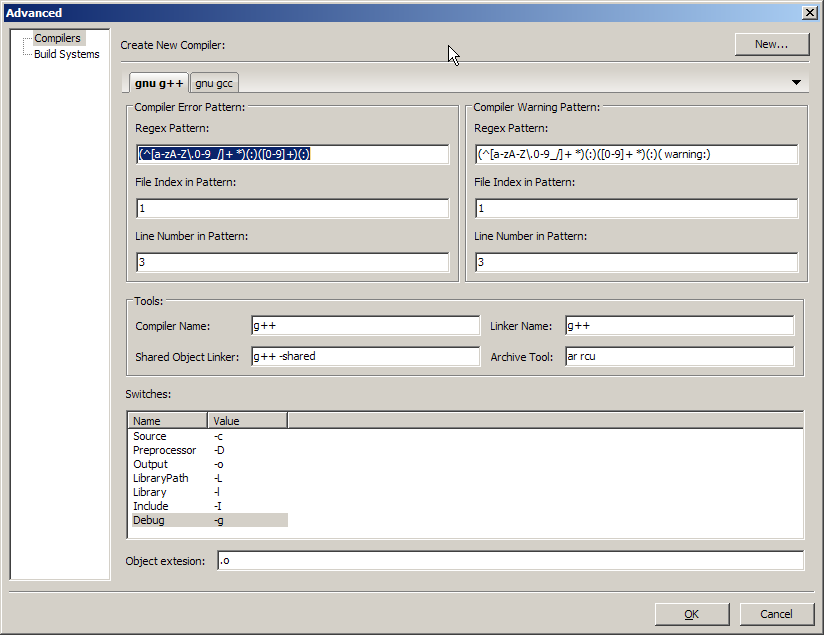
- Similar to Code::Blocks, CodeLite is not tied to a specific compiler. It supports various compilers like GCC (MinGW), Clang, MSVC++ (Visual Studio compiler), allowing users the freedom to configure their preferred toolchain.
Workspace & Project Management:
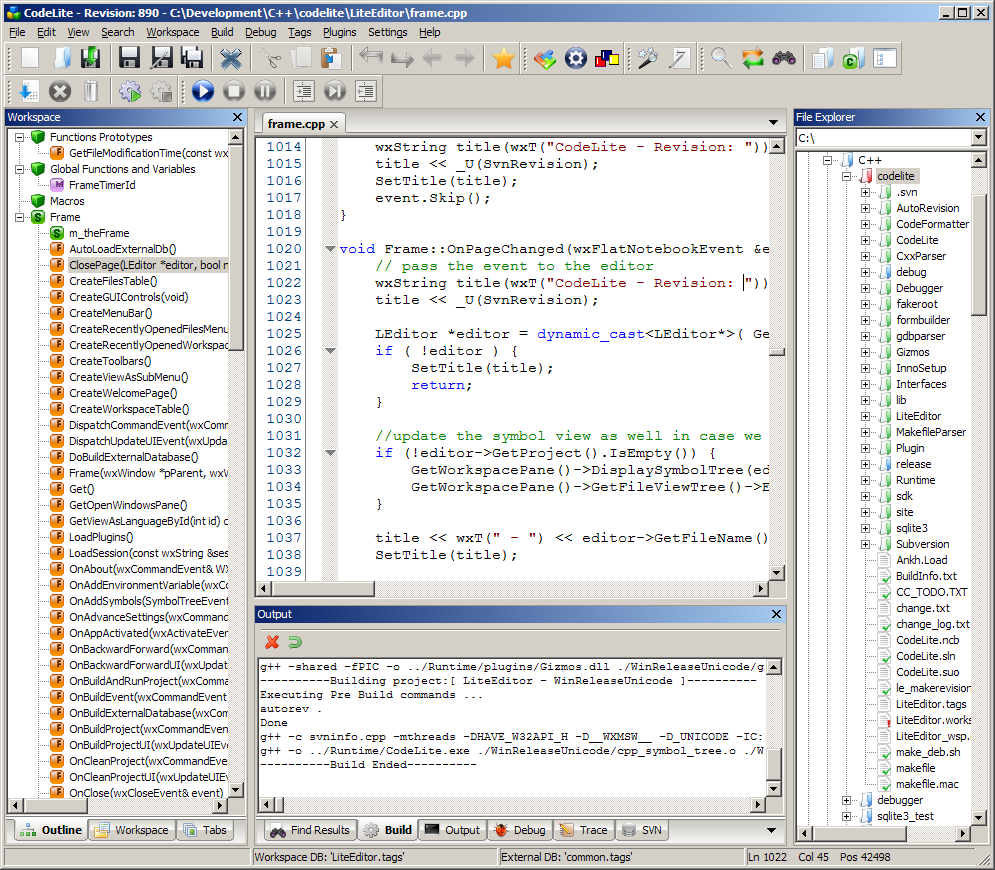
- Uses a Workspace to manage multiple projects, which is excellent for large-scale development work. It supports importing existing projects or generating different project types (executable, static library, dynamic library).
Built-in Tools:
- Includes many practical tools, such as an SFTP plugin for remote development, a Database Explorer, source code formatter (Astyle), Valgrind integration (for memory leak detection), and more.
Lightweight & Fast:
- Compared to large IDEs like Visual Studio, CodeLite starts up faster and consumes fewer system resources while still offering powerful functionality.
Pros & Cons:
Pros:
- Completely Free and Open Source: Licensed under GPLv2, free for any use.
- Powerful and Professional: Its code analysis, refactoring, and debugging features are mature enough for professional development needs.
- Focus on C++: Unlike "kitchen-sink" IDEs like Eclipse or NetBeans, it focuses deeply on the C/C++ domain, offering a purer experience.
- Active Development: Development is very active, with regular releases that continually improve features and fix bugs.
Cons:
- Learning Curve: Its rich feature set and numerous configuration options might make it slightly more complex for absolute beginners compared to Code::Blocks.
- UI Polish: The user interface is functional but less modern in appearance compared to some commercial IDEs or VS Code.
- Limited Other Language Support: While it supports PHP and Node.js, its core strength and development focus remain squarely on C/C++.
In summary: CodeLite is a severely underrated, professional-grade IDE for C/C++ development. It strikes an excellent balance between features, performance, and resource usage. It is an outstanding choice for C/C++ developers who find Visual Studio too bulky, Code::Blocks a bit lacking, and desire a more deeply integrated experience than a pure text editor (like VS Code) can provide. It is especially beloved by Linux C++ developers.
Generated by AI
Image
Get
official website:https://codelite.org/
github:https://github.com/eranif/codelite/releases
Direct Download: 44bb5cbe-bfc4-465a-b785-68b78cfe5141
Having trouble downloading?
If you encounter any issues during the download process, refer to the following solutions:
Link invalid or incorrect How to download the ed2k link How to download the magnet link How to download the .torrent file Other problems