CodeBlocks
Introduction
Code::Blocks is a free, open-source, cross-platform Integrated Development Environment (IDE) designed primarily for the C, C++, and Fortran programming languages. It is renowned for its high customizability, lightweight nature, and support for multiple compilers, making it a popular choice among students, beginners, and seasoned developers alike.
Core Features & Characteristics:
Cross-Platform Support:
- Runs perfectly on Windows, Linux, and macOS operating systems, providing a consistent development experience across platforms.
Pure & Customizable:
- Code::Blocks is built on a philosophy of a "everything is a plugin" extensible framework. Its core is very minimalistic; most features (including compilation, debugging, version control) are implemented as plugins. Users can enable or disable features as needed, creating a development environment tailored to their preferences.
Supports Multiple Compilers:
- This is one of its greatest strengths. It is not tied to any specific compiler but can be configured to use numerous ones, such as:
- GCC (MinGW/GNU GCC): The preferred choice on Windows and Linux.
- Microsoft Visual C++ (MSVC): Supports using the Visual Studio compiler.
- Clang: Supports using the LLVM Clang compiler.
- Digital Mars, Borland C++, and others.
- Users can specify different compilers for different build targets within the same project.
- This is one of its greatest strengths. It is not tied to any specific compiler but can be configured to use numerous ones, such as:
Integrated Debugger:
- Has built-in support for GDB (GNU Debugger), offering full debugging capabilities like setting breakpoints, viewing call stacks, inspecting variables, and watchpoints.
Project Management & Build System:
- Uses its own Code::Blocks project files (.cbp) to manage projects and the build process. It also supports importing Dev-C++ and Microsoft Visual Studio project files.
Code Editing & Navigation:
- Provides useful features like syntax highlighting, code completion, a class browser, code folding, and symbol navigation to enhance coding efficiency.
Pros & Cons:
Pros:
- Completely Free and Open Source: No cost or subscription fees.
- Lightweight and Fast: Starts and runs faster compared to large IDEs like Visual Studio.
- Compiler Agnostic: Freedom to choose the most suitable compiler toolchain.
- Active Community: Has an active community that provides support and plugin development.
Cons:
- Weaker IntelliSense: Its code completion and navigation features are somewhat inferior to commercial IDEs like Visual Studio or CLion.
- Dated Interface: The user interface (UI) is relatively simple and less modern than some newer IDEs.
- Requires Manual Configuration: Although it comes with installers that bundle MinGW, sometimes manual configuration of compiler paths and other tools is required, which can be a hurdle for beginners.
In summary: Code::Blocks is a powerful, flexible, and free C/C++ IDE. It is particularly well-suited for educational purposes, cross-platform development, and developers who prefer to manually configure and control their development environment. While it may lack some advanced features of paid IDEs, its open-source, free, and highly customizable nature secures its firm position within the open-source community.
Generated by AI
Image
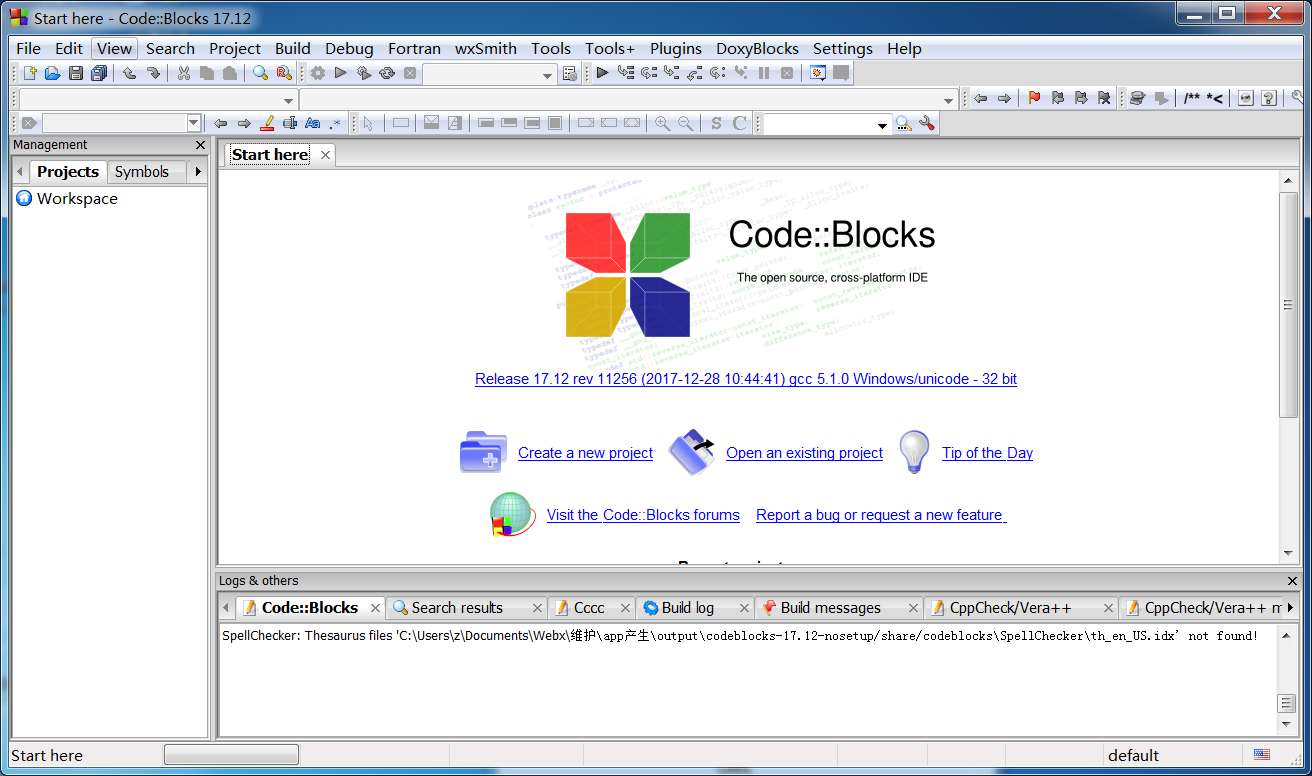
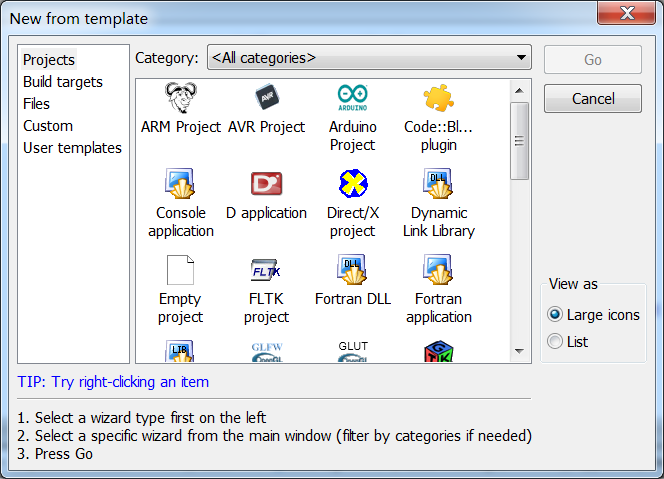
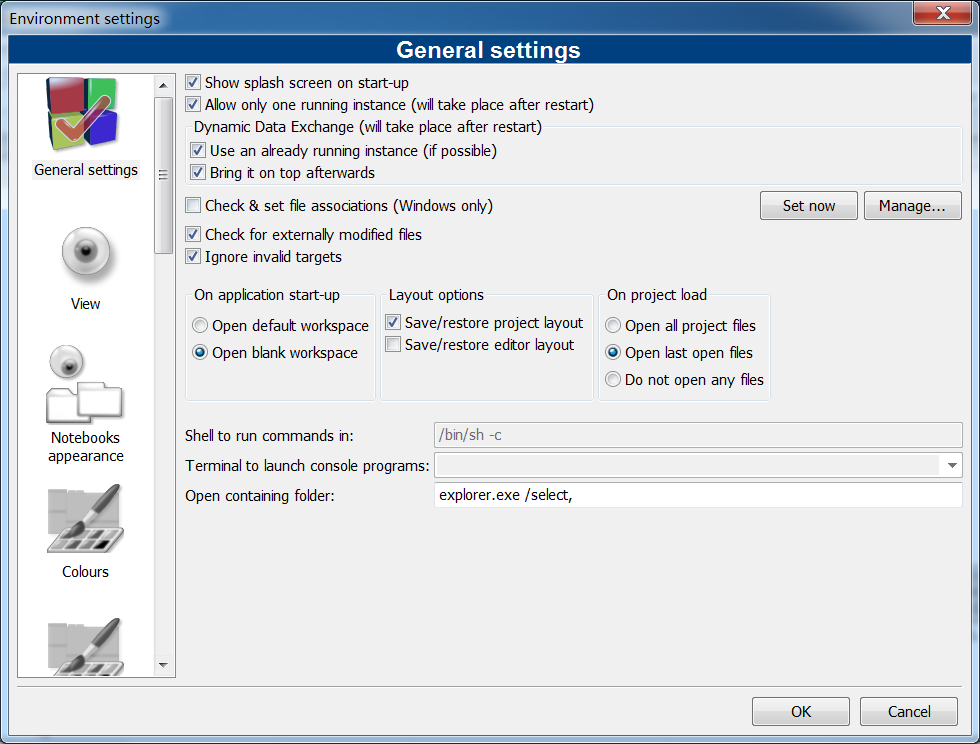
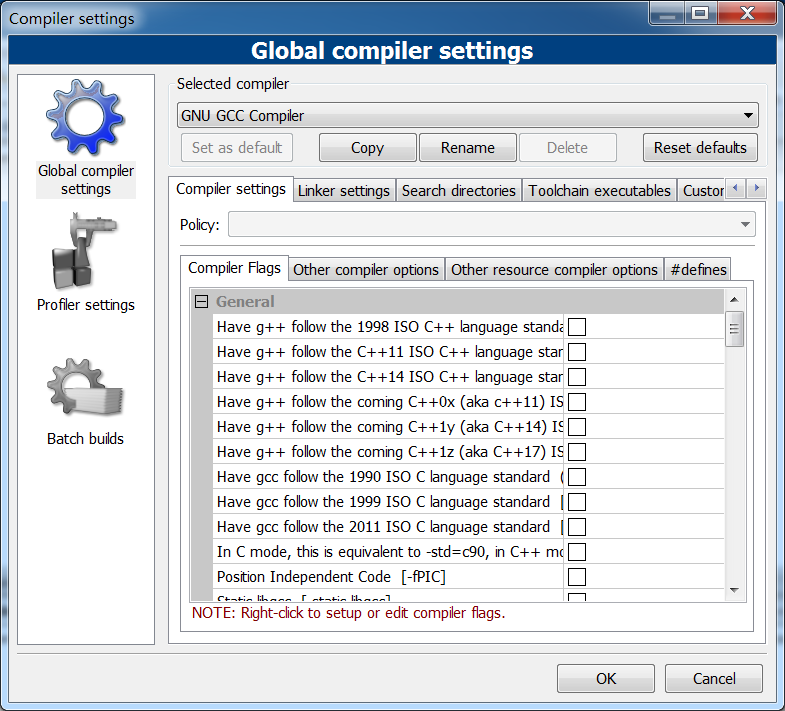
Get
official website:https://www.codeblocks.org/downloads/
sourceforge:https://sourceforge.net/projects/codeblocks/files/
Direct Download: 761c0188-f0a9-450d-9e7b-9320ba39bcff
Having trouble downloading?
If you encounter any issues during the download process, refer to the following solutions:
Link invalid or incorrect How to download the ed2k link How to download the magnet link How to download the .torrent file Other problems