cmake
Introduction
AI introduction
CMake is a cross-platform, open-source build system for automating the compilation, testing, and packaging of software projects. Instead of building code directly, it generates standard build files (e.g., Makefile, Visual Studio projects, Xcode projects), supporting diverse compilers and environments.
CMake uses a declarative syntax (CMakeLists.txt) to define project structure, dependencies, and build rules without platform-specific details. It is widely used for C/C++ projects but also supports other languages (e.g., Python, Fortran).
Key Features
✅ Cross-platform (Windows, Linux, macOS, embedded systems)
✅ Multi-generator support (Makefile, Ninja, VS, Xcode, etc.)
✅ Modular design - Finds dependencies (e.g., find_package())
✅ Advanced scripting - Conditions, loops, functions
✅ IDE integration (CLion, VS Code, Qt Creator)
✅ Testing & Packaging (CTest, CPack)
Common Use Cases
🔹 Managing large C/C++ projects (e.g., LLVM, KDE, OpenCV)
🔹 Cross-platform development (no manual build system tweaks)
🔹 Dependency automation (e.g., Boost, OpenSSL)
🔹 Generating IDE projects (VS solutions, Xcode projects)
Basic Syntax Example
cmake_minimum_required(VERSION 3.10)  # Minimum CMake version
project(MyApp)                        # Project name

# Add an executable
add_executable(my_app main.cpp)

# Find and link a library (e.g., OpenSSL)
find_package(OpenSSL REQUIRED)
target_link_libraries(my_app PRIVATE OpenSSL::SSL)
Workflow
- Write
CMakeLists.txt(define build rules) - Generate build system (e.g., Makefile):
- Build the project:
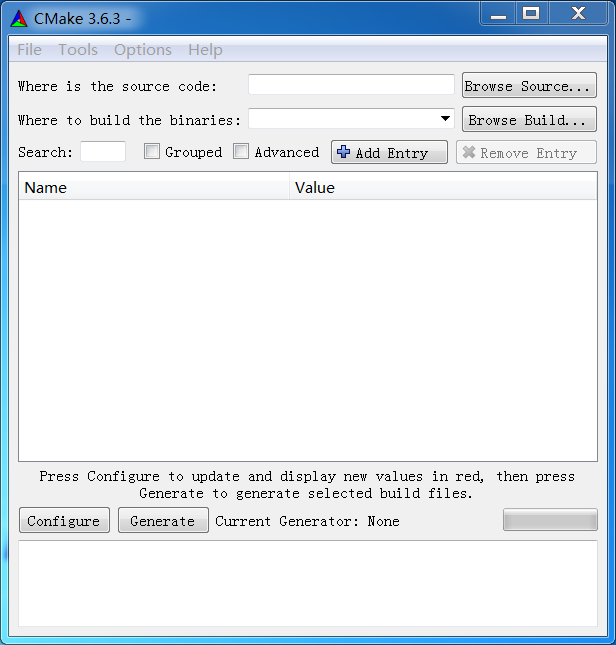
Image
Get
Having trouble downloading?
If you encounter any issues during the download process, refer to the following solutions:
Link invalid or incorrect How to download the ed2k link How to download the magnet link How to download the .torrent file Other problems