ES File Explorer
Introduction
AI Introduction
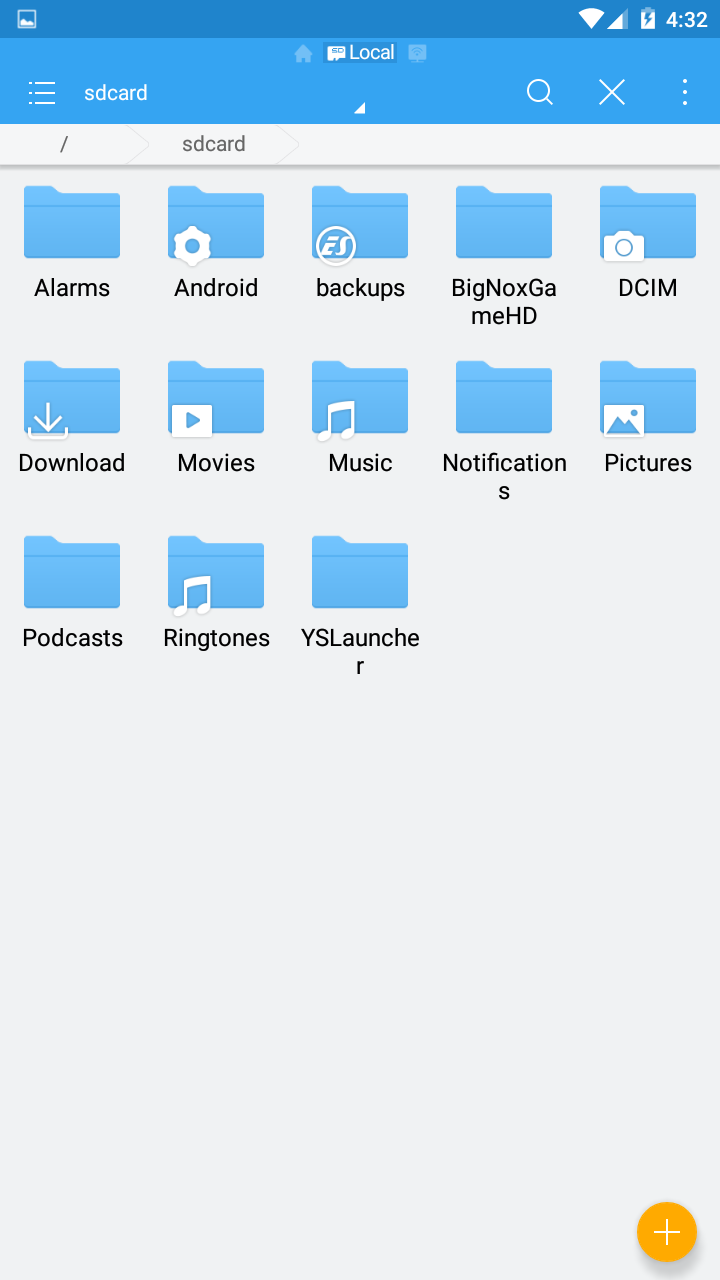
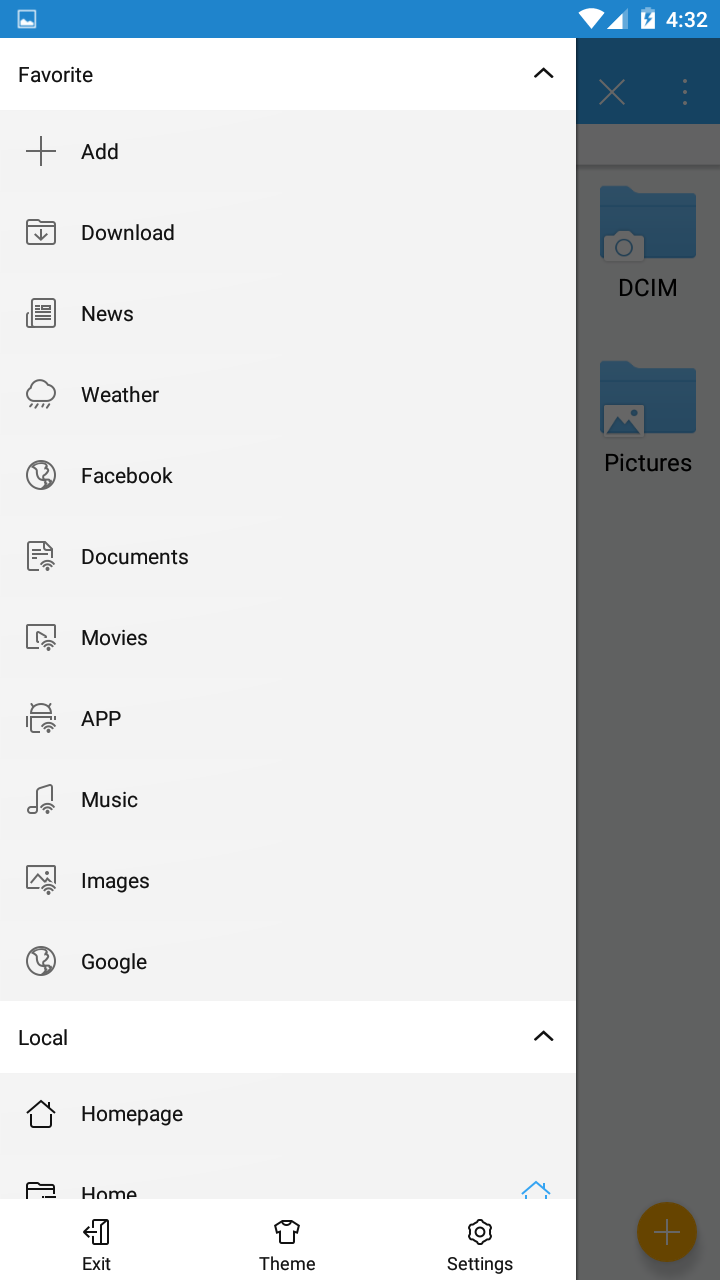
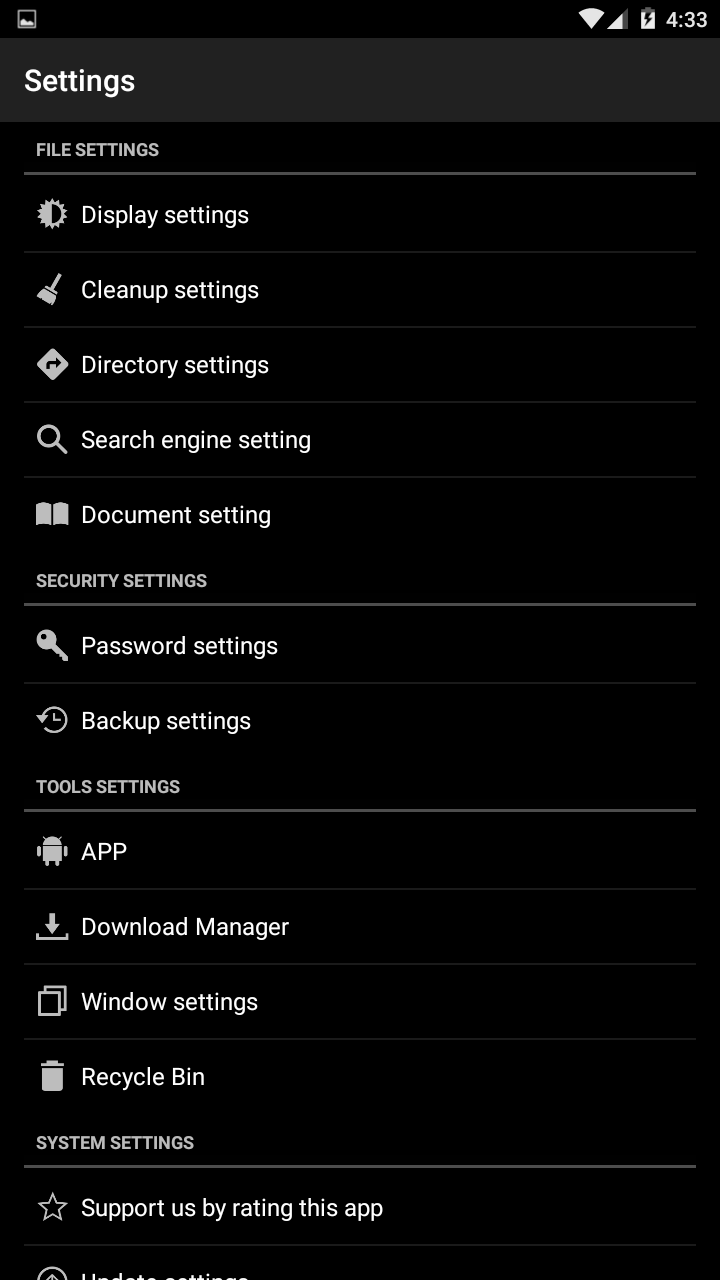
ES File Explorer was an immensely popular and feature-rich file management application for Android. At its peak, it was hailed as a "Swiss Army Knife" for Android, bundling a vast array of functions including file management, app management, remote access, and network tools into a single app.
Key Features & Functionality (During Its Prime):
- Robust Local File Management: Full suite of file operations (copy, cut, paste, rename, delete), compress/extract archives, multi-select, and show hidden files.
- Application Management: Easily backup (extract APK), install, uninstall apps, and move them to an SD card.
- Network File Management:
- LAN (SMB): Access shared folders on computers or other devices on the local network.
- FTP / SFTP: Connect to FTP servers.
- Remote Manager: Turn your phone into an FTP server to manage its files wirelessly from a computer's web browser.
- Cloud Storage: Support for logging into and managing multiple cloud storage accounts simultaneously (e.g., Dropbox, Google Drive, OneDrive, Yandex, Baidu Netdisk) and transferring files between them directly.
- Media Playback: Built-in video and music player capable of playing local media files and even streaming video from network shares (SMB).
- Toolbox: At its peak, it included a plethora of tools such as:
- Root Explorer: Access and modify system files on rooted devices.
- Storage Analysis: Visualize which files are taking up the most space.
- Junk File Cleaner: Clean app cache and residual files.
- Download Manager.
- Hardware Information Viewer.
Important Notes: Current Status & Controversies
- Ads & Bloatware: Over time, successive updates filled the app with intrusive ads, push notifications, and many unwanted "value-added services" (like cleaners, news feeds, app recommendations), making the app bloated and degrading the user experience.
- Privacy Concerns: Security researchers raised alarms about suspicious data transmission behaviors in some versions of the app, leading to significant privacy concerns among users.
- Removal from Play Store: In 2019, ES File Explorer was removed from the Google Play Store for allegedly engaging in "ad fraud." Although it was eventually reinstated, its reputation was severely damaged.
- Current Versions: Current versions of ES File Explorer exist (including a paid "Pro" version), but many longtime users prefer to seek out and install older, cleaner, "classic" versions of the app.
Summary:
ES File Explorer was an formerly incredibly powerful all-in-one tool, but its later development path became highly controversial. For new users, it is advised to use the latest version with extreme caution, paying close attention to permissions and privacy settings. Many users have now migrated to other lighter, more focused, and privacy-respecting file managers like Solid Explorer, Mixplorer, CX File Explorer, or Files by Google.
Detail
App Name: ES文件浏览器
Package: com.estrongs.android.pop
Version: 4.0.2 (232)
Minimal Android: 2.2 (Froyo)
Target Android: 4.4 (KitKat)
Maximal Android:
Support: Android, Android TV
Image
Get
source:open
Direct Download: f76a2ceb-079d-4ca1-868d-1b0bf1b7bc0f
Having trouble downloading?
If you encounter any issues during the download process, refer to the following solutions:
Link invalid or incorrect How to download the ed2k link How to download the magnet link How to download the .torrent file Other problemsNote
ES File Explorer is a Chinese-developed application, created by the Chinese company Beijing Baoqu Technology Co., Ltd. and later acquired by another Chinese company, DO Global.