Tinted Status Bar
Introduction
AI Introduction
Module Name:
Tinted Status Bar
Core Function:
The primary function of this Xposed module is to dynamically change the color of the Android device's status bar and navigation bar to match the current application in use, creating an immersive visual experience that blends seamlessly with the app's interface. It greatly enhances and extends the official "immersive mode" feature introduced in Android 5.0 Lollipop.
Detailed Explanation:
Problem It Solves:
- On stock Android or earlier versions, the status bar was often black or a fixed color, creating a stark visual separation from the app content.
- Even after system-level support was added, its implementation relied on app developers to adopt it. Many apps (especially older ones) lacked this support.
How It Works:
- Tinted Status Bar operates by making system-level modifications via the Xposed framework. It automatically detects the dominant color or the top section of the current foreground app's interface and then dynamically sets the status and navigation bar colors to match or complement it.
- It can override the system's default behavior, forcing tinting for apps that lack native immersive mode support.
Key Features:
- Automatic Tinting: The core feature works out-of-the-box.
- Highly Customizable:
- Color Mode: Choose between solid colors, gradients, or precisely matching the app's gradient.
- Icon Color: Automatically adjusts the status bar icon color (to white or black) for optimal readability on different backgrounds.
- Per-App Settings: Configure the tinting behavior, color, and transparency for the status and navigation bars individually for each application. This is one of its most powerful features.
- Ignore List: Exclude specific apps from being modified.
- Navigation Bar Tinting: Also applies coloring to the virtual navigation bar at the bottom of the screen.
- Compatibility: Designed to work with virtually all applications, regardless of their native support for immersive mode.
How to Use:
- Prerequisites: Requires a rooted device with an Xposed framework (like LSPosed, EdXposed) installed.
- Installation & Configuration:
- Install and activate the module.
- In your Xposed installer (e.g., LSPosed), enable the module and set its scope (usually applied to "Android System" or all apps).
- Open the Tinted Status Bar app to configure. Default settings often work well, but you can dive into "Per-app settings" to fine-tune for specific apps.
Benefits & Significance:
- Visual Cohesion: Vastly improves the device's aesthetics and unity, making the system UI and apps feel integrated.
- Strong Customization: Offers incredibly detailed and granular control options to satisfy personal preferences.
- Fills System Gaps: Brings a modern UI effect to countless older apps that lack official support for the feature.
Important Notes:
- Development Status: This is a classic module but has been discontinued for many years. It may not work correctly or have compatibility issues on newer Android versions (e.g., Android 10+).
- Alternatives: On modern systems, some of its functionality has been superseded by other modules (e.g., the auto-color feature in Flat Style Bar Indicators) or built-in system features. However, its "per-app settings" philosophy remains unique and powerful.
Detail
App Name: Tinted Status Bar
Package: com.mohammadag.colouredstatusbar
Version: 1.8.1 (9)
Minimal Android: 4.0.3 (Ice Cream Sandwich MR1)
Target Android: 4.4 (KitKat)
Maximal Android:
Support: Android
Image
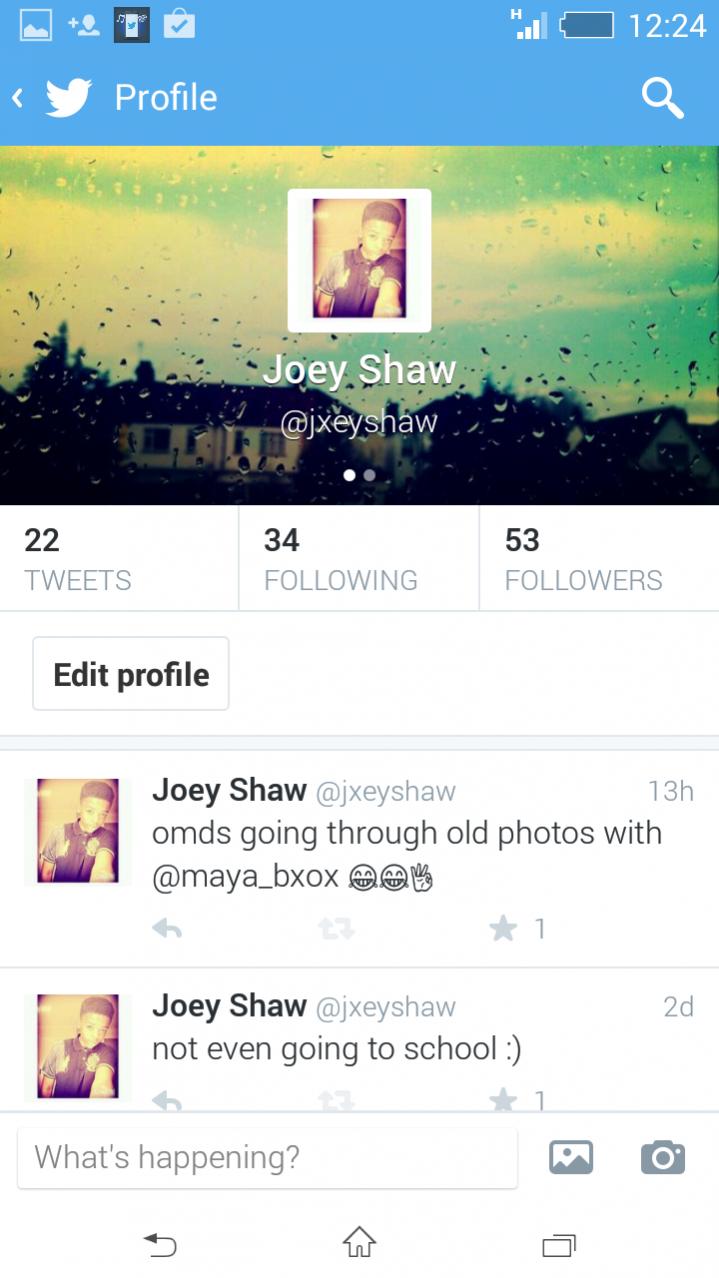

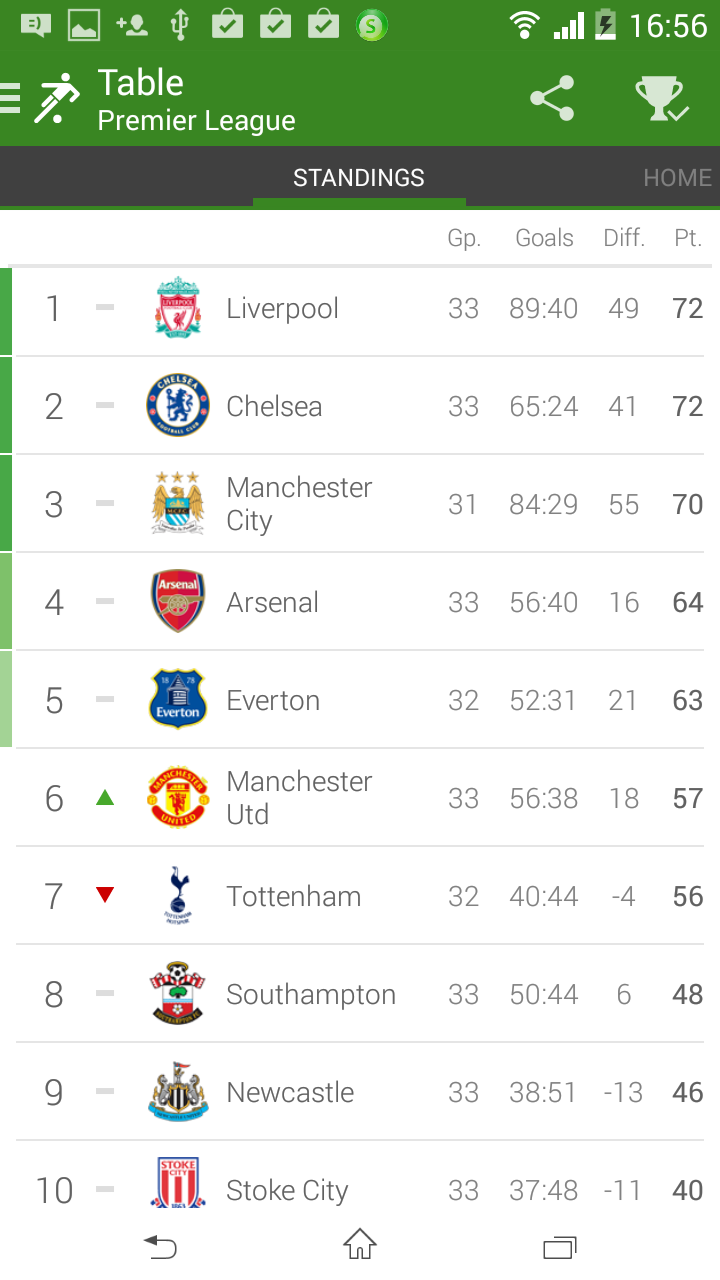
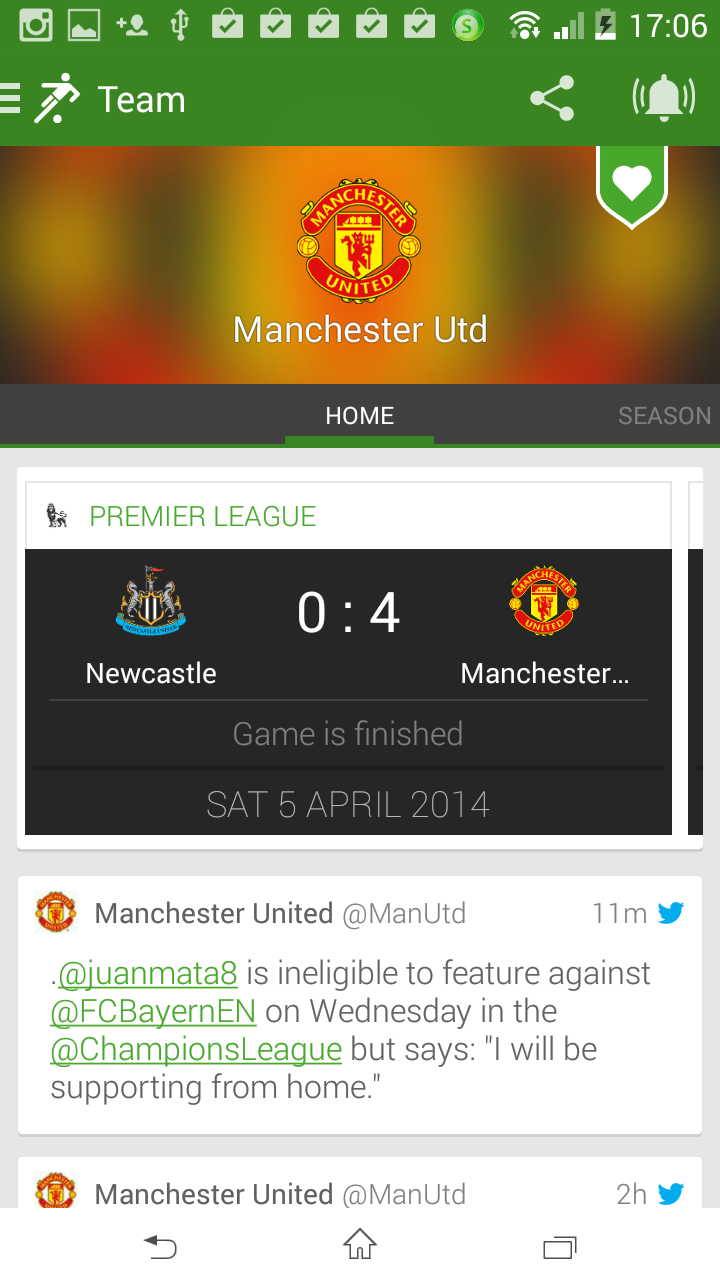
Get
Having trouble downloading?
If you encounter any issues during the download process, refer to the following solutions:
Link invalid or incorrect How to download the ed2k link How to download the magnet link How to download the .torrent file Other problems