Terminal Emulator
Introduction
AI Introduction
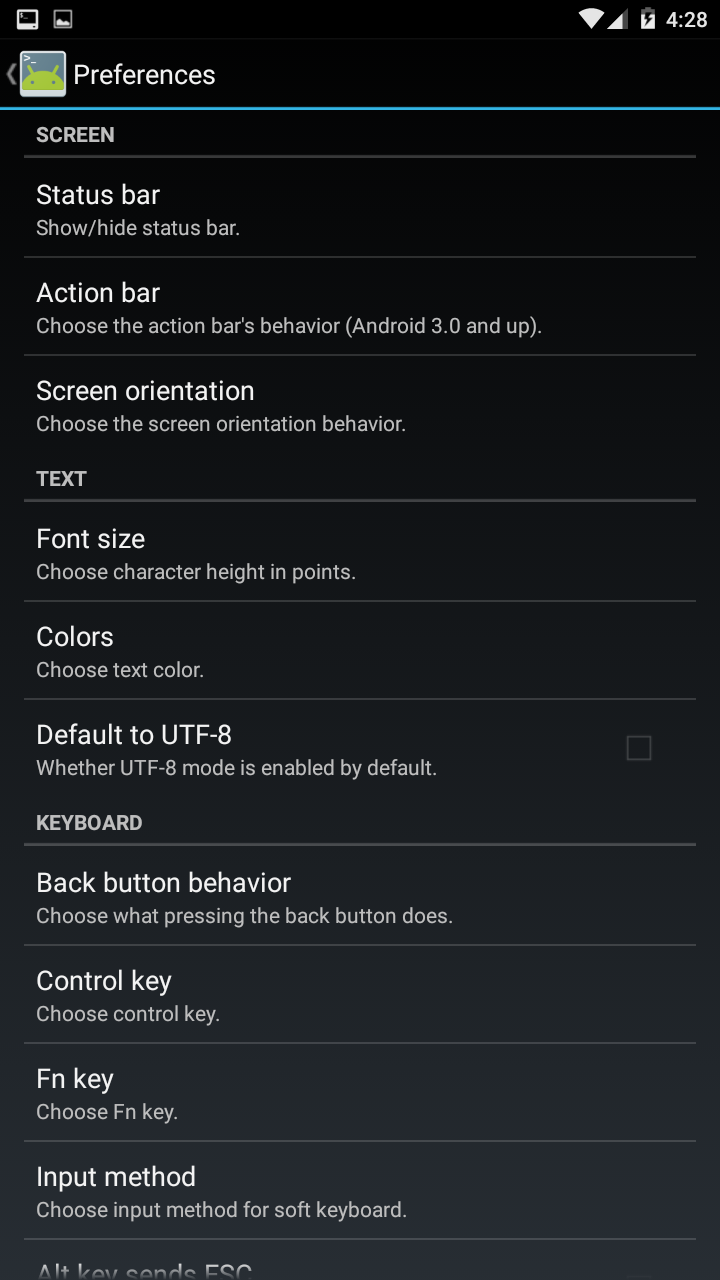
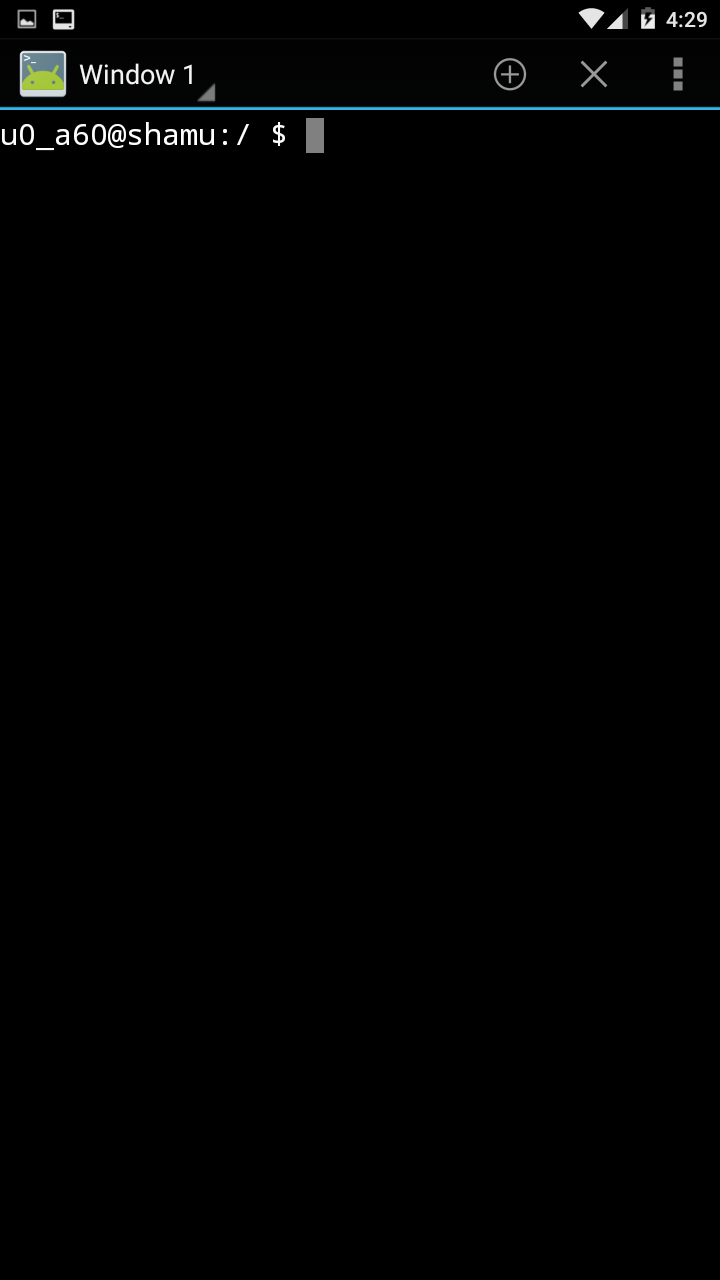
Jackpal Android Terminal Emulator is a classic, lightweight, and open-source terminal emulation application for the Android platform. Created by developer Jack Palevich, it was one of the earliest and most well-known terminal apps on Google Play, regarded by many as the "grandfather" and benchmark of Android terminal tools.
Core Features & Characteristics:
Pure & Focused:
- Its core functionality is singular and pure: to provide a command-line interface to the local Shell. Unlike Termux, which comes with a large software ecosystem, its purpose is to give you direct access to the Linux command-line tools built into the Android system.
Lightweight & Efficient:
- The app is very small in size, uses minimal resources, and launches quickly. It perfectly embodies the "less is more" design philosophy.
Basic but Practical Features:
- Support for External Keyboards: Correctly maps various keys like Ctrl, Alt, and Esc, which is crucial for command-line operations (e.g.,
Ctrl+Cto kill a process). - Adjustable Text Size and Color Schemes: Users can customize the terminal's appearance for better readability.
- Create Shortcuts: Allows creating home screen shortcuts to execute specific shell commands with one tap.
- UTF-8 Support: Can correctly display characters from various languages.
- Support for External Keyboards: Correctly maps various keys like Ctrl, Alt, and Esc, which is crucial for command-line operations (e.g.,
Requires Root for Full Potential:
- On a non-rooted device, it runs with standard user permissions, access is restricted, and it's mainly used for basic file operation commands.
- On a rooted device, by typing the
sucommand, it can obtain superuser privileges, allowing the execution of all system-level commands for advanced system management and debugging.
Open Source:
- The application is fully open-source, with its code hosted on GitHub. This means it has high security and transparency; any developer can review the code, contribute to it, or create forks.
Difference from Termux:
| Feature | Jackpal Terminal Emulator | Termux |
|---|---|---|
| Purpose | A pure terminal emulator | Terminal emulator + Linux environment package |
| Functionality | Uses the system's native Shell and tools | Comes with its own independent package repository and environment, providing newer and richer tools (e.g., python, gcc, node) |
| System Isolation | Directly uses the host (Android) system's environment | Runs in its own isolated directory (/data/data/com.termux/), more separate from the host system |
| Use Case | Quick local command execution, system management requiring Root | Building a complete development or learning environment on the phone, no Root needed |
In summary: Jackpal Android Terminal Emulator is a classic, stable, and efficient terminal tool. It is perfectly suited for users who simply need a straightforward window to access the underlying Android Shell, especially for system administration tasks on rooted devices. If you need a feature-rich environment with a vast array of pre-packaged tools, Termux is the better choice. But if you value purity, speed, and reliability, this terminal emulator remains an excellent option.
Detail
App Name: 终端模拟器
Package: jackpal.androidterm
Version: 1.0.70 (71)
Minimal Android: 1.6 (Donut)
Target Android: 5.1 (Lollipop MR1)
Image
Get
uptodown:https://en.uptodown.com
official website:http://jackpal.github.io/Android-Terminal-Emulator/
Direct Download: 096020b0-f87a-43f5-9bca-068c8c7187fa
Having trouble downloading?
If you encounter any issues during the download process, refer to the following solutions:
Link invalid or incorrect How to download the ed2k link How to download the magnet link How to download the .torrent file Other problems