System app remover
Introduction
AI Introduction
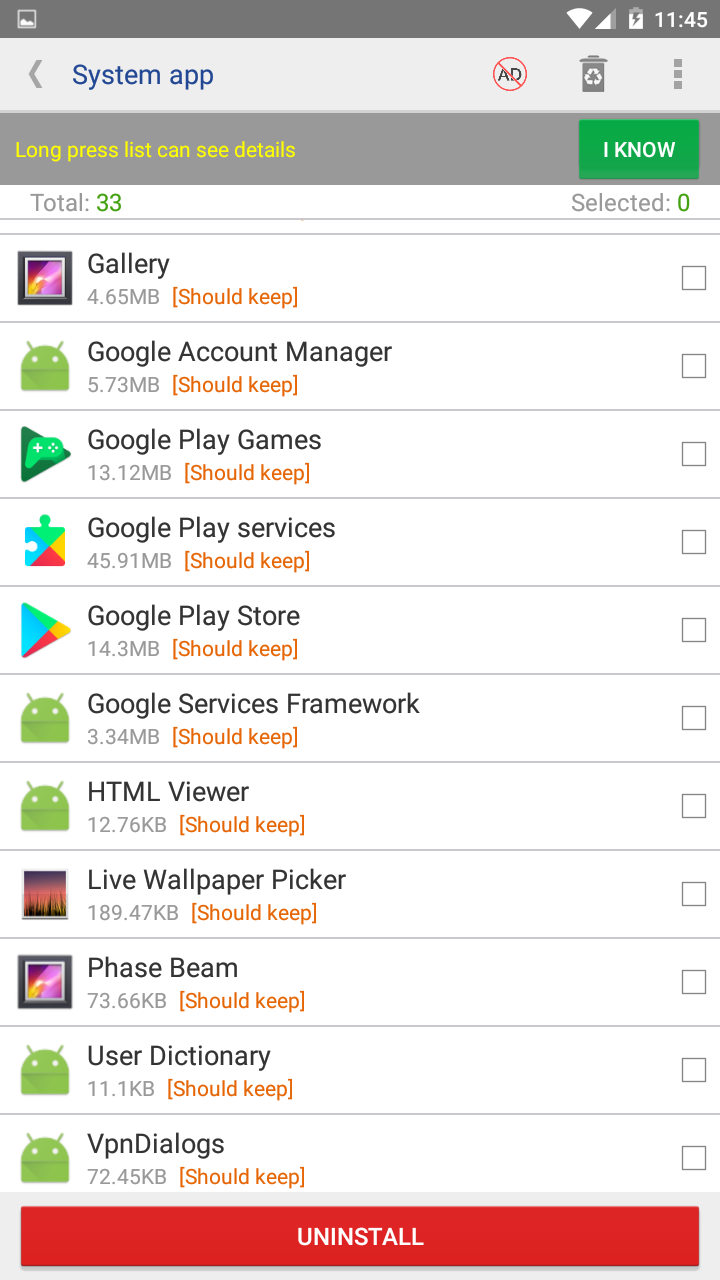
System App Remover is a utility application designed specifically for rooted Android devices. Its core function is to allow users to safely uninstall, freeze, backup, or disable system applications pre-installed by device manufacturers or carriers, commonly known as "Bloatware."
Core Features & Characteristics:
Uninstall System Apps:
- This is the primary feature. It can permanently delete pre-installed apps that cannot be uninstalled through the regular application manager (e.g., some bundled games, bloated manufacturer apps). This action is irreversible and must be done with caution.
Freeze/Disable System Apps:
- A much safer alternative. Freezing an app prevents it from running, performing background activities, or receiving any broadcasts, while it remains on the system. The effect is similar to "uninstalling" but it can be reverted at any time. This is ideal for testing whether disabling a system app causes instability.
Backup & Restore:
- Before uninstalling or modifying any system app, the tool will force or strongly recommend that the user backs up the APK file of that application. If disabling an app causes issues, the user can easily restore it.
Requires Root Access:
- Modifying the contents of the
/systempartition requires the highest level of system privileges. Therefore, such tools must have root access to function.
- Modifying the contents of the
User Interface:
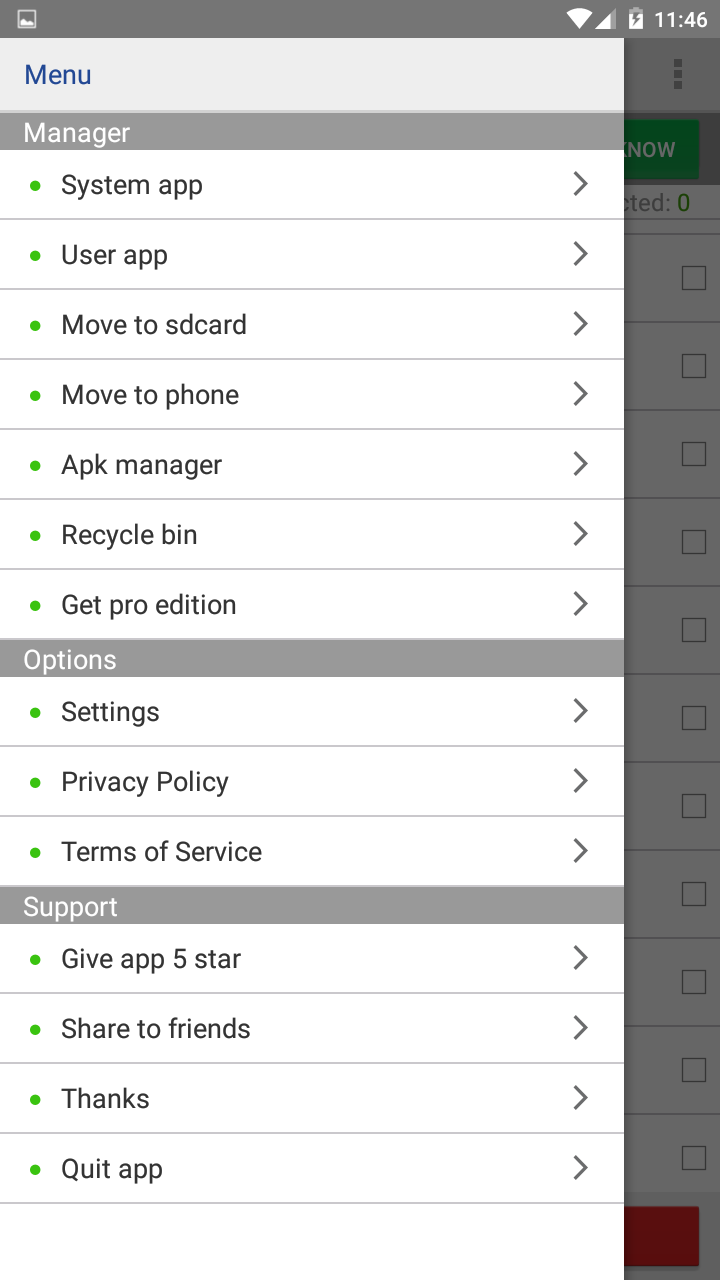
- Typically, it will separate system apps from user-installed apps and clearly identify which are safe to remove and which are critical system components (warning users not to touch them).
Primary Uses & Strong Warnings:
Uses:
- Free up storage space: Remove unwanted pre-installed software.
- Improve performance & battery life: Halt unnecessary background apps, reducing RAM and CPU usage.
- Simplify the system: Create a cleaner device tailored to personal preference.
- Remove carrier bloatware: Particularly useful for carrier-locked phones.
⚠️ Strong Warnings & Risks ⚠️:
- Bricking Risk: If a critical system component is mistakenly removed (e.g.,
SystemUI,Phone,Settings), it can render the system unbootable, cause boot loops, or lead to major functionality failures. - Loss of Official OTA Updates: Modifying the system partition can break its integrity, preventing the device from receiving official over-the-air (OTA) updates.
- Security: Tools downloaded from unofficial sources may contain malicious code.
- Bricking Risk: If a critical system component is mistakenly removed (e.g.,
In summary: A System App Remover is a powerful tool for advanced users to deeply customize and optimize their rooted Android devices. It grants users complete control over their device, but with great power comes great responsibility. It must be used with extreme caution. Users should only freeze or uninstall non-critical apps whose purpose they fully understand and always create backups first. For most users, "freezing" is a far safer option than "uninstalling."
Detail
App Name: System App Safe Remover
Package: com.jumobile.manager.systemapp
Version: 7.2 (721)
Minimal Android: 5.0 (Lollipop)
Target Android: 10.0 (Q)
Image
Get
apkpure:open
Direct Download: b9628e0f-7b9a-4751-9b5d-2371a7bf456f
Having trouble downloading?
If you encounter any issues during the download process, refer to the following solutions:
Link invalid or incorrect How to download the ed2k link How to download the magnet link How to download the .torrent file Other problems