Linux Deploy
Introduction
AI Introduction
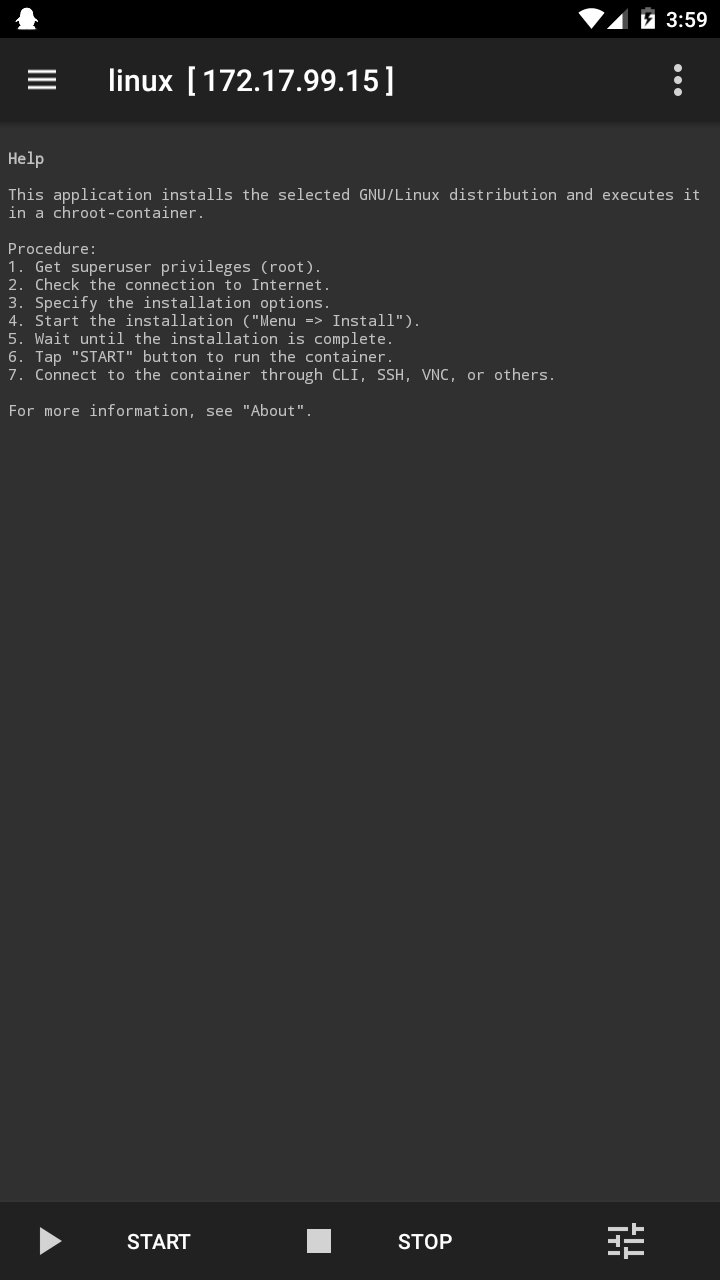
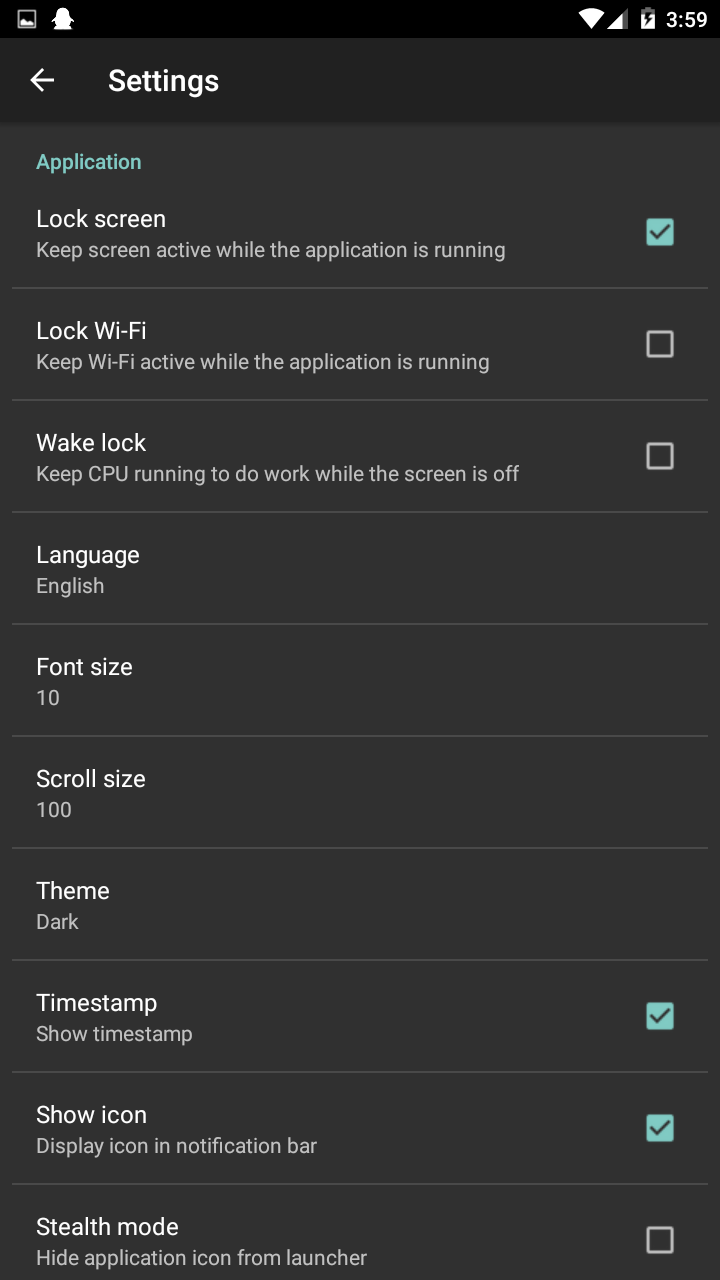
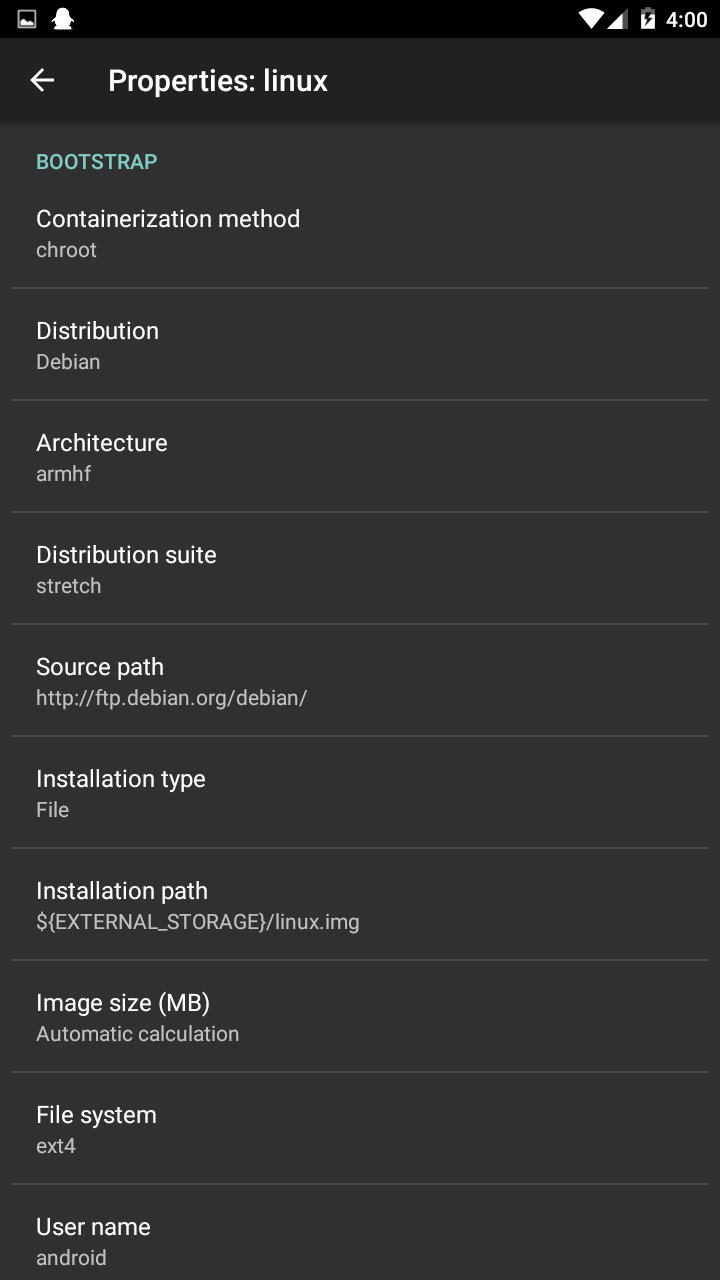
Linux Deploy is a powerful Android application that allows users to easily install and run a complete GNU/Linux distribution on an Android device without the need to flash a custom ROM. It achieves this by deploying Linux within a chroot environment, allowing it to coexist with the Android operating system.
Core Principles & Features:
Chroot-Based Environment:
- The core of Linux Deploy is creating a
chroot(change root) environment on the Android system. It installs a complete Linux filesystem within a directory on the phone's storage (internal or external). - Within this environment, the Linux system "believes" this directory is its root directory
/, effectively isolating it from the host Android filesystem.
- The core of Linux Deploy is creating a
Supports Multiple Distributions:
- It supports installing a wide range of popular Linux distributions, such as Ubuntu, Debian, Arch Linux, Fedora, Kali Linux, OpenSUSE, and more. Users can choose based on their preference and needs.
Multiple Installation Sources:
- Official Repositories: Download and install from the distribution's official mirrors, providing the latest and most comprehensive software packages.
- Pre-built Images: Users can download and use pre-configured system images (e.g.,
rootfs.tar.gz) created by others, significantly reducing installation time.
Multiple Access Methods:
- SSH: The most common method. Use an SSH client (e.g., Termius, ConnectBot) to connect to the local Linux system for command-line operation.
- VNC: Install and run a graphical desktop environment (e.g., XFCE, LXDE, GNOME, KDE) and connect to it remotely using a VNC client (e.g., VNC Viewer) for a visual interface.
- X Server: In some supported scenarios, it's possible to run Linux graphical applications directly within an XServer app (e.g., XServer XSDL) on Android.
High Customizability:
- Users can highly customize their Linux system, including its architecture (ARM, ARM64, x86, etc.), image size, distribution version, software source mirror, init system (sysvinit, systemd), and packages to install (including desktop environments).
Requires Root Privileges:
- Because it requires low-level operations like mounting filesystems and configuring network settings, Linux Deploy absolutely requires Root (superuser) access to function properly.
Typical Use Cases:
- Mobile Development & Work: Set up a full-fledged Linux development environment on your phone for programming, writing, or running scripts.
- Education & Learning: Learn Linux commands, system administration, and network services.
- Running Specific Software: Run professional or specialized software tools that are only available for Linux (e.g., GIMP, Wireshark, or various server software).
- Penetration Testing: Install Kali Linux or Parrot OS to turn your phone into a portable security testing toolkit.
- Server Testing: Set up and test web servers (e.g., Nginx/Apache), databases (e.g., MySQL/PostgreSQL), and other services in the local Linux environment.
In summary: Linux Deploy is an essential tool for transforming an Android device into a portable Linux workstation. It is powerful, highly configurable, and ideal for developers, Linux enthusiasts, students, and anyone who needs a full Linux experience on a mobile device. While the setup process might require some basic Linux knowledge, it offers one of the most elegant ways to run another complete operating system on a phone.
Detail
App Name: Linux Deploy
Package: ru.meefik.linuxdeploy
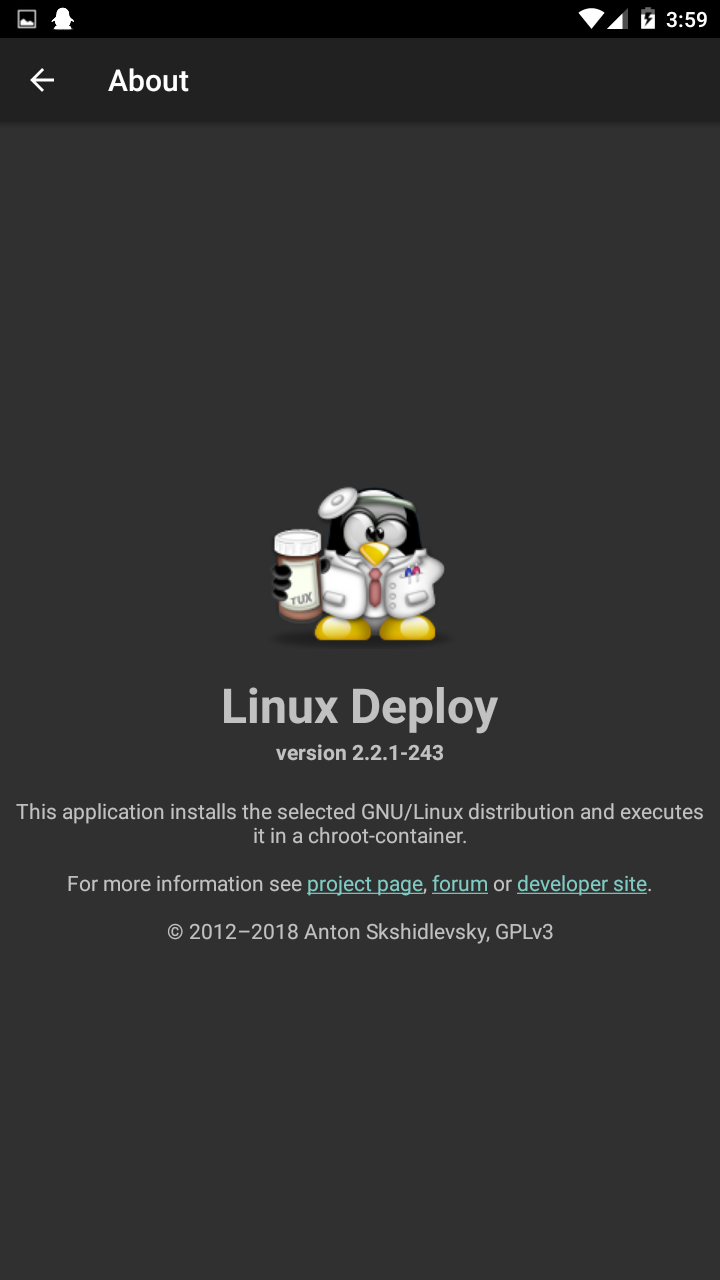
Version: 2.2.1 (243)
Minimal Android: 4.0.3 (Ice Cream Sandwich MR1)
Target Android: 8.1 (Oreo MR1)
Image
Get
apkpure:open
Direct Download: 1a7faebe-6335-4812-b16a-32b88e834707
Having trouble downloading?
If you encounter any issues during the download process, refer to the following solutions:
Link invalid or incorrect How to download the ed2k link How to download the magnet link How to download the .torrent file Other problems