Greenify
Introduction
AI Introduction
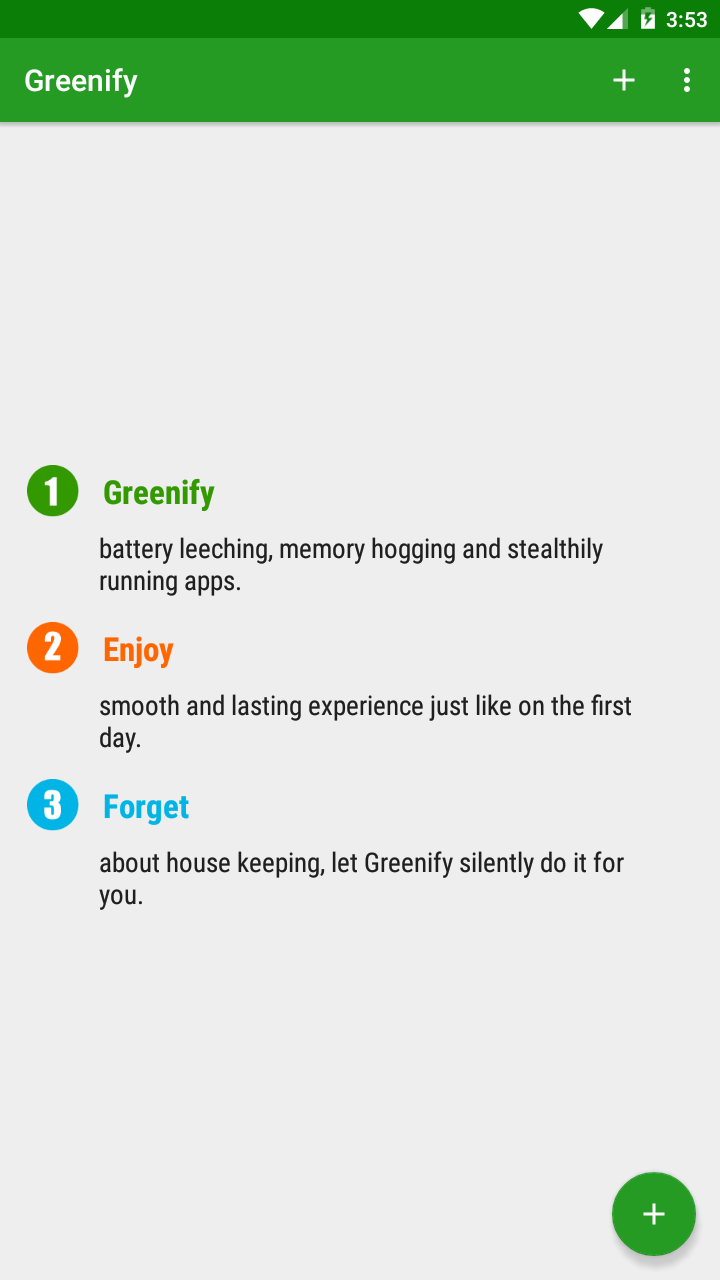
Greenify is a highly popular Android application designed to mitigate battery drain, reduce data usage, and minimize system lag by curbing misbehaving background applications. It is not a traditional task killer but a smarter "hibernation" tool.
Core Principles & Features:
Hibernation, Not Killing:
- Unlike task killers that force-close apps, Greenify gently forces applications into hibernation after they move to the background. This severs their network access, stops their background services, and prevents scheduled wake-ups, thus halting unnecessary activity and battery drain.
- When you manually launch the app again, it wakes up perfectly normally with all features and notifications functioning as expected.
Targets Misbehaving Apps:
- Greenify's primary targets are apps with "rogue" background behavior, such as:
- Frequent Wake-ups: Apps that activate constantly even when the screen is off.
- Mutual Wake-ups: Apps that chain-start each other (Common in certain Chinese application ecosystems.).
- High Battery/Data Drain: Apps that sync, report data, or play ads in the background.
- Greenify's primary targets are apps with "rogue" background behavior, such as:
Automation & Intelligence:
- Once an app is added to Greenify's hibernation list, the process is fully automated. The app is hibernated shortly after it goes into the background, requiring no manual intervention.
Two Operational Modes:
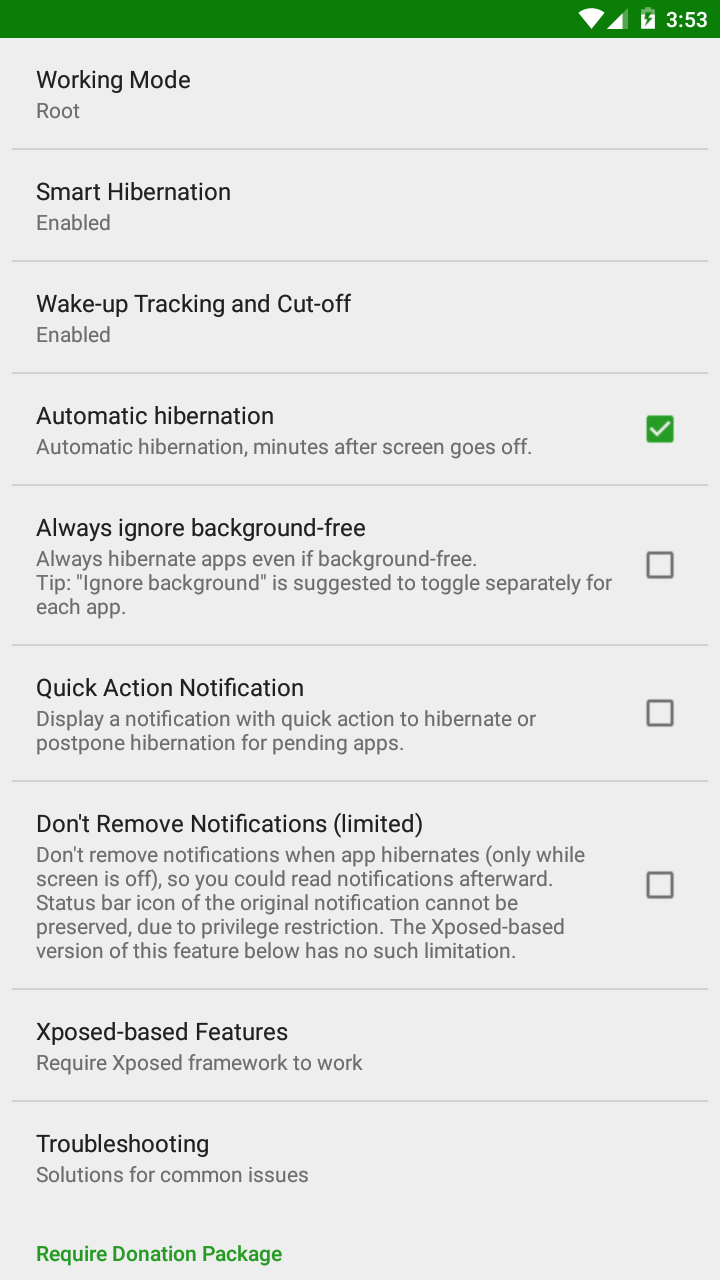
- Non-root Mode: Uses Android's Accessibility Service to perform hibernation. No root required, but effectiveness and automation are limited.
- Root Mode: (Recommended) On rooted devices, Greenify achieves more thorough, efficient, and automated hibernation, offering the best experience.
- Device Administrator Mode: An alternative non-root method, though it may require additional setup.
Preserves User Experience:
- Unlike killing apps, a Greenified app works perfectly when you actively open it. It only affects the app's behavior in the background, not its foreground functionality. You can still receive notifications from apps like messaging services (e.g., WhatsApp, Telegram) if you choose not to hibernate them.
Difference from Traditional Task Killers:
| Feature | Greenify | Traditional Task Killer |
|---|---|---|
| Principle | Forces apps into deep hibernation | Force-stops app processes |
| Effect | Prevents background activity, saves battery & data | Instantly frees RAM, but processes often restart immediately |
| User Exp. | Apps work normally upon wake-up | Apps restart slowly, may kill ongoing tasks (e.g., music) |
| System Stability | High, does not harm system stability | Low, may cause erratic system scheduling, potentially increasing battery drain |
In summary: Greenify is a highly powerful and practical Android optimization tool, particularly well-suited for tackling the chaotic scenario of "family bucket" apps in the Chinese application ecosystem, where they mutually wake each other up and drain battery and data traffic. It intelligently and elegantly extends battery life and improves device performance while minimizing disruption to the user experience. For Android users seeking better battery life and smoother performance, it is considered an essential tool.
Detail
App Name: Greenify
Package: com.oasisfeng.greenify
Version: 4.3.3.0 (43300)
Minimal Android: 4.4 (KitKat)
Target Android: 7.1 (Nougat MR1)
Image
Get
apkpure:open
Direct Download: 94bce0c1-ac54-4990-bce6-75c257509582
Having trouble downloading?
If you encounter any issues during the download process, refer to the following solutions:
Link invalid or incorrect How to download the ed2k link How to download the magnet link How to download the .torrent file Other problems