ViPER4Android FX
Introduction
AI Introduction
Module Name:
ViPER4Android FX (V4A)
Core Function:
ViPER4Android FX is a system-level audio driver and sound processing software installed as a Magisk module. It takes over the system's audio processing pipeline to provide incredibly powerful, professional, and customizable sound enhancement features. It is renowned as the most potent sound modulation tool on the Android platform.
Detailed Explanation:
What is it?
- ViPER4Android was initially an audio driver that required direct system modification. With the rise of Magisk, its developers repackaged it into a Systemless Magisk module, making installation and uninstallation straightforward and non-destructive to system partitions.
- It is not just an equalizer (EQ); it's a complete audio processing framework incorporating various professional components from playback gain and equalization to impulse responses and limiters.
How It Works:
- The module installs a custom audio driver (IRS) that hooks into Android's audio HAL (Hardware Abstraction Layer) or AudioEffect SDK.
- All system audio streams (including music, videos, game sounds, and sometimes even calls in some versions) are processed by the V4A driver before being output to headphones or speakers.
- Users fine-tune various sound parameters through the V4A app interface, and these settings are applied to the audio driver in real-time.
Key Features & Effects (Classic Functions):
- Convolution Impulse Response (IRS): The soul of V4A. It can load professional Impulse Response Samples to simulate the acoustic characteristics of top-tier speakers/headphones or create the feeling of being in specific environments like concert halls or churches.
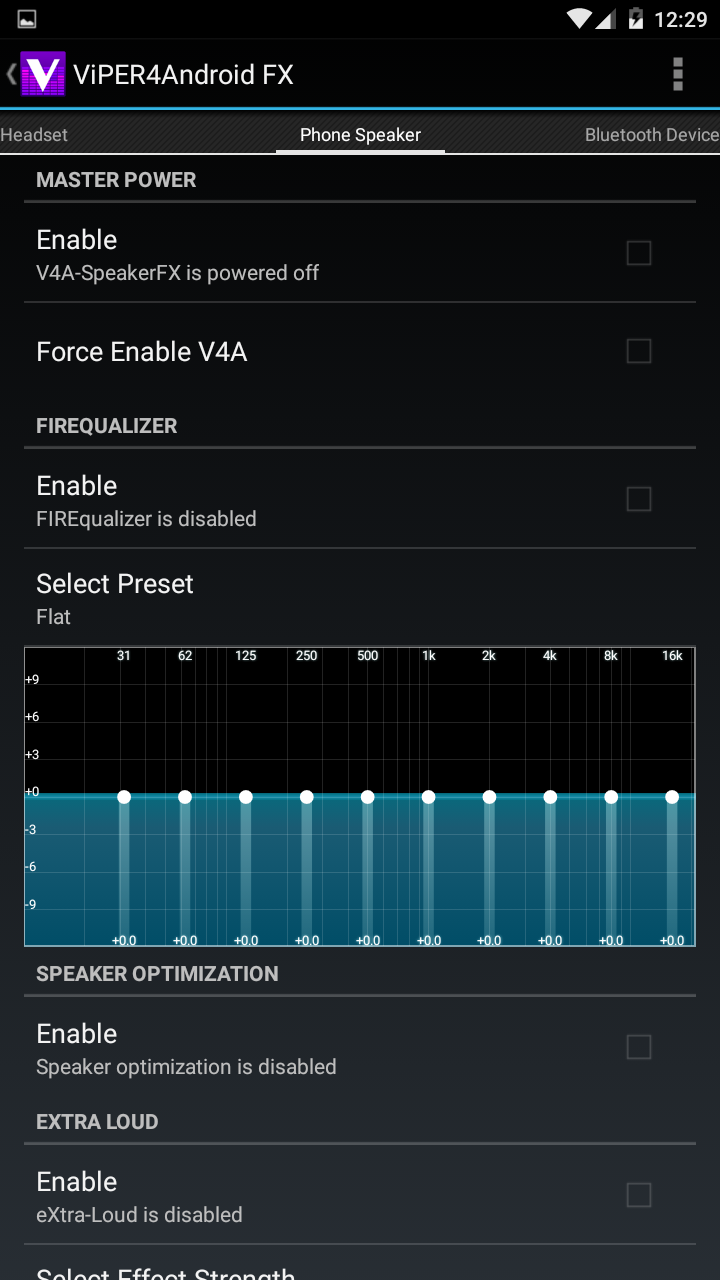
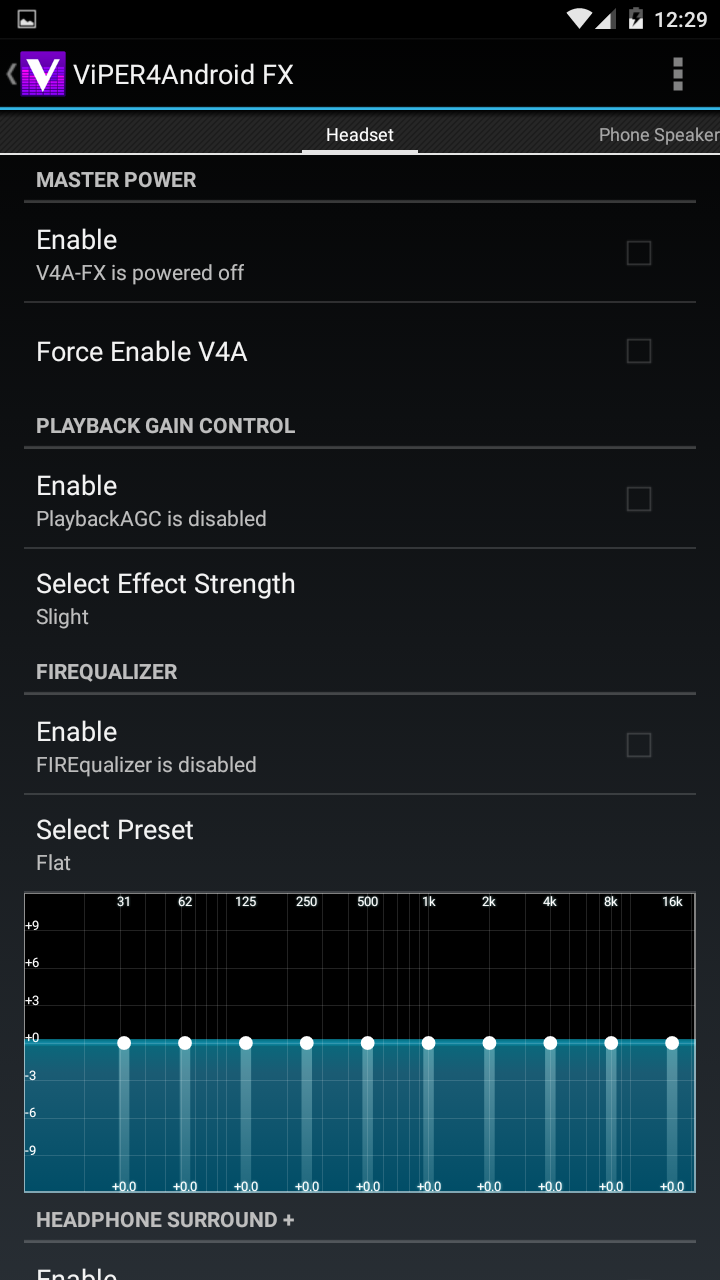
- Equalizer (EQ): A multi-band graphic equalizer with custom and preset options.
- ViPER-DDC: Corrects headphone sound quality flaws by importing frequency response curve data for more accurate sound.
- Dynamic System: Simulates the warm sound of tube amplifiers, making music more pleasant to listen to for extended periods.
- Bass Enhancement: Offers multiple bass boost modes with adjustable frequency and intensity.
- Clarity Enhancement: Separates vocals and instruments, making details more prominent.
- Playback Gain Control: Prevents inconsistent volume between tracks and can maximize output volume (use with caution).
- Fidelity Control: Optimizes sound quality through methods like upsampling.
How to Install & Configure (Magisk Method)?
- Prerequisites:
- Device must be Rooted with Magisk installed.
- Installing the BusyBox module is recommended (required by some versions).
- Installation Steps:
- In Magisk's "Modules" section, choose "Install from storage" and select the downloaded V4A Magisk module ZIP (usually named
ViPER4Android-FX-vX.X.X.X.zip). - Reboot the device.
- Install the ViPER4Android FX control app APK (often included in the module package or needs separate download).
- Open the V4A app; it will request Root permissions and install the driver. Reboot again as prompted.
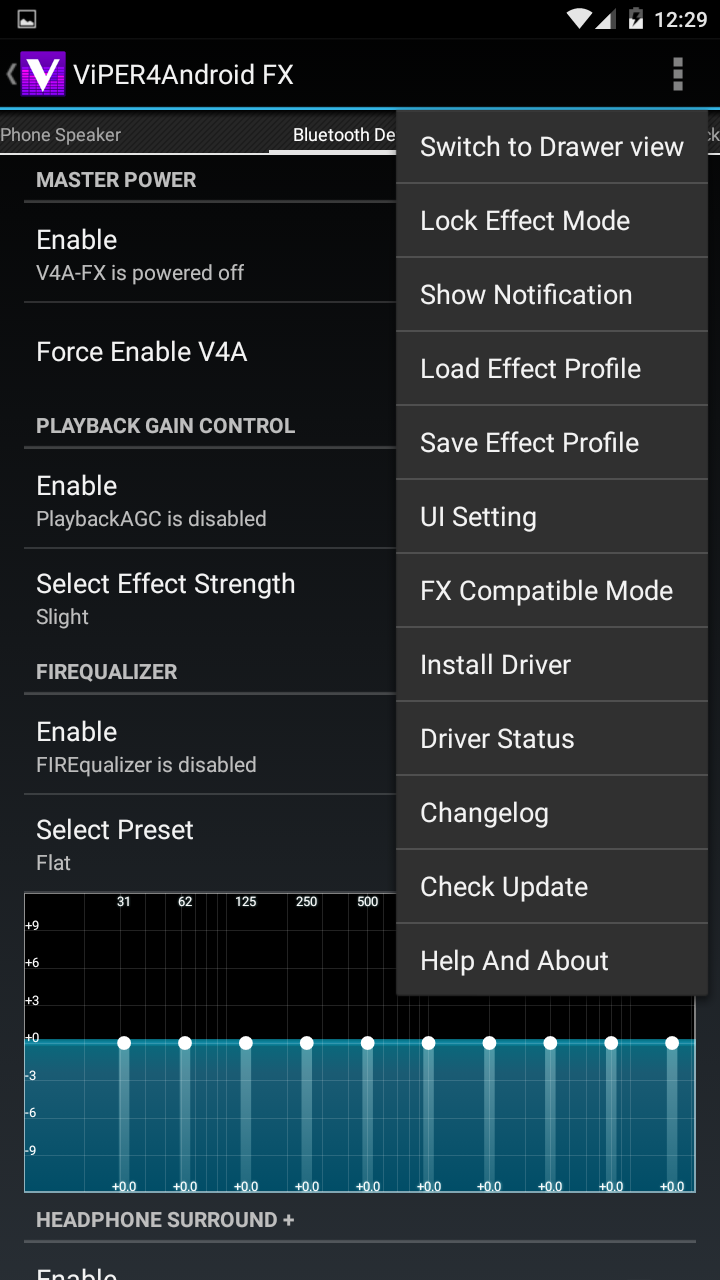
- After rebooting, open the V4A app. When the top displays "Driver Status: Normal", it's successfully enabled. You can now start enjoying the enhanced audio.
- In Magisk's "Modules" section, choose "Install from storage" and select the downloaded V4A Magisk module ZIP (usually named
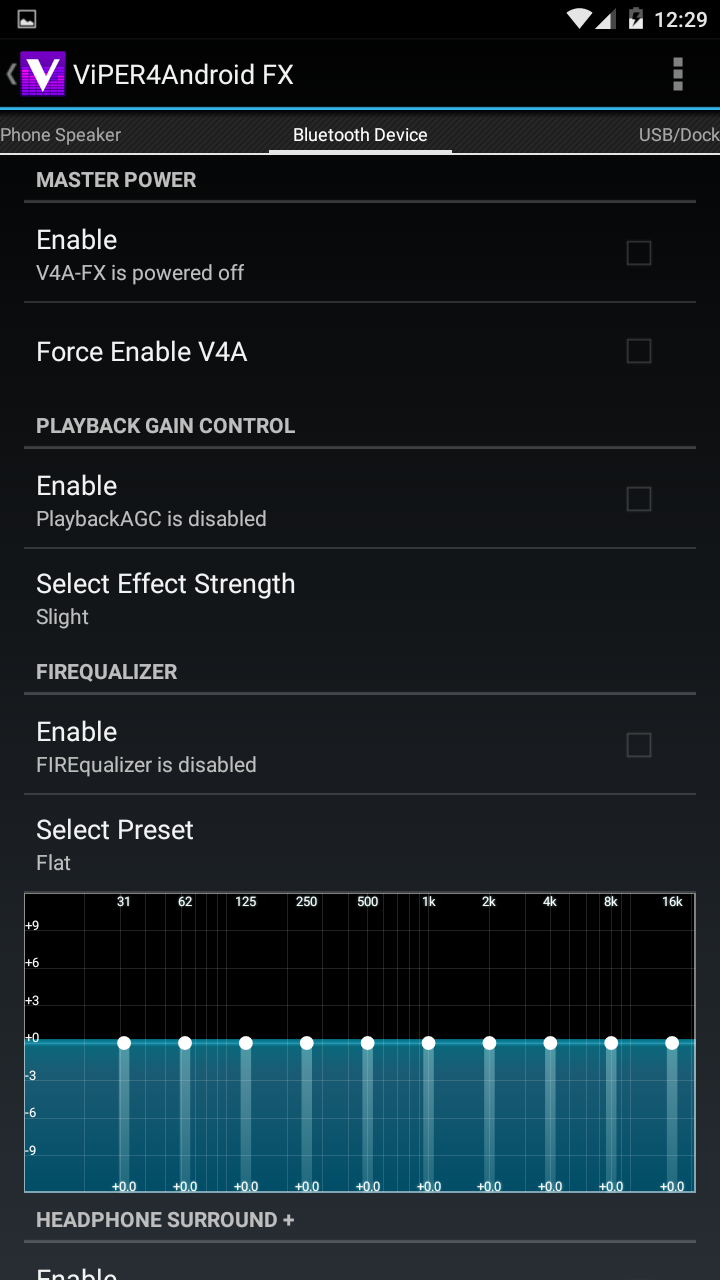
- Crucial Tip: After installation, you must enable the master switch in the V4A app and configure/enable effects individually for different output devices (e.g., headphone, Bluetooth, speaker).
- Prerequisites:
Advantages:
- Unparalleled Sound Quality Improvement: The effects are dramatic and highly customizable, akin to a "hi-fi" audio peripheral for your phone.
- Global Effect: Works on almost all audio output, not just a single music player app.
- Strong Community: Has a vast user community sharing countless IRS samples and tuning profiles.
Disadvantages & Important Warnings:
- Complex Installation: The installation process is relatively complex, and compatibility and methods can vary greatly across different Android versions and devices.
- Compatibility Issues: May conflict with built-in system sound effects (e.g., Dolby, DTS) or other audio modules, causing no sound or abnormalities. Usually requires disabling them first.
- Increased Battery Drain: Real-time processing of high-fidelity audio adds a slight CPU load and power consumption.
- Version Confusion: Multiple versions are maintained by different developers (e.g., official, Repack, LH版). You need to choose the right version for your device.
Conclusion: The ViPER4Android FX Magisk module is the ultimate toy for audiophiles and users seeking the best possible listening experience. The depth and breadth it offers are unmatched by any standard music player's built-in equalizer. Although the installation and tuning process has a learning curve, the revolutionary improvement in sound quality is well worth the effort.
Detail
App Name: ViPER4Android FX
Package: com.vipercn.viper4android_v2
Version: 2.4.0.1 (2401)
Minimal Android: 4.0 (Ice Cream Sandwich)
Target Android: 5.1 (Lollipop MR1)
Image
Get
Direct Download: 02408bce-c940-43df-a853-21fba9d38dfe
Having trouble downloading?
If you encounter any issues during the download process, refer to the following solutions:
Link invalid or incorrect How to download the ed2k link How to download the magnet link How to download the .torrent file Other problems