Solid Explorer
Introduction
AI Introduce
Solid Explorer File Manager: A Powerful and Elegant Android File Manager
Introduction: Solid Explorer is a premium, feature-rich file manager application for Android devices. It stands out from many free alternatives by offering a modern, intuitive interface coupled with powerful dual-pane functionality and extensive cloud storage support. It is widely regarded as one of the best file managers available on the Android platform.
Key Features:
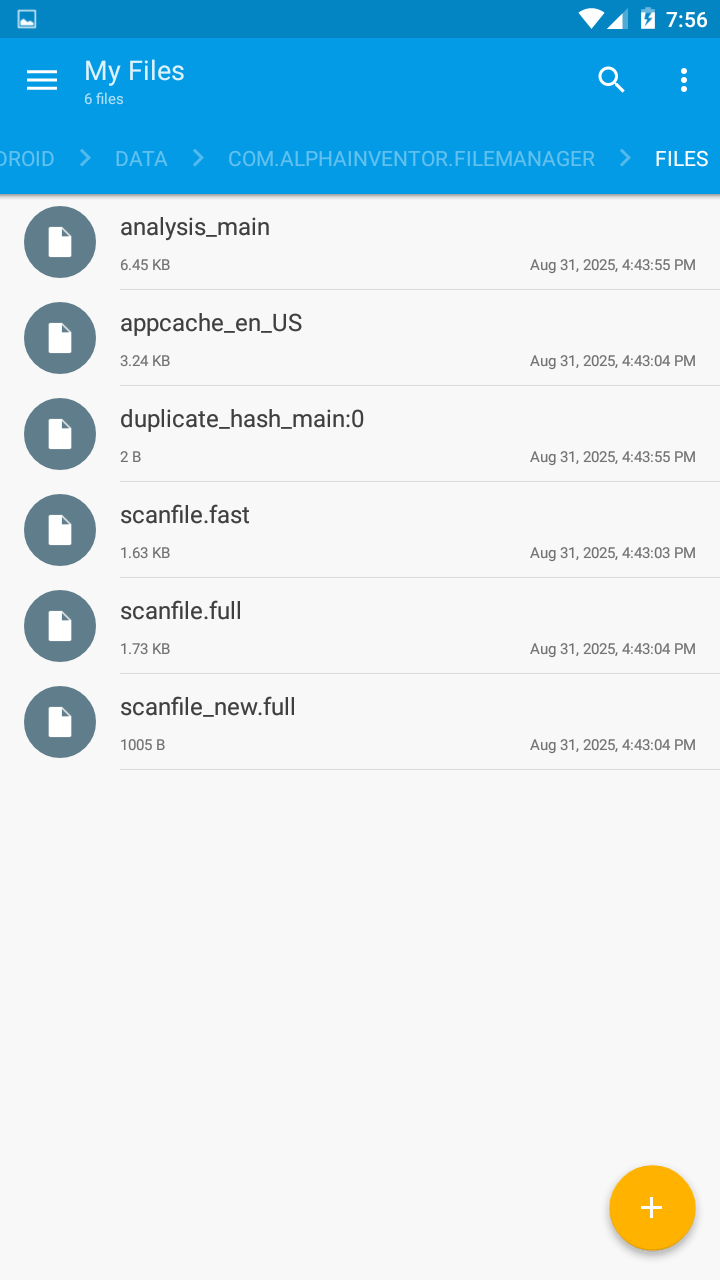
Dual-Pane Layout: The hallmark feature of Solid Explorer. It allows you to view two folders side-by-side, making file operations like copy, move, and compare incredibly easy and efficient, similar to desktop file managers.
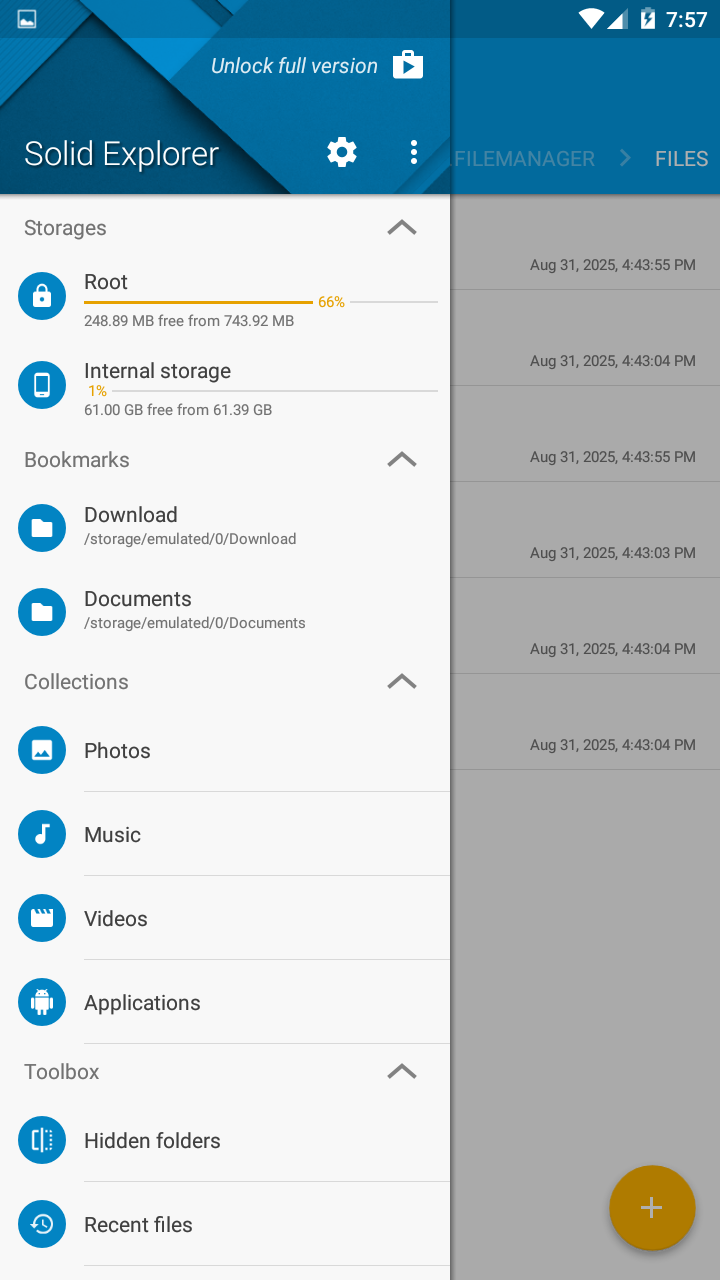
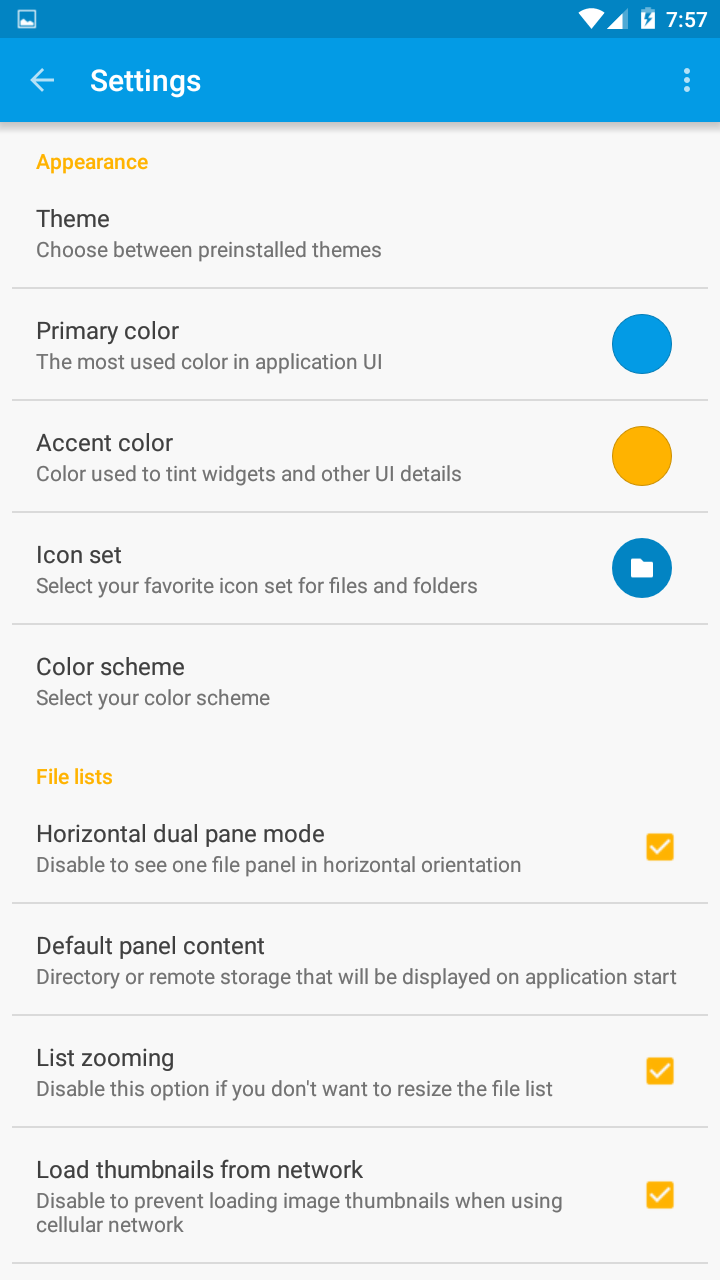
Modern Material Design Interface: It boasts a clean, visually appealing, and user-friendly interface that follows Google's Material Design guidelines. The look and feel are highly customizable with various icon packs and color themes.
Root Access & System File Management: For advanced users with rooted devices, Solid Explorer can gain root access to modify system files, edit build properties, and perform other deep-level operations.
Cloud Storage and Network Support: It seamlessly integrates with a vast array of cloud services (Google Drive, Dropbox, OneDrive, Box, Amazon S3, Mega, pCloud, etc.) and network protocols (FTP, SFTP, WebDAV, SMB/CIFS for Windows network shares). You can access all your files in one place.
Built-in File Viewer and Editor: It can preview a wide range of file types, including images, videos, music, documents (PDF, Word, etc.), and text files. It also includes a powerful text editor for quick modifications.
Privacy and Security: Offers strong encryption support through RAR and ZIP with password protection. It also features a App Lock (via PIN, pattern, or fingerprint) to hide the app itself or specific folders, keeping your private files secure.
Useful Tools: Comes with a built-in media player, archive handler (create/extract ZIP, 7ZIP, RAR, TAR files), storage analyzer (to visualize what's taking up space), and a recycle bin to restore accidentally deleted files.
Other Features: Batch file renaming, FTP server (to transfer files between your phone and computer over Wi-Fi), bookmarks, and index-based search for quickly finding files.
Pricing Model: Solid Explorer operates on a "try-before-you-buy" model. It offers a 14-day free trial with all features unlocked. After the trial period, a one-time purchase is required to continue using the app without restrictions. It is a paid app with no free version, but no recurring subscription.
Conclusion: Solid Explorer is an excellent choice for users who need more than a basic file manager. Its perfect blend of powerful features, elegant design, and robust cloud support makes it a top-tier application worth the investment for anyone who regularly manages files on their Android device.
Detail
App Name: Solid Explorer
Package: pl.solidexplorer2
Version: 2.0.0 (100027)
Minimal Android: 4.1 (Jelly Bean)
Target Android: 5.0 (Lollipop)
Maximal Android:
Support: Android
Image
Get
source:open
Direct Download: a5cdccfd-4735-4b02-a19f-e9fc20649659
Having trouble downloading?
If you encounter any issues during the download process, refer to the following solutions:
Link invalid or incorrect How to download the ed2k link How to download the magnet link How to download the .torrent file Other problems