Root Explorer
Introduction
AI Introduction
Root Explorer is the oldest, most powerful, and most revered root file browser on the Android platform. As the name implies, its core purpose is to provide deep system file management for Android devices that have obtained Root access. It is hailed as a "must-have tool" for power users and developers.
Key Features & Functionality:
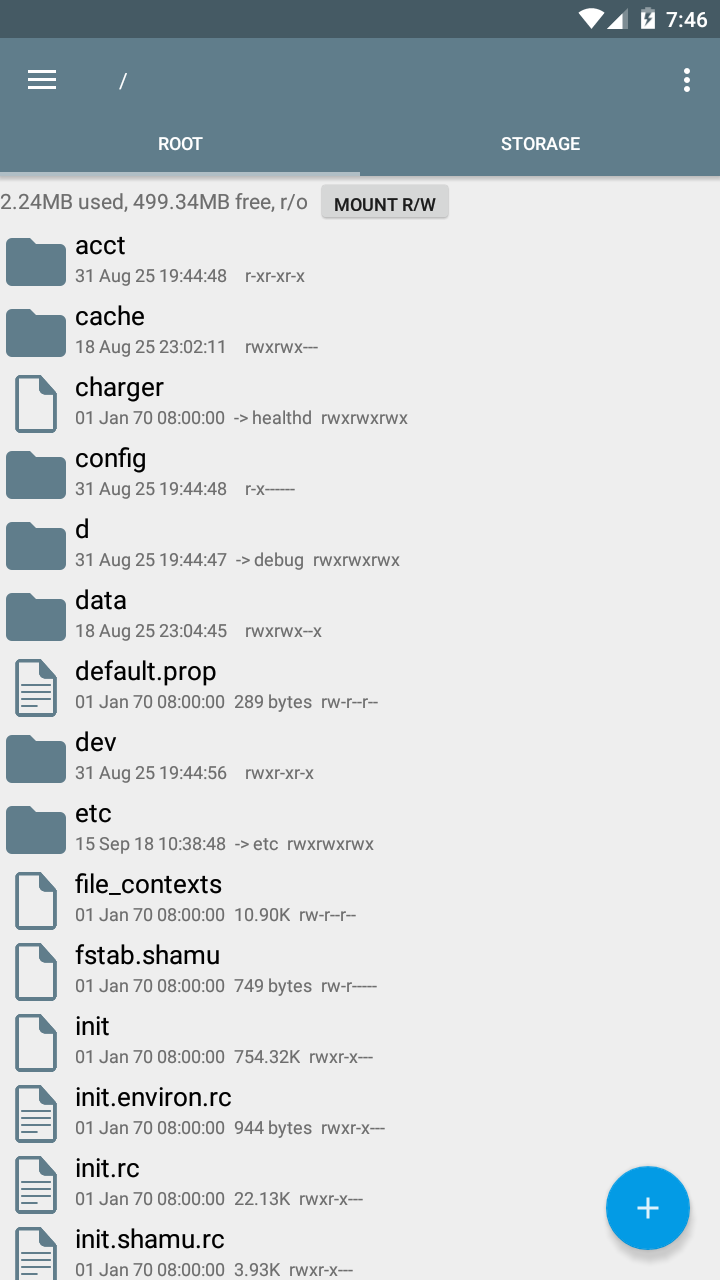
Full Root Access: This is its fundamental purpose. It can mount system partitions as Read/Write (R/W), allowing users to view, copy, move, delete, rename, and even modify any file within the Android system's root directories (
/system,/data,/proc, etc.). This is something standard file managers cannot do.Database & Text Editor: Features a built-in powerful editor to directly view and edit SQLite database files (extremely useful for modifying app data) and text files (e.g., system configuration files like
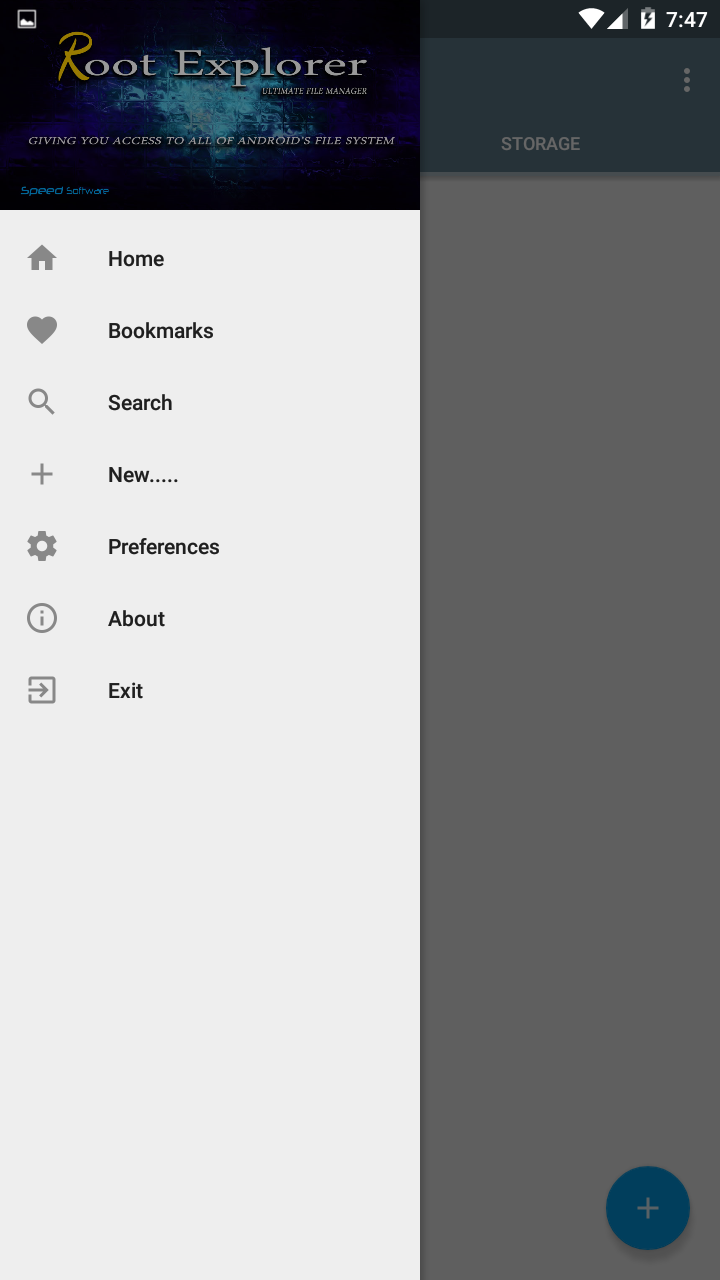
build.prop).Multi-Tab Support: Supports opening multiple tabs, similar to a desktop web browser, making it highly efficient to operate and switch between different directories.
Zip File Handling: Can create and extract ZIP archives directly within the app, with support for viewing and manipulating files inside archives.
Permissions Management (chmod): Allows for intuitive modification of Linux permissions for any file or folder (by checking Read/Write/Execute boxes). This is crucial for fixing permission issues or manually installing system apps.
Mount Read-Only / Read-Write: One-click switching of a system partition's mount state, a necessary step before safely modifying system files.
SQLite Database Support: As mentioned, its database editor is a powerful feature for modifying application settings, game saves, etc.
APK Management: Can view both system and user-installed APK files and perform operations on them.
Local & Network Storage: Beyond the root directory, it also supports managing local phone storage, SD cards, and accessing network shares via SMB.
Important Notes:
- Requires Root: On a device without root permissions, most of the app's core features will be unavailable, reducing it to a basic file manager.
- Paid Application: Root Explorer is a paid application on the Google Play Store. It is considered well worth the price due to its powerful features and reliability.
- Warning - Risk: With great power comes great responsibility. Accidentally deleting or modifying the wrong system file can lead to system instability, app crashes, or even a device that won't boot (bricking). It is recommended for advanced users who understand what they are doing.
Summary:
Root Explorer is the benchmark and king in the realm of Android root file management. It features a professional interface, powerful functionality, and rock-solid stability. It is an essential tool for modders, module developers, mobile geeks, and anyone who needs to perform deep customization and management of the Android system.
Detail
App Name: Root Explorer
Package: com.speedsoftware.rootexplorer
Version: 4.4.1 (155)
Minimal Android: 4.0 (Ice Cream Sandwich)
Target Android: 9.0 (Pie)
Maximal Android:
Support: Android
Image
Get
source:open
Direct Download: 3776a649-91d0-40d1-aaec-fef8dbc1a974
Having trouble downloading?
If you encounter any issues during the download process, refer to the following solutions:
Link invalid or incorrect How to download the ed2k link How to download the magnet link How to download the .torrent file Other problems