mixplorer
Introduction
AI Introduction
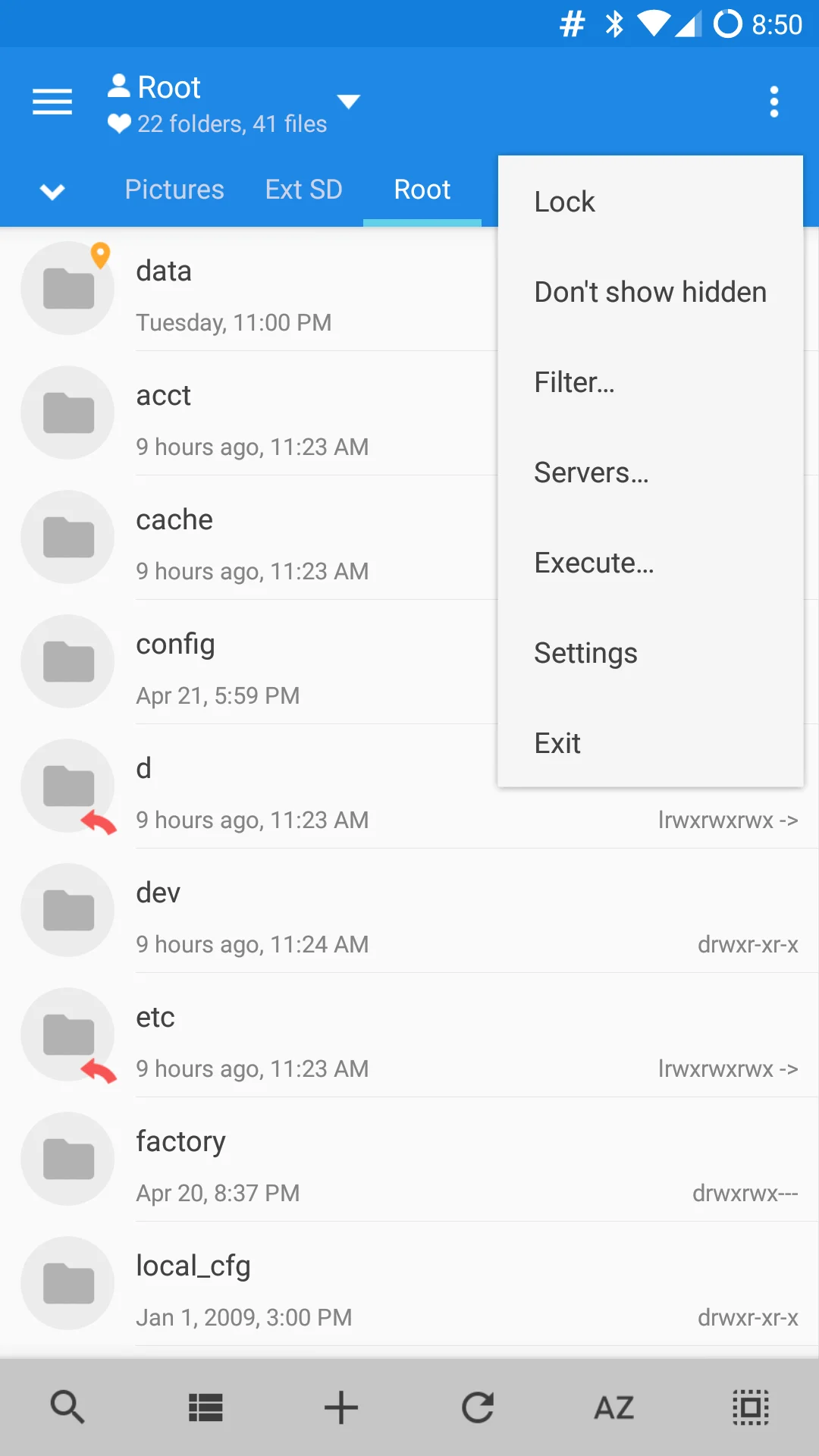
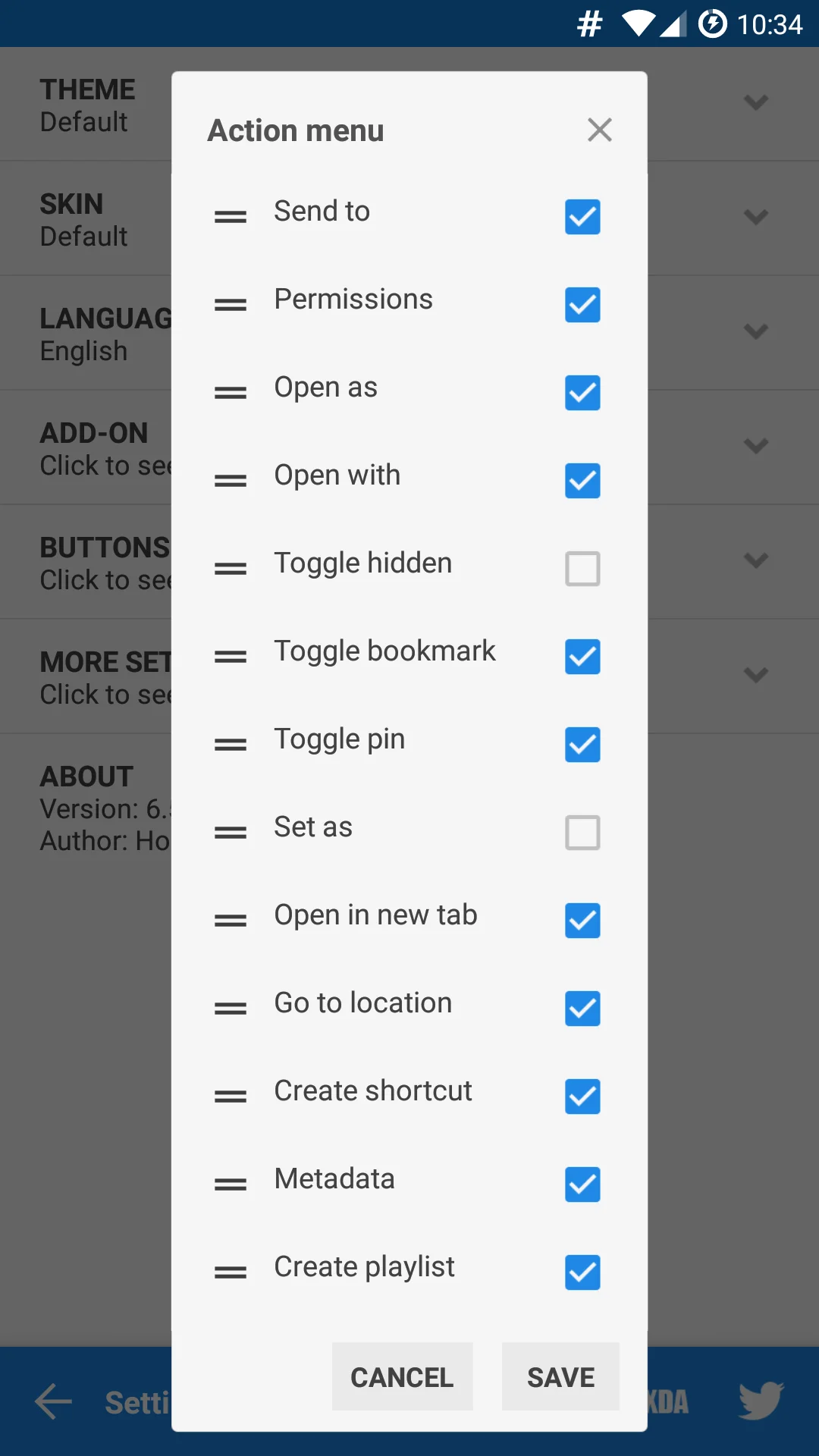
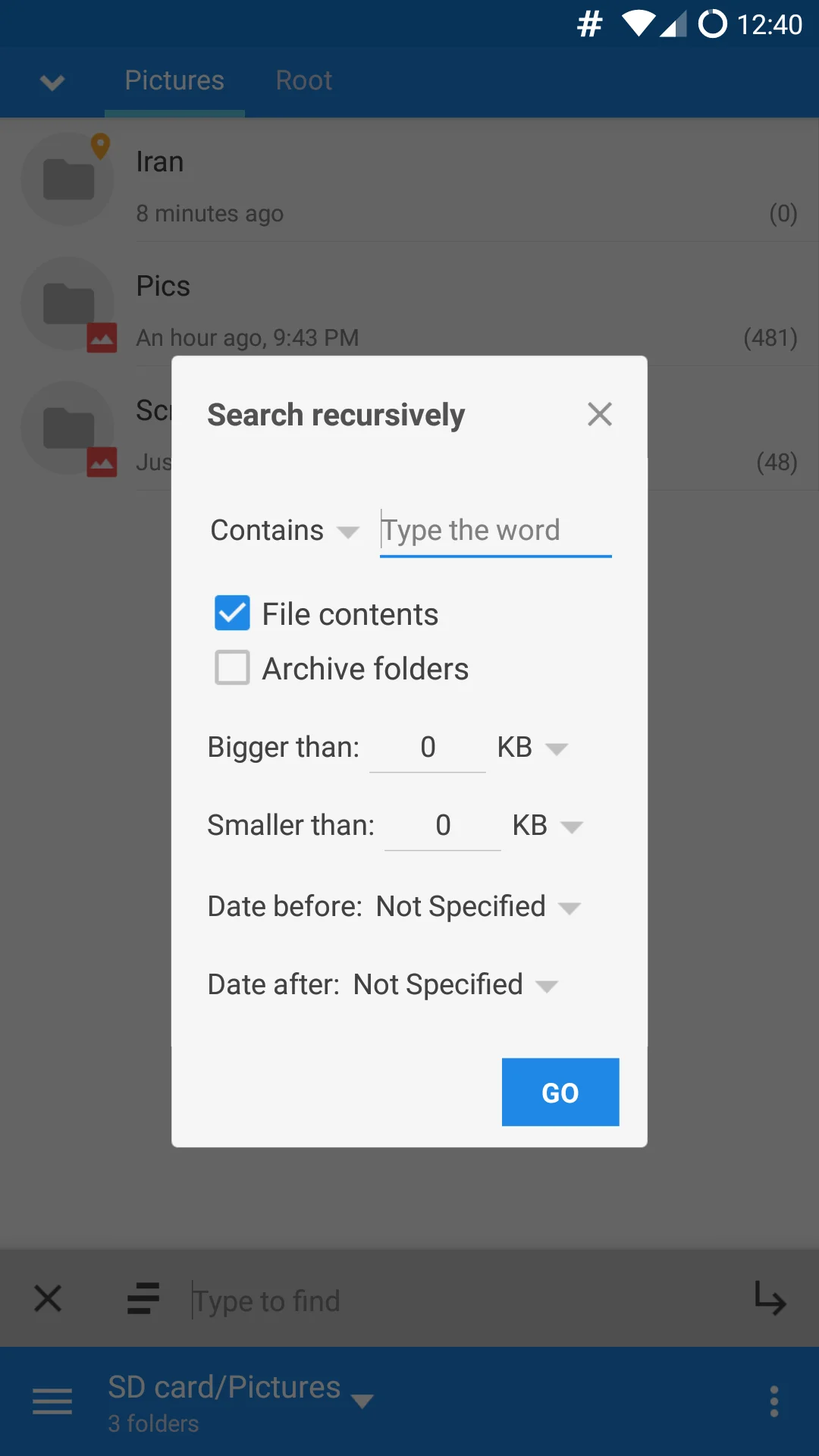
MiXplorer is a powerful, lightweight, and highly customizable file manager for Android, designed by developer Hootan Parsa. Known for its clean interface, rich feature set, and excellent performance, it is particularly popular among power users. Below are its key features and functionalities:
Core Features
Lightweight & Efficient
- Small installation size (only a few MB) with low resource usage, ensuring smooth operation.
- A purely local app—no ads, no tracking, privacy-friendly.
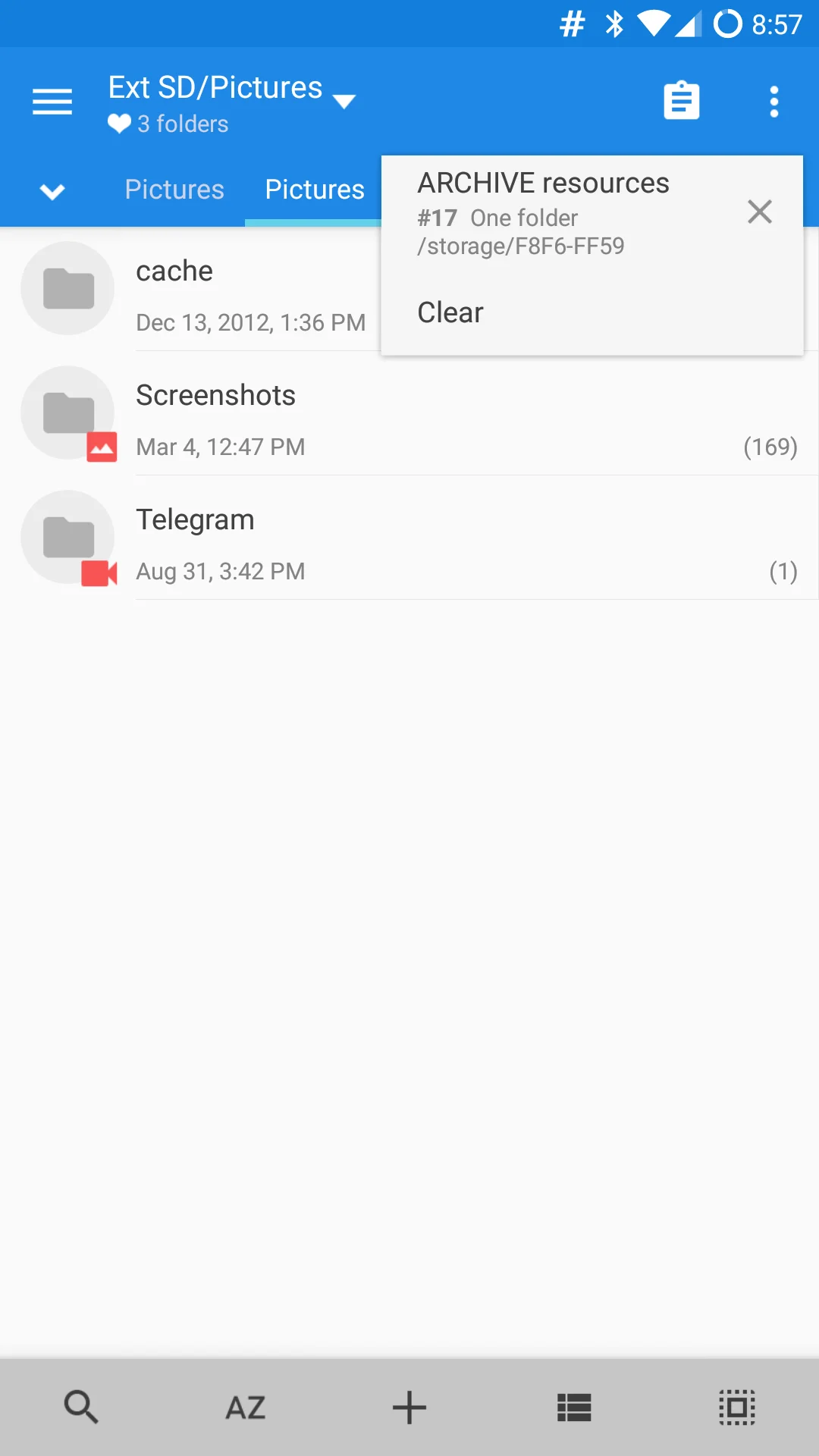
Multi-Tab & Split-View
- Supports multiple tabs for quick navigation between directories.
- Split-screen mode for easy drag-and-drop or file comparison.
Advanced File Operations
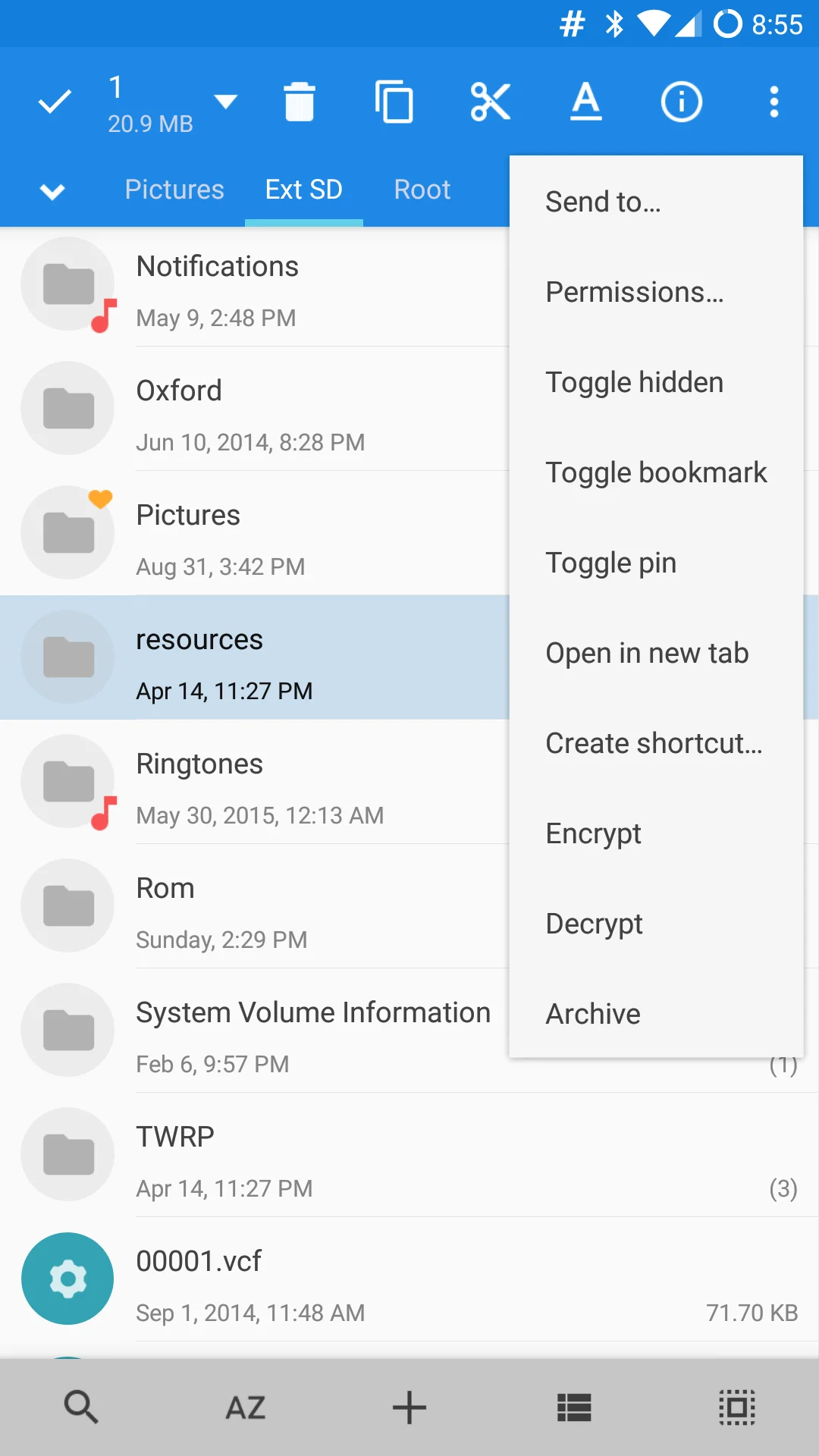
- Copy, move, delete, compress/extract (ZIP, 7Z, TAR, etc.), and encrypt files (AES-256).
- Batch renaming, file hash verification (MD5/SHA), and built-in text editor.
Extensive Storage Support
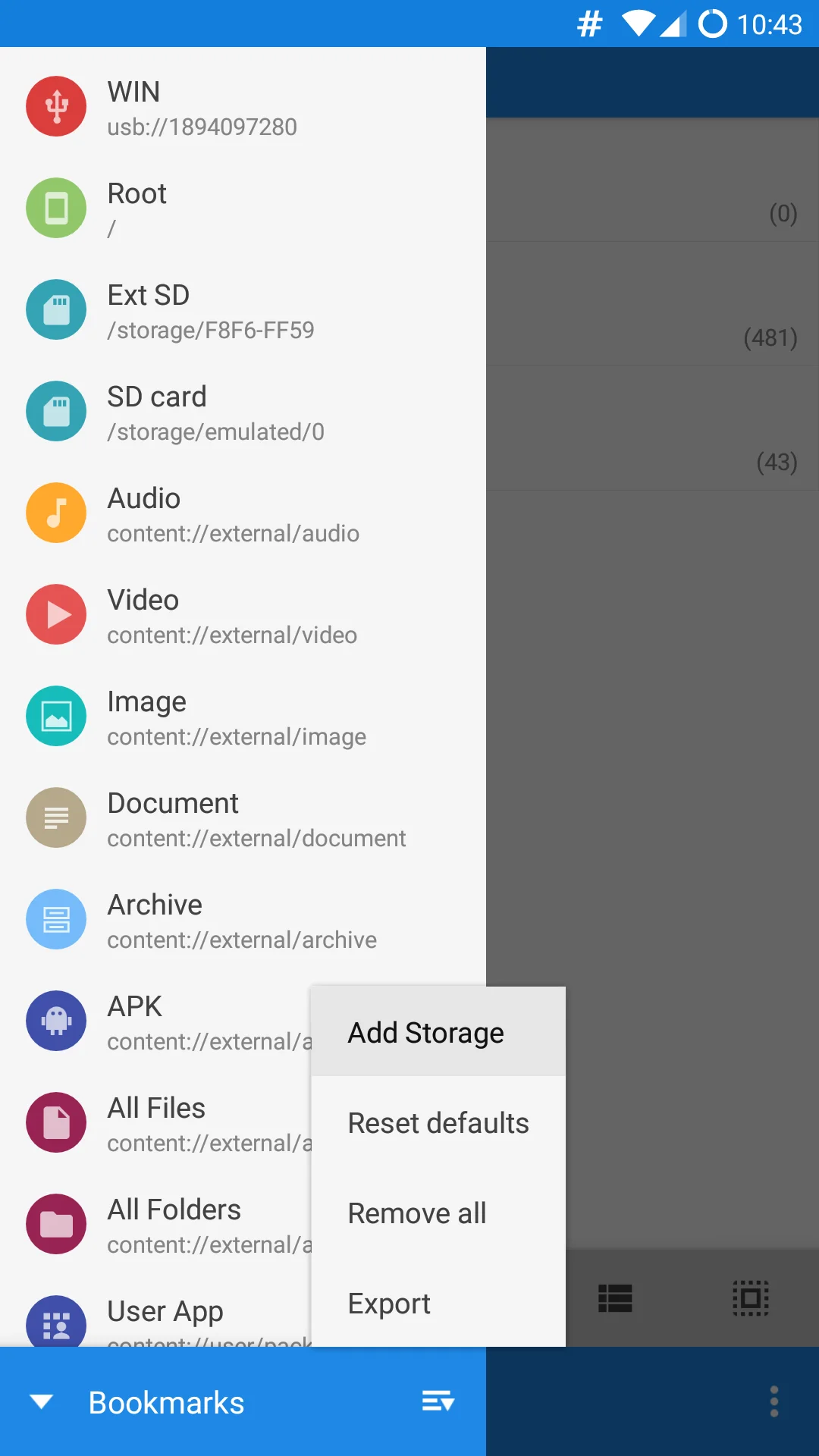
- Local storage, USB OTG, and cloud services (Google Drive, Dropbox, OneDrive via plugins).
- Supports FTP/SFTP/WebDAV, SMB (LAN sharing), and Bluetooth file transfer.
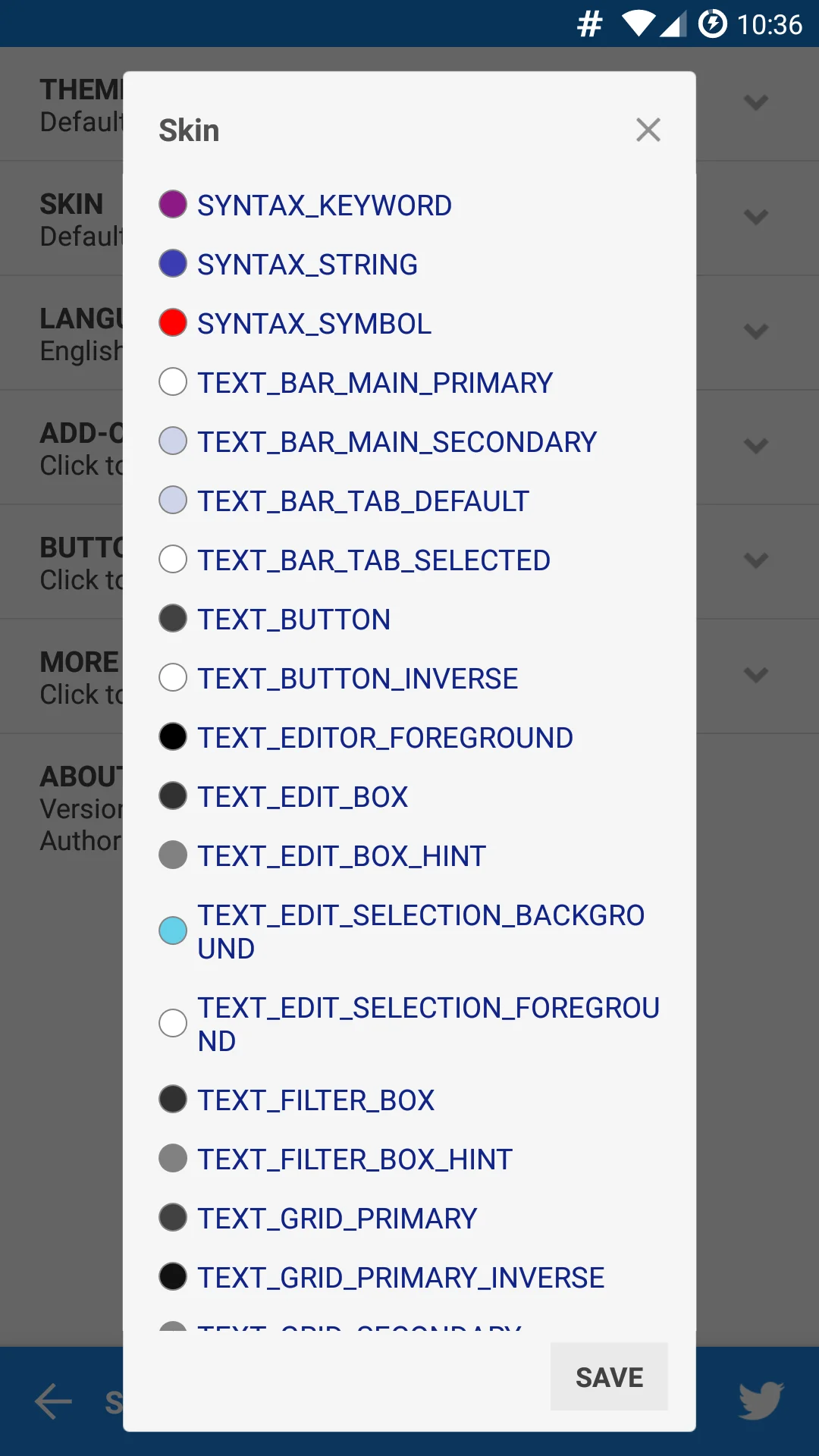
Customizable UI & Themes
- Multiple themes, icon packs, and layout options (including dark mode).
- Adjustable fonts, sorting methods, and view modes (list/grid/flow).
Advanced Tools
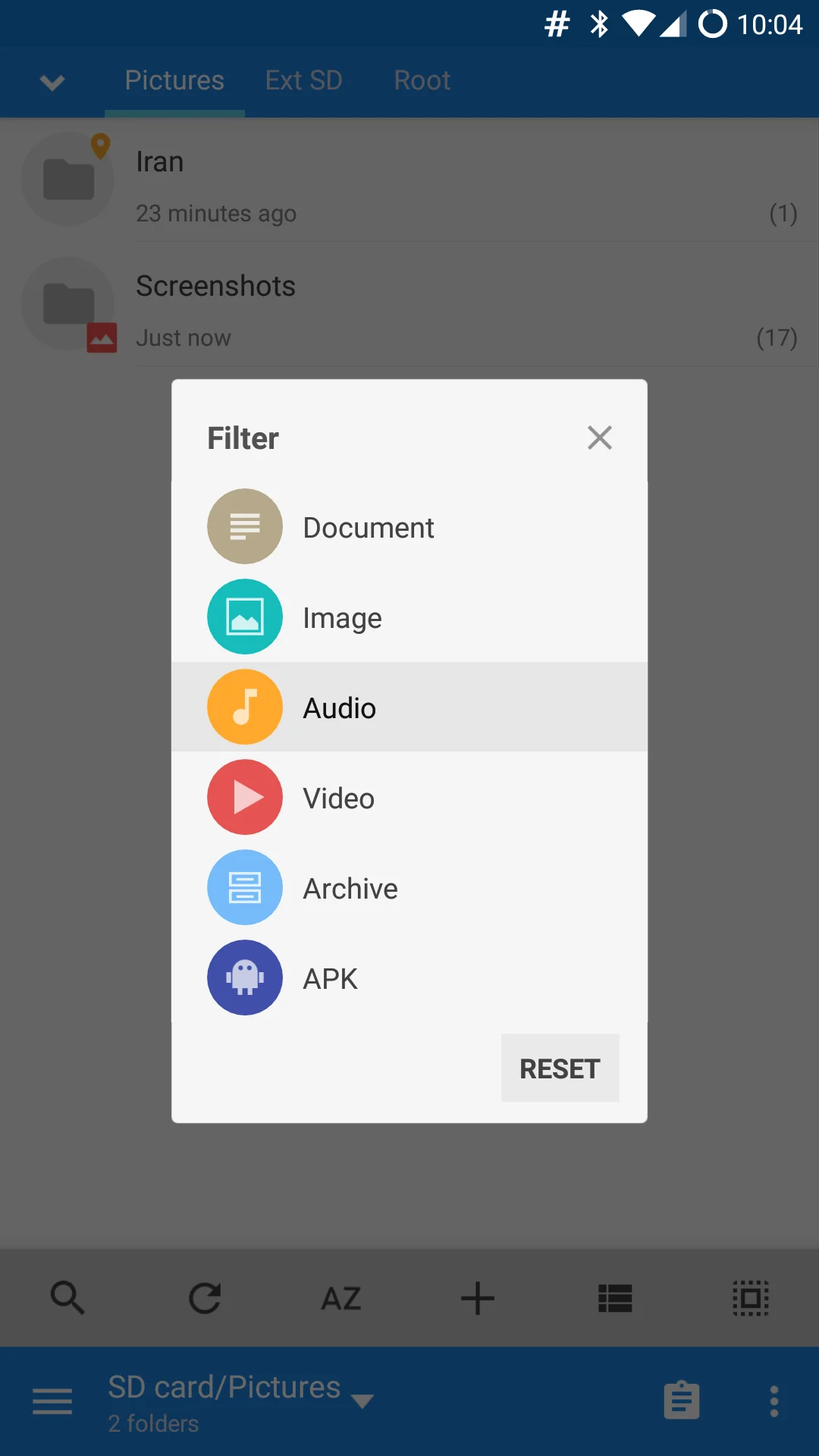
- Built-in media player: Supports audio, video, and image previews.
- Text/code editor: Syntax highlighting, auto-indentation.
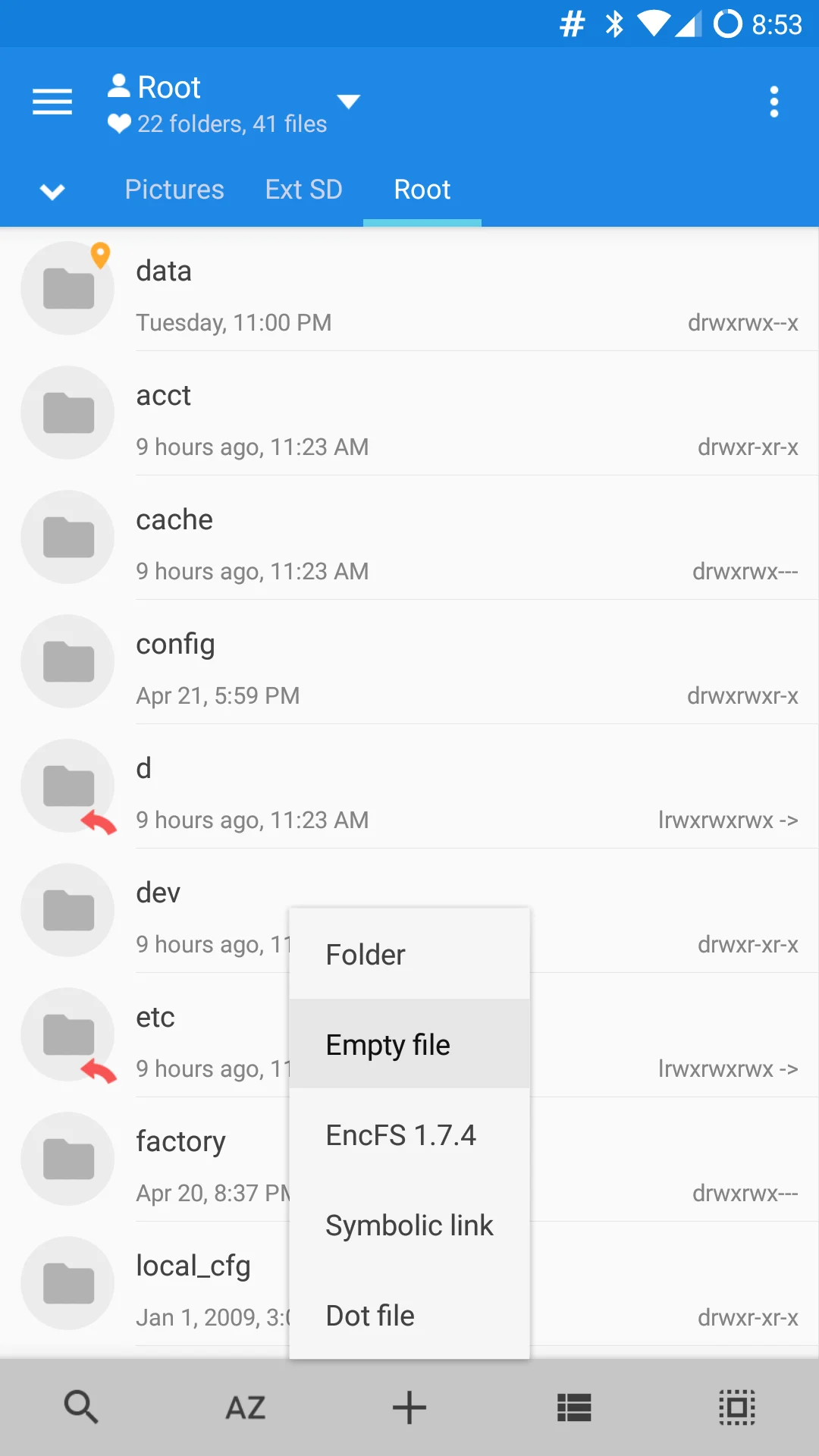
- Root access: Manage system partitions, modify permissions, etc.
- Plugin support: Extend functionality (e.g., PDF reader, OCR).
Image
Get
official website:open
Direct Download: d1c0c139-ebd1-4fb4-a19c-5a2b6393dfe9
Having trouble downloading?
If you encounter any issues during the download process, refer to the following solutions:
Link invalid or incorrect How to download the ed2k link How to download the magnet link How to download the .torrent file Other problems