File Manager
Introduction
AI Introduction
App Name: File Manager (或 File Manager HD) Package Name: com.rhmsoft.fm Developer: RHM Soft
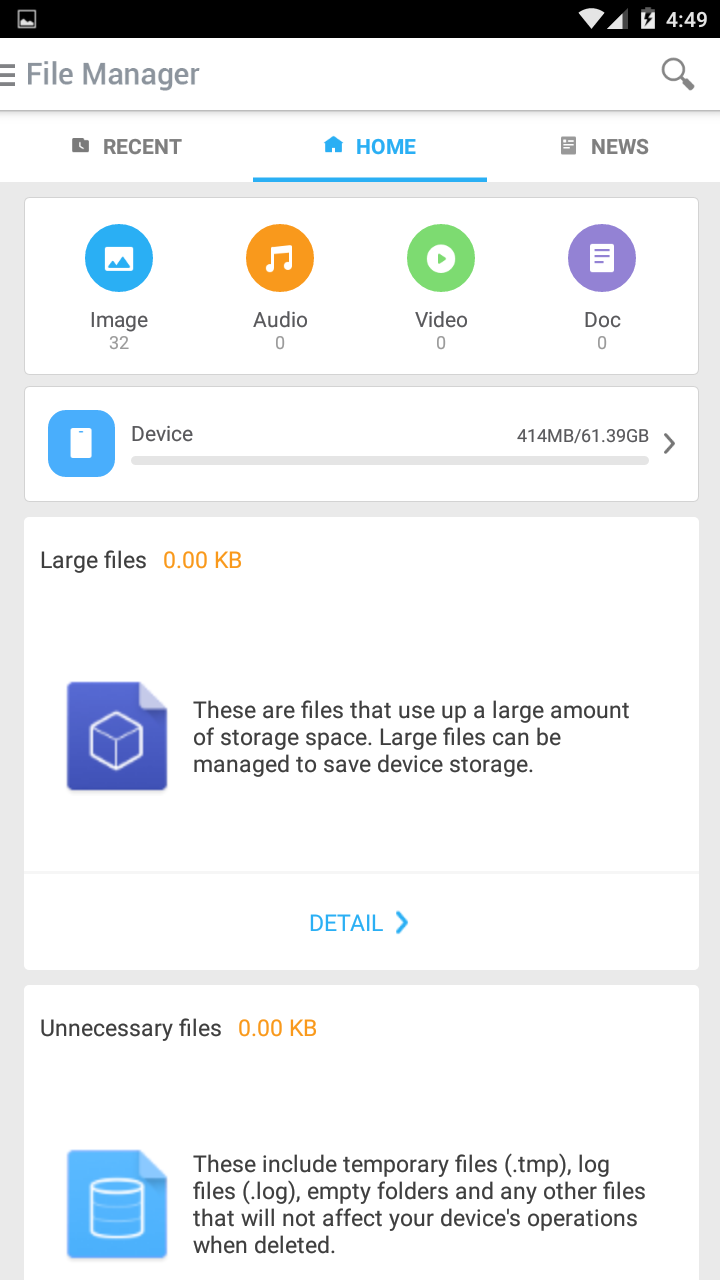
Overview: File Manager by RHM Soft is a clean, fast, and efficient file management application for Android devices. It is particularly well-known for its Material Design interface and its excellent dual-pane mode, making it a favorite among users who value aesthetics and productivity, especially on tablets and large-screen devices. It focuses on providing a smooth and intuitive file browsing experience without unnecessary bloat.
Key Features:
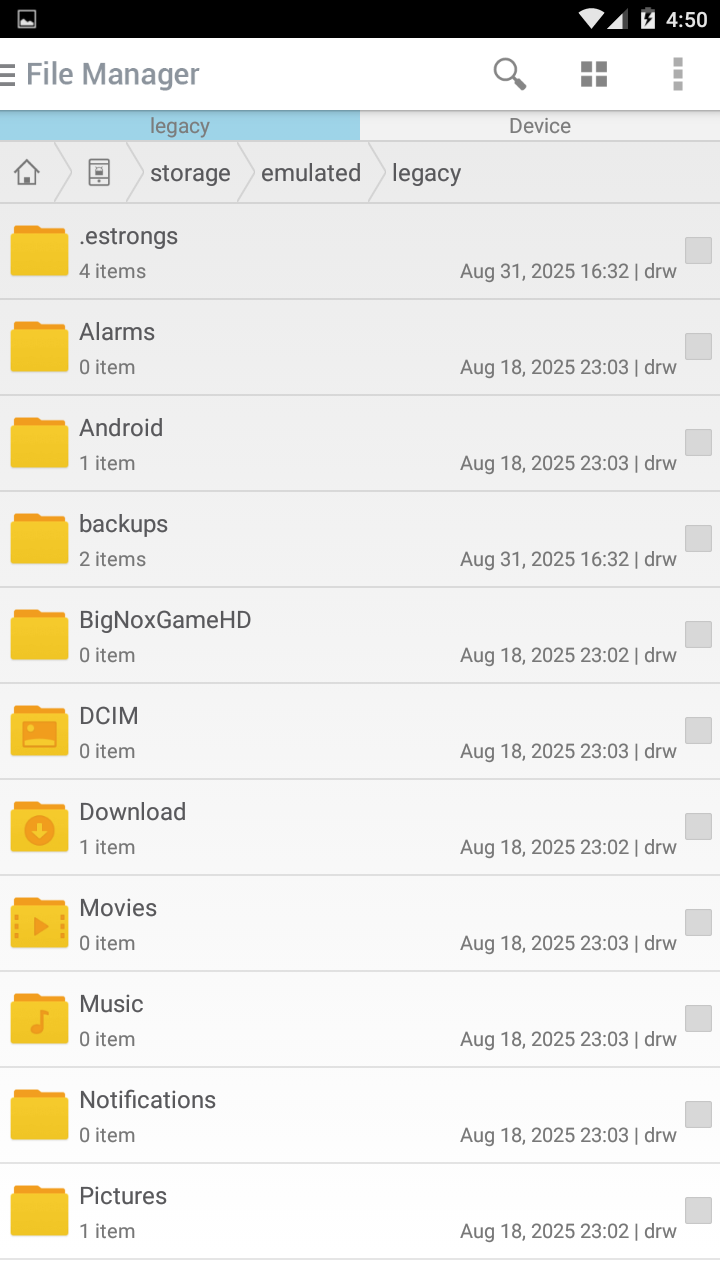
Material Design Interface: Features a beautiful and modern user interface that strictly adheres to Google's Material Design guidelines, offering a visually pleasing and consistent experience.
Excellent Dual-Pane Mode: This is one of its standout features. The dual-pane (split-screen) view is exceptionally well-implemented, allowing for effortless file management (like copy, move) between two different locations by simply dragging and dropping. It's optimized perfectly for tablets.
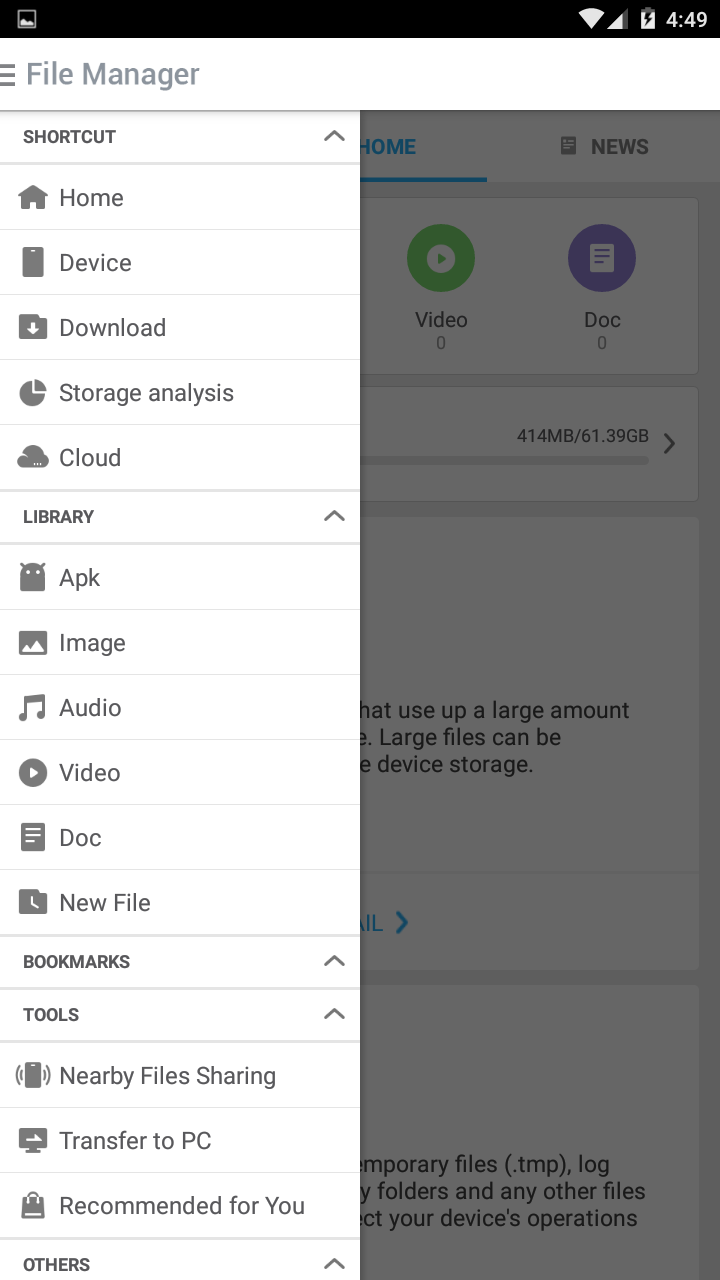
Multiple Storage Support: Seamlessly browses and manages files on your device's internal storage, SD card, and connected USB OTG drives.
Root Access Support: For users with rooted devices, it provides full access to the system partition and protected files, enabling advanced file operations.
Network Storage Support: Supports access to files on network shares using the SMB (Samba) protocol (e.g., accessing files on your Windows PC or NAS).
Basic & Essential Operations: Covers all fundamental file operations such as cut, copy, paste, delete, rename, compress (to ZIP), and extract (from ZIP, RAR, TAR.GZ). It also includes a search function.
App Manager: Includes a simple tool to view, launch, uninstall, or back up (export APK) of your installed applications.
Text Editor: Has a built-in text editor for quickly viewing and editing text files.
Theming Options: Offers a variety of accent colors to customize the app's look to your preference.
No Ads (Pro Version): The free version may contain ads, but a Pro version is available (often through a separate unlocker app) that removes all advertisements.
Conclusion: RHM Soft's File Manager is a top-tier choice for users who prioritize a clean, modern design and superior dual-pane functionality. It may not have every advanced feature like built-in cloud storage integration or a powerful cleaner tool, but it excels at its core purpose: providing a fast, beautiful, and highly efficient file management experience, particularly on larger screens.
Detail
App Name: 文件管理器
Package: com.rhmsoft.fm
Version: 2.6.5 (20650629)
Minimal Android: 4.0 (Ice Cream Sandwich)
Target Android: 6.0 (Marshmallow)
Maximal Android:
Support: Android
Image
Get
uptodown:open
Direct Download: 5c637c62-824f-4eba-a081-51803327c742
Having trouble downloading?
If you encounter any issues during the download process, refer to the following solutions:
Link invalid or incorrect How to download the ed2k link How to download the magnet link How to download the .torrent file Other problems